8 Best SaaS Chatbots for 2026: Free, AI and Open-Source Options Compared
On this page

A SaaS support queue can fill up with questions that have already been answered dozens of times. Customers ask where a setting lives, how billing works, whether a feature is available on their plan, and how to fix the same setup problem they encountered last week.
That's where a SaaS chatbot earns its place. It can answer those repetitive questions with the AI and also offer a way to chat with lost customers on your website via live chat.
Let’s compare some of the best SaaS chatbot tools for 2026, including AI support bots, free options, and open-source platforms for different SaaS teams.
Why SaaS companies use chatbots
Every SaaS support queue has a core of questions that never change: how do I reset my API key, is there a free plan, why won't my dashboard load.
A chatbot takes those routine questions off your team's plate, giving SaaS customer support teams more time for bugs, churn risks, escalations, and upgrade conversations.
SaaS products are a particularly good fit because features change often, users sit in every time zone, and many customer support answers already live in product documentation and knowledge bases.
In practice, SaaS teams put chatbots to work in a handful of places:
- Covering the hours your team is offline
- Deflecting repeat tickets by answering from your help center
- Walking trial users through setup
- Answering pricing, security, and integration questions
- Handling internal questions about IT, HR policy, or engineering runbooks
- Showing you which questions your docs don't answer,
- Cost is the other reason. Running an AI powered chatbot is much more affordable than a human agent.
You want your human agents to handle the actual work where they can shine, answering questions that typically are not covered in docs or require human emotions.
How I evaluated these chatbots
This list of SaaS chatbots is compiled from product documentation, current pricing pages, changelogs, and public user feedback. You can also compare the broader AI chatbot builders covered by HelpJet to see how different approaches work.
I also ran a controlled test of all the tools listed here, as well as others recommended by online communities.
I weighed each chatbot on:
- What it costs at 100, 1,000, and 5,000 AI conversations a month.
- How the AI is billed (per resolution, per session, per credit, or flat), because that decides whether the bill grows as the bot improves.
- Whether answers stay grounded in your content or drift into guesses. The quality of an AI chatbot often depends on how you train the chatbot with your own data.
- What the bot can learn from, such as URLs, PDFs, help centers, or past tickets, and how often it refreshes that knowledge.
- How cleanly it hands a stuck conversation to a person, and whether the context goes along.
- Integrations and plan limits, including seat caps, message caps, data retention, and branding.
- Recurring praise and complaints from reviewers, condensed to a sentence or two per product.
The best SaaS chatbots for 2026
Here a quick summary of the listed chatbots:
Chatbot | Best for | Free plan | Starting price | Open source |
|---|---|---|---|---|
HelpJet | AI-powered customer support for small SaaS teams | Yes (1 bot, 100 replies a month) | $29/month flat | No |
Intercom Fin | High-volume support inside a full help desk | No (14-day trial) | $29/seat/month + $0.99 per resolution | No |
tawk.to | Zero-budget live chat with optional AI | Yes (live chat + 100 AI messages) | $29/month AI add-on | No |
Chatwoot | Open-source SaaS support inbox with AI | Yes (cloud and self-hosted) | $19/agent/month | Yes (MIT core) |
Botpress | Developer-built AI agents | Yes (pay-as-you-go) | $89/month + AI usage | Legacy version only |
Typebot | Onboarding flows and conversational forms | Yes (self-hosted) | $39/month cloud | Source-available (FSL) |
Rasa | Regulated teams that need on-premise control | Yes (Developer Edition) | Custom quote | Open core |
Atlassian Rovo | Internal SaaS knowledge, IT, and HR questions | Credits included with paid plans | Bundled with paid Atlassian plans | No |
1. HelpJet: best for small SaaS teams that want AI answers without per-resolution fees
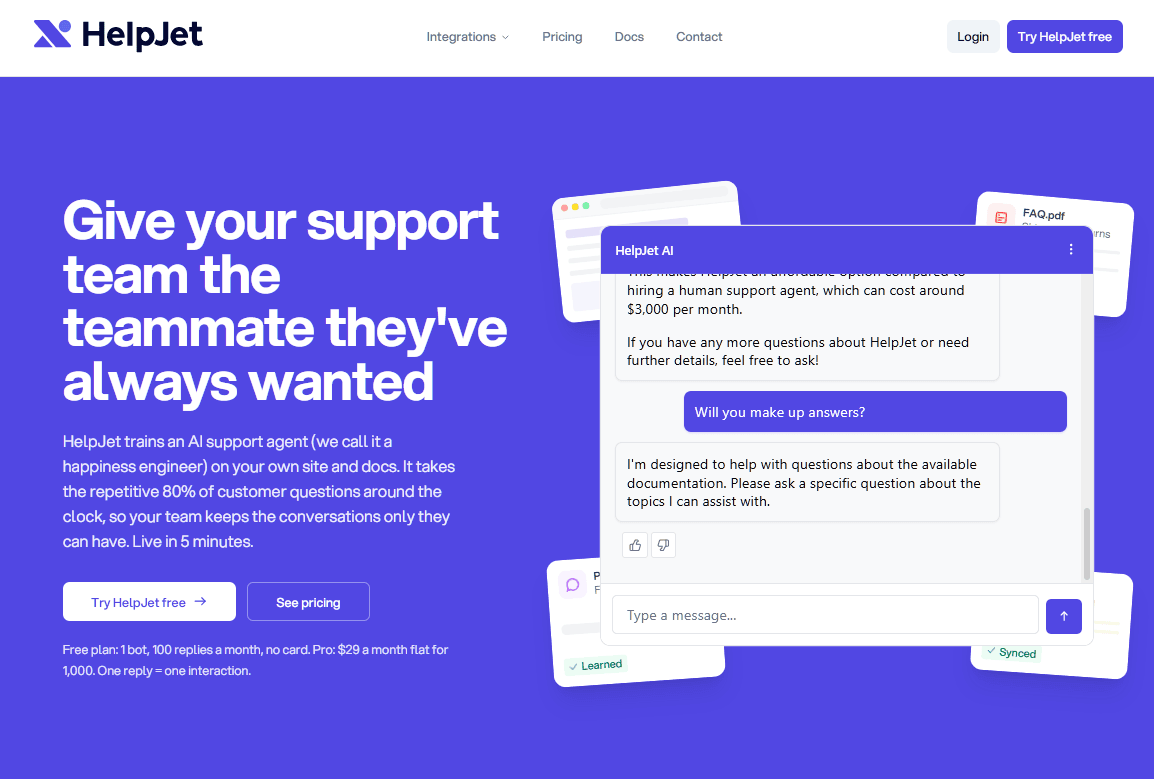
HelpJet trains on your website, help docs, PDFs, and past conversations, then answers customers in a chat widget. There are no decision trees to map and no prompts to write: you point it at your content, and the bot can be live in about five minutes.
For a SaaS company, the natural place for HelpJet is the front line: your marketing site, your docs subdomain, and your in-app help page. Because one bot reads several sources at once, a prospect asking about billing on the pricing page and a customer asking about an API error in the docs both get answers from the same place.
When the bot can't help, it passes the conversation to a contact form or email with the transcript attached, and it learns from how your team replies.
Key features
- Training from pasted URLs, selected post types, and uploaded PDFs, built from your real content rather than a script. See how HelpJet training sources work.
- Weekly re-crawls of your sources, plus a manual refresh button for after a big release
- One knowledge hub that combines website docs, product catalogs, policy PDFs, past chats, and internal team knowledge
- Handoff to a contact form or email with the full transcript, and learning from your team's replies
- A Train & Test mode for quizzing the bot on your top support questions and fixing weak answers before customers see them
- An activity dashboard that shows resolution rate, satisfaction, and the questions the bot couldn't answer
- A pre-configured WordPress plugin that adds a site-wide widget, a shortcode, or a Gutenberg block
Drawbacks
- There's no live chat inbox
- On the free plan, the bot stops at the cap instead of charging you
Pricing
HelpJet’s free plan includes one bot and 100 replies a month with no credit card, which is enough for a low-traffic docs site or a single product.
A SaaS site with steady traffic will outgrow it within weeks.
Pro costs $29 a month for three bots and 1,000 replies, with extra bots at $20 each and extra replies at $30 per 1,000 (about 3 cents each).
Explore: Step-by-step guide to creating a custom AI chatbot
2. Intercom Fin: best for high-volume support teams with budget to match
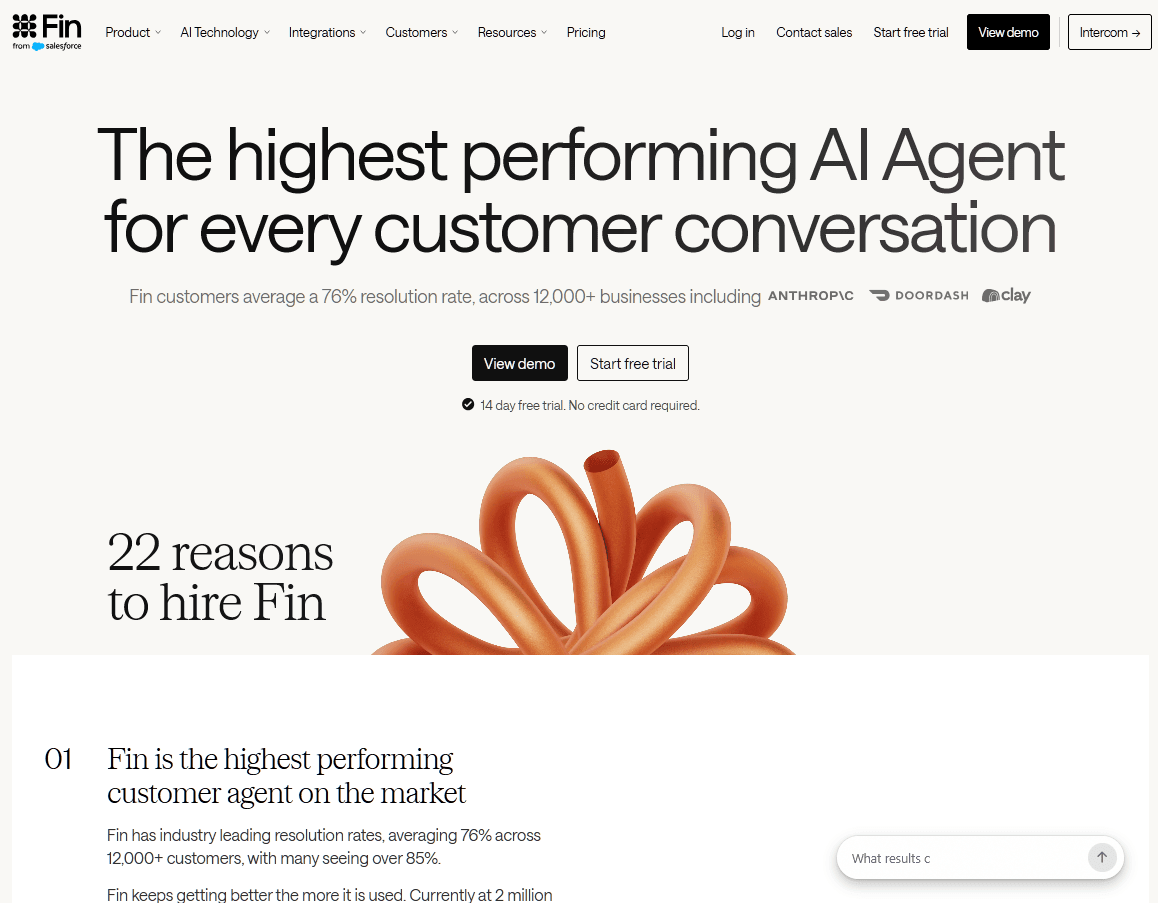
Few AI agents have shaped this market like Intercom Fin. It turned "pay per resolution" into a pricing model every competitor now has to answer, and it's the benchmark most SaaS support leaders measure other bots against.
Fin answers over chat, email, and other channels, either inside Intercom's own help desk or layered on top of a help desk you already use.
Intercom started out as a messaging tool for startups and evolved into a comprehensive suite offering a shared inbox, ticketing, and a help center.
Now, Fin sits at the center of the pitch. Teams that are already using Intercom experience the smoothest version because AI and human agents share one inbox, one conversation history, and one set of reports.
Key features
- Outcome-based billing, where handoffs that don't end in a resolution generally aren't charged
- The option to run Fin on top of an existing help desk instead of migrating
- Procedures, which are multi-step workflows that let Fin collect details or complete tasks before handing off
- A unified inbox where AI and human agents share workspace, reports, and history
Drawbacks
- Success raises your bill. At 1,000 resolutions a month, Fin costs $990 before you've paid for a single seat.
- The resolution definition is loose enough that a customer who simply gave up can count as resolved.
- Advanced features sit on higher seat tiers, and add-ons like proactive messaging and channel fees cost extra.
- There's no free plan, only a 14-day trial.
Pricing
Fin charges $0.99 per resolution.
3. tawk.to: best free option for live chat first, AI second
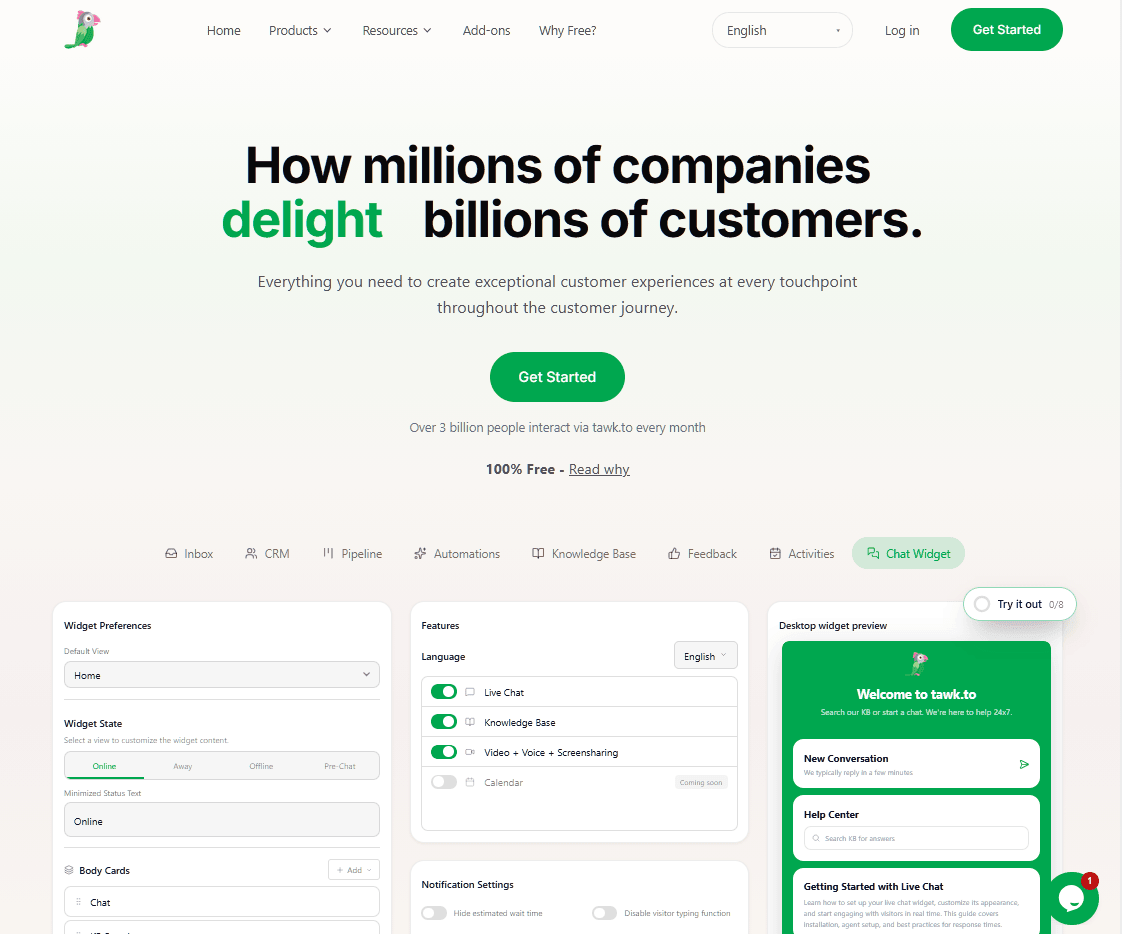
tawk.to offers a free live chat tool, with unlimited agents, chats, and websites. Its AI layer, AI Assist, is an optional add-on with its own free tier, which makes tawk.to one of the few ways to run AI chat for $0.
The company has kept its core product free since launch and earns its money from add-ons: branding removal, AI Assist, video and voice, and hired human agents.
For early-stage SaaS startups that need a live chat widget, a basic knowledge base, and some AI help, but can't yet justify a per-seat help desk, that model works well.
Key features
- Free live chat with unlimited agents, chats, and sites
- AI Assist, which answers from your knowledge base and crawled pages and suggests replies to agents
- A built-in knowledge base and ticketing, both included free
Drawbacks
Removing "Powered by tawk.to" costs $29 a month.
Pricing
Live chat is free. AI Assist plan starts at $29 a month.
4. Chatwoot: best open-source support inbox with AI
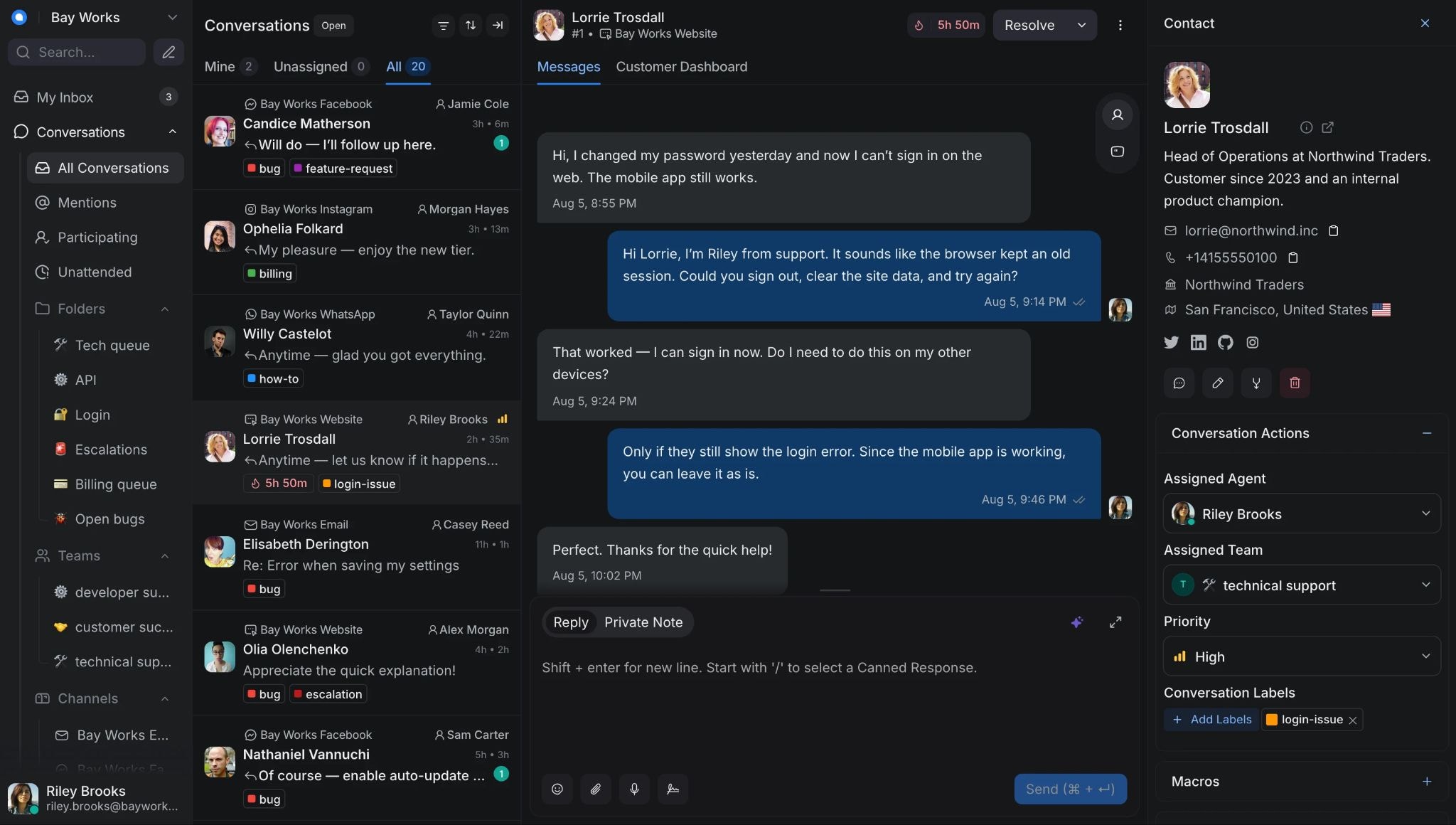
Chatwoot suits SaaS teams that want open-source customer support software from GitHub without building a help desk from scratch.
You can either host the Community Edition yourself for free or pay for Chatwoot Cloud.
Chatwoot started as an open-source live chat and shared inbox project and now covers email, social channels, a help center, and an AI assistant called Captain.
Key features
- An MIT-licensed Community Edition you can host yourself
- Live chat, email, and social channels in one inbox
- Captain AI, which provides an assistant, copilot, and conversation summaries
- A choice between cloud convenience and self-hosted control
Drawbacks
- Self-hosting costs you servers, upgrades, security work, and staff time, and Chatwoot recommends at least 4GB of RAM and two CPU cores.
Pricing
On annual billing, Chatwoot Cloud costs $0 for Hacker (two agents), $19 for Startups, $39 for Business, and $99 for Enterprise, all per agent per month.
The $19 plan with 300 AI credits is one of the cheapest hosted AI inboxes available, though you should budget for extra credits.
5. Botpress: best for developers building custom AI agents
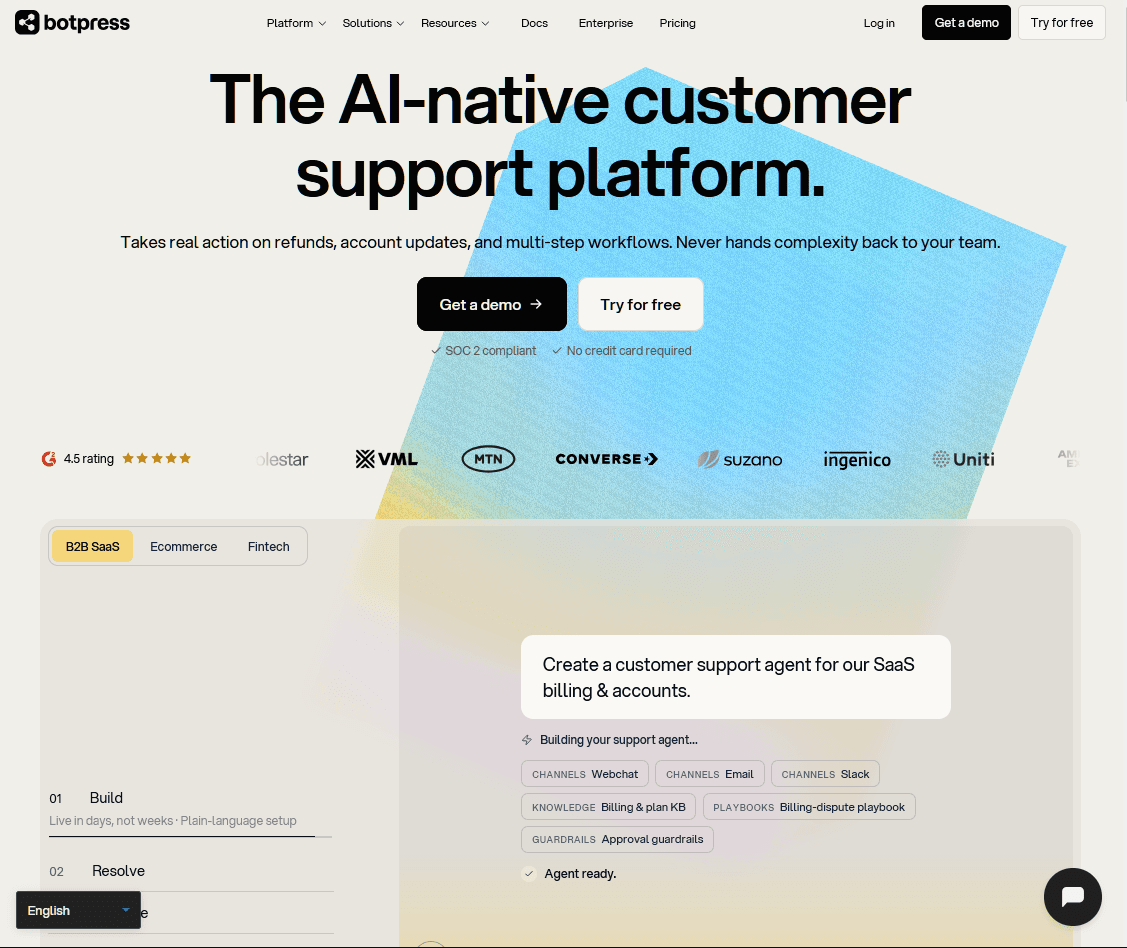
When you need a bot that takes actions inside your product rather than just answering questions, Botpress is the right tool. You design flows, connect knowledge bases, call APIs, and deploy to web and messaging channels, dropping into code whenever the visual tools run out.
Botpress began as an open-source chatbot framework, and the older version remains on GitHub. The current product is Botpress Cloud, a hosted platform for building custom AI agents and SaaS chat experiences.
For SaaS, Botpress fits when you have a developer who wants deep control: custom logic, connections to your own API, and multi-step workflows that a plug-and-play bot can't handle.
Key features
- A visual studio for drag-and-drop agent design, with code blocks when needed
- Knowledge base indexing from docs, websites, and files
- Handover to live agents on paid plans
- An integrations hub for messaging channels, CRMs, and custom APIs
Drawbacks
- AI usage has historically been billed on top of the plan, which makes the final bill hard to forecast.
- New pricing for new workspaces arrived in May 2026, and third-party write-ups disagree about whether AI usage is now included in plan allowances or still billed separately, so confirm on the live pricing page.
- It takes technical skill to get the most from it, and very little works out of the box.
Pricing
Botpress free pay-as-you-go plan includes 500 incoming messages a month and a $5 monthly AI credit. Plus costs $89 a month and Team $495 a month, with AI usage billed on top under the older pricing.
The free plan is fine for building and testing, but a live SaaS support bot will realistically need Plus for human handoff and branding removal.
6. Typebot: best for onboarding flows and conversational forms
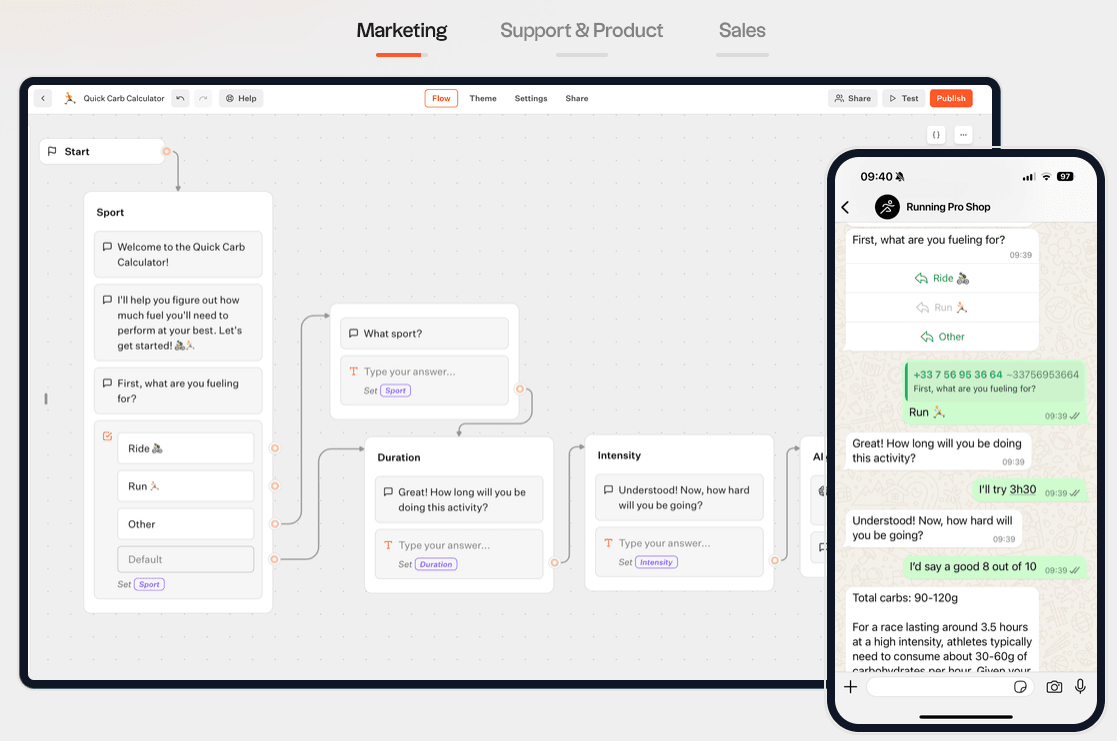
Think of Typebot as an open-source, talking Typeform, not an AI agent. It's a visual builder for structured conversations that SaaS teams use for onboarding questionnaires, lead qualification, feedback surveys, and guided troubleshooting.
While you can add AI blocks by connecting your own model key, Typebot isn't built for open-ended support questions.
Key features
- A drag-and-drop flow builder for questions, logic, and integrations
- Docker images for the builder and viewer, running on PostgreSQL
- Web, in-app, and popup embeds
- Webhooks and integrations that send results to your CRM, spreadsheets, or product database
Drawbacks
- FSL isn't an OSI-approved open-source license, so check it with your legal team before you ship.
- WhatsApp, SSO, and some other premium features need a paid license even when you self-host.
- It's built for flows, not for answering open-ended questions from your docs.
Pricing
Typebot self-hosting option costs only your infrastructure (often a few dollars a month on a small server) plus your AI model fees. The official cloud starts at $39 a month for 2,000 chats.
7. Rasa: best for regulated teams that need on-premise control
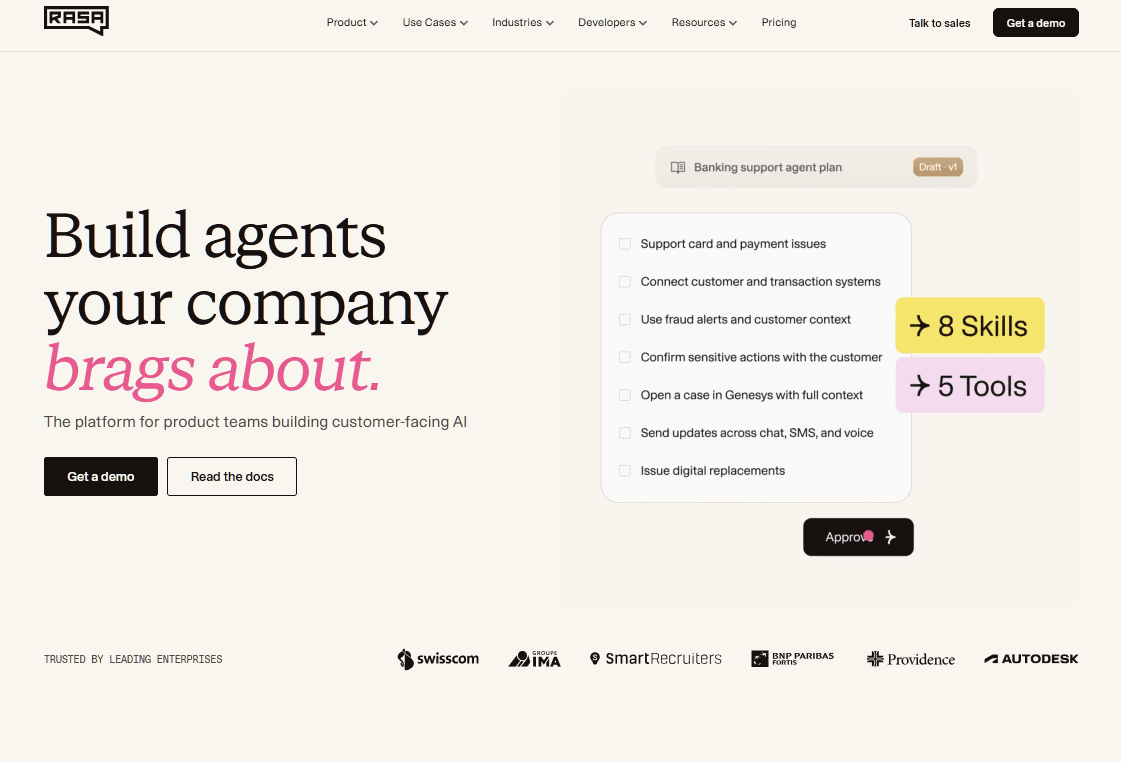
Rasa is a developer-first framework for chat and voice assistants that runs on your own infrastructure, making the platform suitable for self-hosted SaaS chatbots and private support assistants.
The big change in Rasa in recent years is CALM (Conversational AI with Language Models). A language model works out what the user means, while your business logic stays in code.
Rasa only makes sense for SaaS teams with real compliance requirements and engineers to spare. For those teams, keeping language understanding separate from business logic makes it the most trustworthy design on this list for sensitive workflows. Everyone else will be happier with a hosted tool.
Key features
- CALM, which pairs a language model for understanding with fixed business flows that always run the same way
- On-premise, private cloud, or offline deployment
- Rasa Studio, a no-code interface for non-developers on paid plans
Drawbacks
- It's overkill if all you want is a bot that answers from your docs.
- Building and maintaining assistants takes Python and machine learning skills.
Pricing
Rasa’s Developer Edition is free for one bot with up to 1,000 external conversations a month (100 for internal agents). Paid plans are quote-based.
8. Atlassian Rovo: best internal assistant for teams on Jira and Confluence
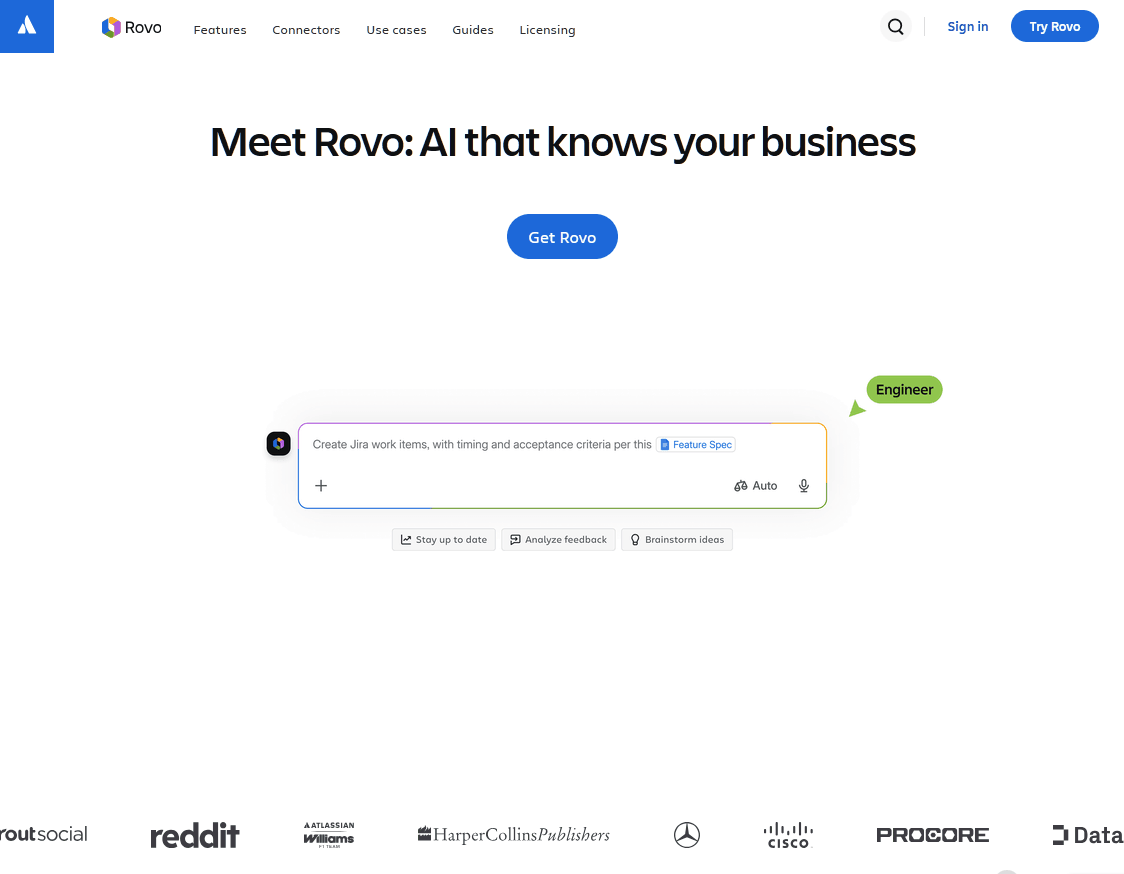
Rovo is an internal AI assistant for SaaS teams using Jira, Confluence, and Jira Service Management. It searches company knowledge and connected apps, answers questions in chat, and runs agents that can take actions.
It launched as a paid add-on and is now included with paid Atlassian Cloud plans, with usage measured in credits.
In 2026 Atlassian published a pay-as-you-go rate for usage beyond the included allowance, so the "free" AI now has a clear price once you go over.
Key features
- Rovo Search and Chat, which answer from Jira, Confluence, and connected tools
- Pre-built and custom Rovo Agents for tasks like summarizing or sorting incoming requests
- One shared credit pool for the whole organization
Drawbacks
- Jira and Confluence Standard include 25 credits per user a month, and a basic AI interaction uses 10, so each user's share covers only a couple of chats.
- It's most useful when your knowledge actually lives in Atlassian tools.
Pricing
Standard, Premium, and Enterprise plans include 25, 70, and 150 credits per user a month, and extra usage costs $10 per 1,000 credits (1 cent each).
Because credits are pooled, Rovo is good value for teams with a few heavy users and many light ones.
Frequently asked questions
Is there a genuinely free SaaS chatbot?
Yes, several free SaaS chatbot options are available, although usage limits vary. HelpJet's free plan and tawk.to's AI Hobby tier can work for small SaaS sites that need basic AI chat without an upfront license cost.
For free chatbot software, the closest option to unlimited license-free use is self-hosting an open-source project from GitHub. You still need to cover hosting, AI model usage, maintenance, and engineering time.
Should you self-host a chatbot from GitHub?
Self-host when data rules require you to keep conversations in a specific place, when you have people to run servers, or when per-seat pricing would get painful at your scale.
Choosing the best SaaS chatbot for 2026
Most small and mid-size SaaS teams should start with HelpJet: it learns your docs in minutes, runs on a free plan you can use on a live site, and charges a flat fee instead of a fee per resolution.
Larger teams that already have a full help desk should consider a more sophisticated AI-powered SaaS chatbot like Intercom Fin.
For control over your data, the strongest GitHub options are Chatwoot, Typebot, and Rasa.
Related Articles:
Keep reading
- How To Deal with Angry Customers in 2026 (Scripts and Real Examples)Learn how to handle angry customers with proven de-escalation steps, calm response scripts, and practical ways to resolve complaints.
- 10 Best DocsBot Alternatives and Competitors (2026 Guide)
- 8 Best Free AI Chatbots for Websites in 2026Compare 8 free AI chatbots for websites by free plan limits, AI features, setup and upgrade cost, and find the right free chatbot for your site.
Put this into practice
HelpJet learns your docs and takes the repetitive questions off your plate. Set up in about 5 minutes.
Try HelpJet freeShare this article