8 Best AI Chatbot Builders in 2026 (Free, No-Code & Paid)
On this page

Customer support used to have a simple scaling rule: hire more agents to answer more tickets.
AI chatbot builders changed that equation quickly.
Now a small business can deploy a support assistant that answers questions instantly, qualifies leads, books demos, and deflects repetitive tickets before a human ever opens the inbox.
To help you choose the best AI chatbot builder, we tested a wide range of AI chatbots and narrowed down the builders that are worth considering this year.
Let’s take a look!
What to Look for in an AI Chatbot Builder?
A good AI chatbot builder is one that gets out of your way. You point it at your content, it learns, it answers, and when it can't, it hands the customer off to a human without making the situation worse. Sounds simple.
But there's more to AI chatbot builders than that:
- Ease of use and a no-code visual builder: You should be able to point the tool at a URL, watch it ingest your content, and have a working widget within an hour. If onboarding requires a Solutions Engineer, that's a red flag.
- AI model quality: Look for vendors that disclose which large language models they use, and ideally let you switch. GPT, Claude, and Gemini all behave differently on long support docs, and being locked into one provider is a real risk.
- Training on your own data: The bot needs to ingest URLs, PDFs, sitemaps, help center articles, and ideally past tickets. Grounding the answers in your content is the difference between a useful bot and a hallucination machine.
- Multi-channel deployment: A website widget is essential. And if your customers don't always start on your site, it's important to have WhatsApp, Facebook Messenger, Instagram DMs and Slack.site.
- Integrations: Native integrations with CRM, helpdesk, knowledge base and eCommerce software are essential.
- Human handoff and live chat fallback: When the AI hits a wall, it must transfer the conversation seamlessly to a human operator.
- Analytics and conversation logs: Resolution rate, CSAT, knowledge gaps, and exportable transcripts. Vague dashboards usually mean hidden problems.
- Lead capture and forms: Inline forms, email collection, qualification questions, and CRM sync are essential for B2B and lead-gen use cases.
- Pricing transparency and free tier limits: Per-resolution, per-conversation, per-seat, and per-credit pricing all behave wildly differently as you scale. Read the overage policy before you sign.
- Language support: If you sell in more than one country, make sure that the bot can detect and respond in the customer's language, so that you don't have to maintain a separate knowledge base for each locale.
- Data privacy and compliance: SOC 2 Type II and GDPR are non-negotiable in 2026. If you operate in healthcare or fintech, also confirm HIPAA or PCI-DSS coverage and check whether the vendor has Zero Data Retention agreements with its LLM providers.
There's a lot to look at while choosing a good AI chatbot builder, but we did the research for you. Below are what we believe to be the best options for you in 2026.
Best AI Chatbot Builders in 2026
1. HelpJet
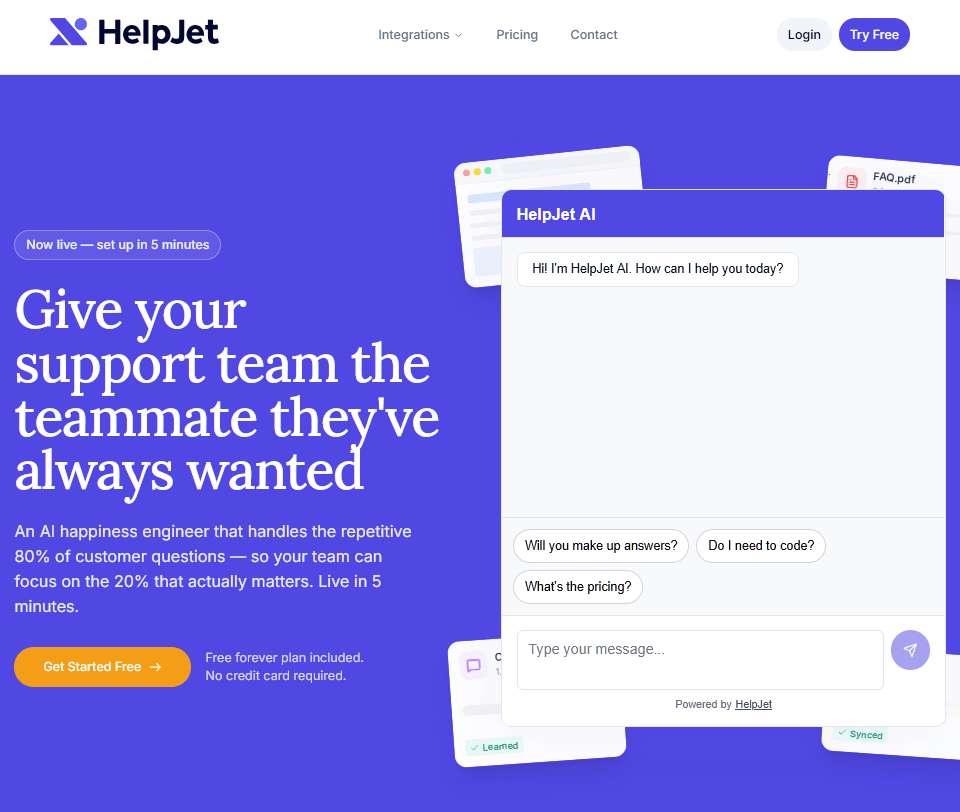
Most AI chatbot builders ask you to think like a software architect before they answer a single customer question. HelpJet flips that around.
You give HelpJet a URL, a PDF, a knowledge base, or a sitemap, and it crawls and indexes the content. From there, it starts answering customer questions conversationally on your website.
There's no flow builder, intent mapping, or prompt engineering is required. It's the cleanest setup experience you will get from an AI chatbot builder.
Key Features:
- AI agent trained on your website content, PDFs, knowledge base articles, and past chat history
- Weekly automatic content refresh.
- Five-minute setup.
- Embed chat widget anywhere with a simple code snippet.
- WordPress plugin for more control and easier setup process.
- Conversational handoff to a contact form or email when the bot can't resolve a question, with full conversation context attached.
- Self-learning loop that turns yesterday's escalations into today's automatic answers.
- Free side tools (AI Ticket Reply Generator, Ticket Summarizer, Email Reply Generator) that you can use independently of the chatbot.
- Works alongside Heroic Knowledge Base and Heroic Inbox for a full self-service plus shared inbox stack.
- Multi-bot support for multi-brand, multi-site, or multilingual deployments.
Limitations:
- Website widget only. No native WhatsApp, Messenger, Instagram, or Slack channels yet.
- New software, so weekly changes are expected.
Pricing
HelpJet offers a free forever plan with 1 bot and 100 conversations per month, then Pro at $29 per month for 3 bots and 1,000 conversations.
Verdict
If you're running a WordPress site, a Shopify store, or any content-heavy SaaS where most of your support questions are already answered somewhere in your docs, HelpJet AI chatbot builder will deflect a meaningful chunk of tickets without forcing you to learn a new platform.
Pair it with Heroic Knowledge Base and Heroic Inbox, and you've got a serious small business support system for under $50 per month.
2. Kommunicate
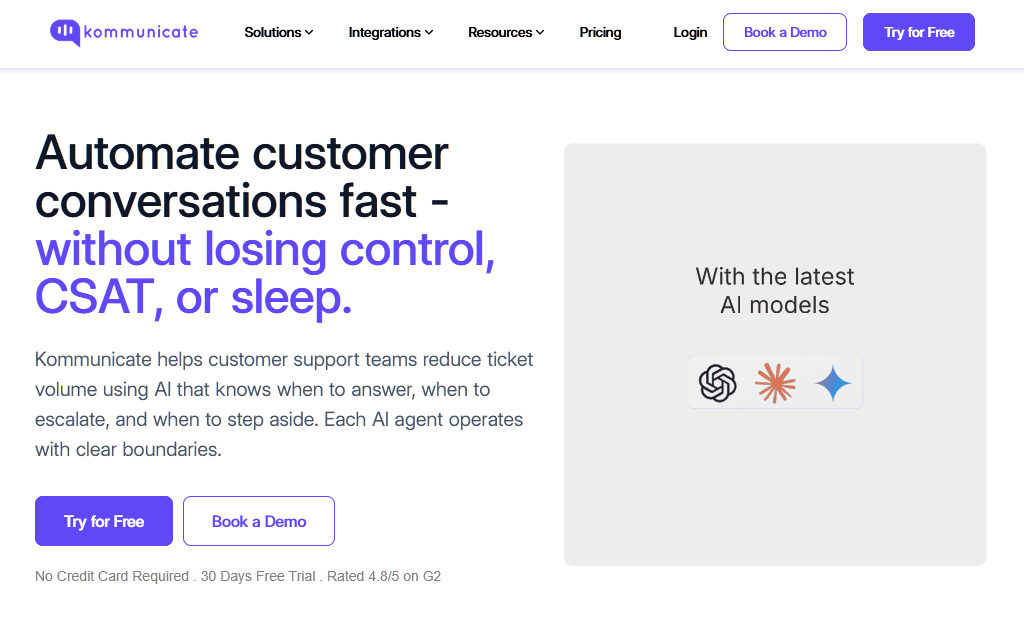
Kommunicate is an AI chatbot platform for teams that specifically want to bring their own bot (built in Dialogflow, OpenAI, Anthropic, Amazon Lex, or IBM Watson) and just needs a polished chat widget, agent dashboard, and analytics layer on top.
Kommunicate positions itself as the front-end stack for any conversational AI engine you choose, which is great for technical teams that have invested in custom NLU (natural language understanding) technology and don't want to throw it away just to get a better-looking widget.
Key Features:
- Front-end stack for bots built in Dialogflow, OpenAI, Gemini, Claude, Amazon Lex, IBM Watson, or custom frameworks.
- Native AI Agents trained on URLs and documents with no-code setup.
- Multi-channel deployment: WhatsApp, Messenger, Telegram, web, iOS, and Android SDKs.
- Built-in live chat and agent dashboard for handoff.
- CRM and helpdesk integrations for ticket creation.
- Analytics on First Response Time, CSAT, Resolution Time, and AI Accuracy.
Limitations:
- Best value for teams that already have an external bot engine to bring.
- Setup of complex Dialogflow integrations still requires technical knowledge.
Pricing
Kommunicate starts at $40 per month for the Lite plan with the AI Agent and scales by conversation volume and team size.
There is also a 30-day free trial that doesn't require a credit card.
Verdict
Kommunicate is a solid mid-market pick if you're frustrated by enterprise solutions and want a similar feature set at a fraction of the cost.
3. Intercom Fin
You're probably wondering whether Intercom Fin lives up to its hype. Honestly? In a few specific scenarios, yes.
Fin is the AI agent that every other vendor benchmarks against. Fin maintains real multi-turn conversations, accepts image inputs through Fin Vision, executes multi-step procedures via natural-language instructions, and is priced per outcome rather than per seat.
Key Features:
- Per-resolution pricing at $0.99, billed only on successful outcomes.
- Multi-turn conversational AI with context tracking and frustration detection.
- Fin Voice and Fin Vision for phone and image-based inputs.
- Procedures for multi-step task automation with tool calls and data updates.
- Multilingual support across 45-plus languages without separate knowledge bases per locale.
- Works as an overlay on existing helpdesk software or with Intercom's native helpdesk.
- Knowledge gap identification and an Optimize Dashboard for tracking resolution rate.
Limitations:
- Costs scale linearly with success. 2,000 resolutions per month means roughly $1,980 in Fin charges alone, on top of seat fees.
- Minimum monthly commitment of 50 resolutions when used outside Intercom.
Pricing
Intercom Fin charges $0.99 per resolution on top of Intercom seat plans, which start at $29 per seat per month on Essential and climb to roughly $132 per seat per month on Expert.
Verdict
Fin earns its reputation as the most capable pre-built AI agent in 2026. And fin's operational tooling, multilingual coverage, and helpdesk-agnostic deployment make it the safest enterprise-grade choice if you can stomach a variable bill.
We'd recommend it for mid-market SaaS and B2C teams with established help centers, and recommend avoiding it for early-stage startups figuring out what their support looks like.
4. Ada
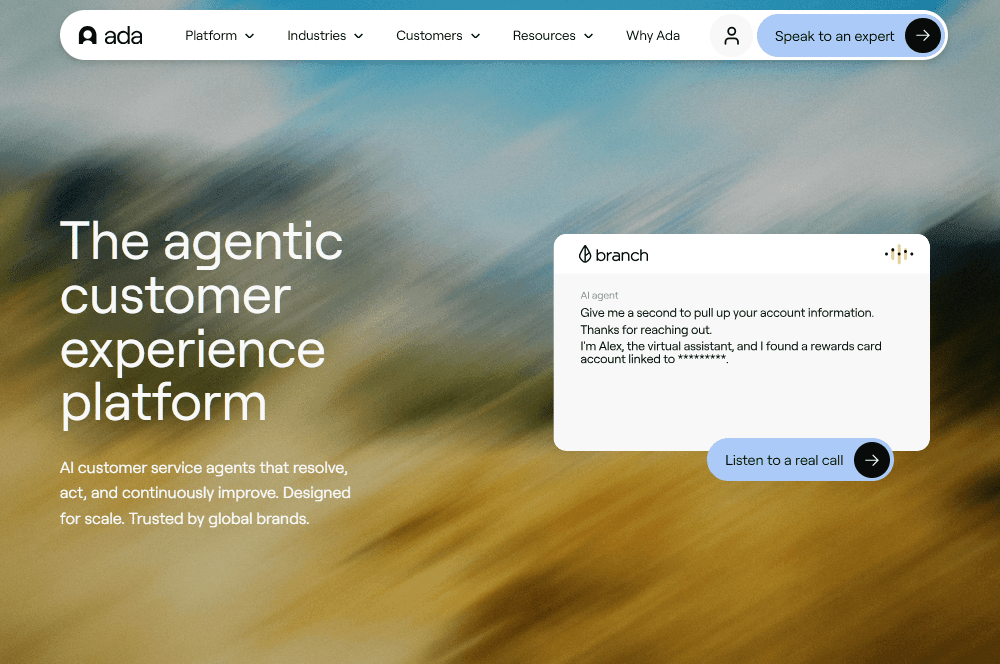
Ada is an enterprise AI chatbot builder for customer service that powers brands like Pinterest, Square, and Verizon.
Its Reasoning Engine combines multiple LLMs, retrieval, and playbooks (multi-step SOP workflows) to autonomously resolve complex inquiries.
With the same agent brain, Ada can handle voice, email, chat, SMS, in-app, and custom channels. This is the kind of consistency that enterprise CX leaders need, but that most small businesses don't.
Key Features:
- Reasoning Engine combining multiple LLMs with multi-agent orchestration.
- Playbooks for multi-step SOP automation (refunds, troubleshooting, identity checks).
- Omnichannel coverage: voice, email, chat, SMS, social, in-app, custom channels.
- Multilingual support across 50-plus languages with auto-detection.
- Enterprise compliance stack: SOC 2 Type II, HIPAA, GDPR, PCI, AIUC-1.
- Native integration with Zendesk, Salesforce, Freshworks, Gladly, Gorgias, and other helpdesk software.
Limitations:
- Implementation typically takes 8 to 16 weeks for full deployment.
- Not recommended for small businesses.
Pricing
Ada doesn't publish pricing. It’s an enterprise solution and could easily cost over $10000 a year.
Verdict
Ada is built for enterprise CX leaders managing 300,000-plus annual conversations across multiple channels, and at that scale. For everyone else, the budget alone is a deal-breaker.
5. Chatbase
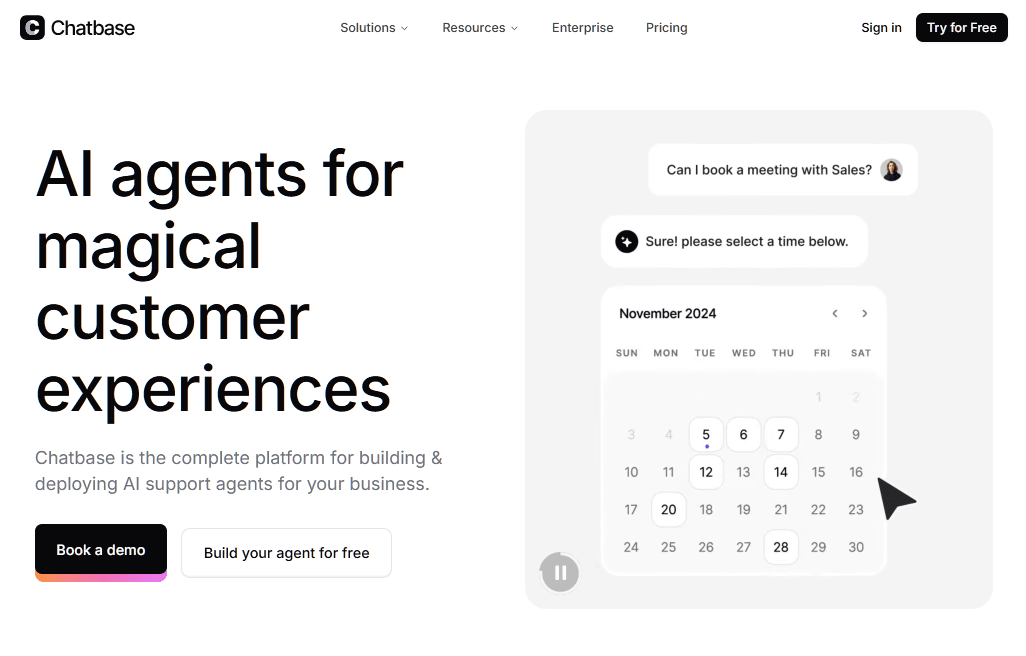
If you want to build a custom ChatGPT-style bot trained on your own data without writing a line of code, Chatbase is the platform that pioneered the category.
Similar to Helpjet, you upload your PDFs, point it at your website URLs, pick from 15-plus AI models across six providers (OpenAI, Anthropic, Google, xAI, Moonshot, DeepSeek), and embed the result on your site.
The whole thing takes under 10 minutes if you have your content ready, which is rare for a tool with this much flexibility.
What sets Chatbase apart is the variety of models available. For example, you can run an FAQ bot on Claude 3.5 Sonnet for 1 credit per response and then create a sales bot on Claude Opus or GPT-5.2 for more complex reasoning, which costs 5 credits per response.
Key Features:
- Multi-model support across GPT, Claude Opus, Gemini Pro, Grok, and DeepSeek.
- Training data from PDFs, URLs, raw text, Q&A pairs, and Notion.
- AI Actions for API calls and task automation (upgrade subscriptions, fetch data, trigger workflows).
- Multi-channel deployment to websites, WhatsApp, Messenger, Instagram, Slack, and email.
- BYO knowledge with automatic site crawling.
Limitations:
- Credit-based pricing makes costs unpredictable, especially with premium models.
- Free plan agents are deleted after 14 days of inactivity.
Pricing
Chatbase has a free tier (50 credits, 1 agent), then premium plans starting from $32 per month (500 credits, 2 members).
Verdict
Chatbase is a good AI chatbot builder when you want a custom GPT bot trained specifically on your content and you don't need a live chat inbox.
The model flexibility is genuinely best-in-class in this category, and the no-code setup is fast.
6. HubSpot Chatbot Builder
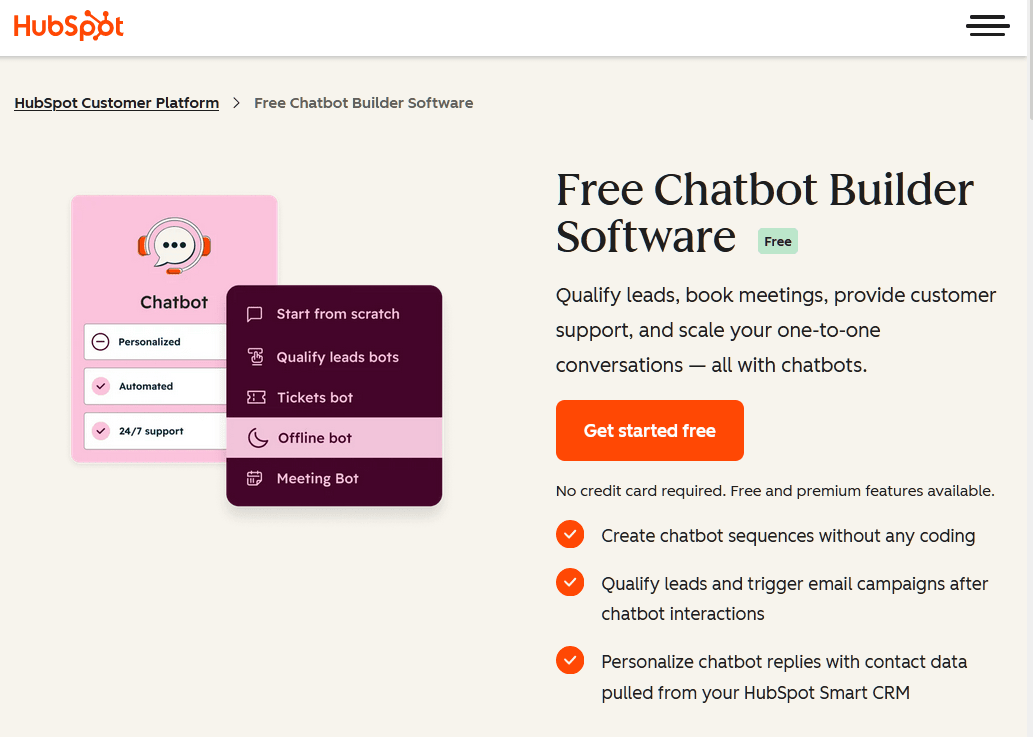
HubSpot's chatbot is the free chatbot builder. The visual builder lets you create rule-based chatflows in about 20 minutes for lead qualification, meeting booking, and basic FAQ handling, and everything syncs back to contact records automatically.
The catch in 2026 is that the genuinely useful AI capabilities live behind the Breeze Customer Agent, which requires Service Hub Professional ($800 to $1,300 per month) or Enterprise ($3,600 per month and up), plus HubSpot Credits at roughly $1 per AI conversation.
That said, the rule-based bot is genuinely useful for lead-gen and qualification workflows, and the HubSpot ecosystem advantage is real if you already pay for the CRM.
Key Features:
- Free rule-based chatflow builder with lead qualification and meeting booking.
- Native CRM integration. Chats sync to contact records and trigger workflows.
- Breeze Customer Agent (on paid tiers) uses knowledge base content for AI replies.
- Over 1,000 integrations across the HubSpot ecosystem.
- Multichannel: website, WhatsApp, Messenger, Instagram, Telegram, LINE, and SMS via the Custom Channels API.
- Mobile apps for on-the-go agent response.
Limitations:
- True AI features require a Service Hub Professional plan.
- Costs scale quickly as the CRM contact list grows.
Pricing
The core HubSpot chatbot builder is free as part of HubSpot CRM. Breeze Customer Agent (the AI version) requires Service Hub Professional starting at roughly $800 per month, plus credits at approximately $1 per AI conversation.
Verdict
HubSpot's chatbot is the obvious pick for teams already on HubSpot who want a free rule-based bot for lead-gen, and the CRM sync alone justifies it.
For genuine AI capability, though, you're either paying a huge fee or layering a third-party tool like HelpJet on top.
7. Drift
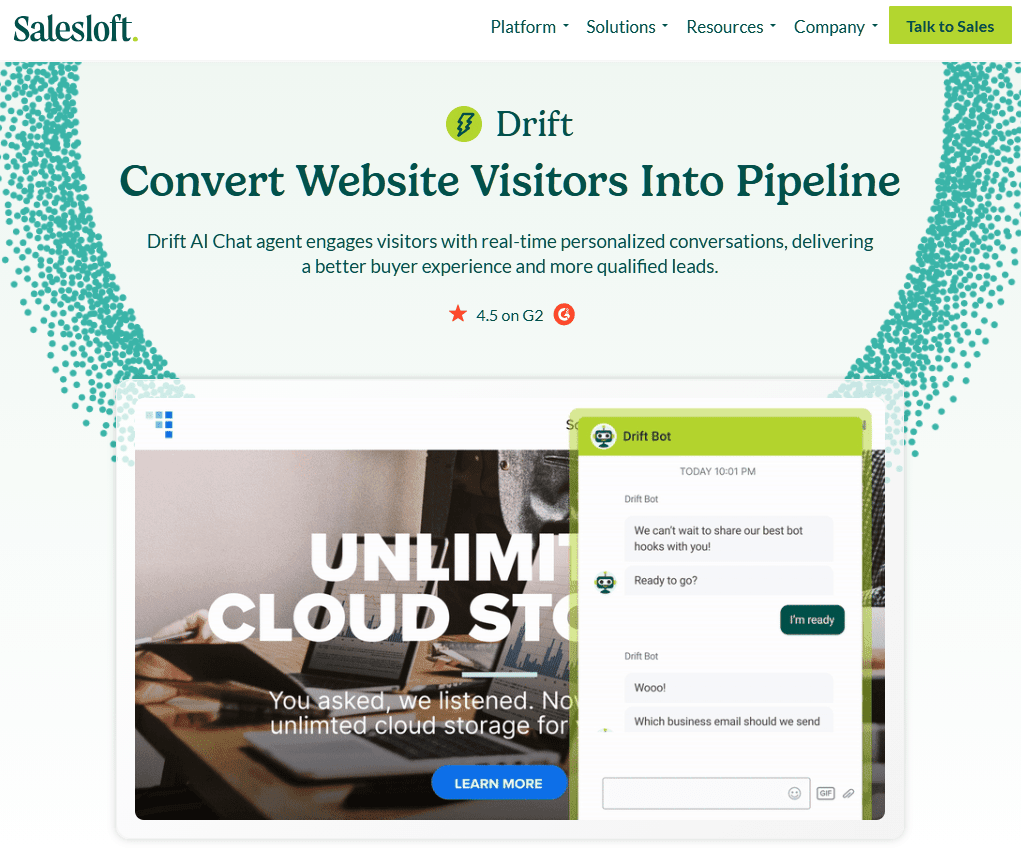
Drift is still the best-in-class chatbot builder for enterprise B2B websites, offering real-time visitor identification and instant meeting booking. However, the product's direction and pricing have narrowed considerably.
Despite the narrowed positioning, Drift still belongs on this list because execution is genuinely strong.
The AI chatbot is trained specifically on B2B sales conversations, the real-time routing to sales reps actually works, and the conversational landing pages are still the slickest in the category.
Key Features:
- B2B-trained AI chatbots with sophisticated qualification playbooks.
- Real-time visitor identification and account-based routing.
- Conversational landing pages that replace static forms with chat.
- Instant meeting booking with sales rep calendars.
- Enterprise-grade compliance: SOC 2, GDPR, advanced data protection.
Limitations:
- No public pricing, demo-only sales process.
- Single-channel focus on website chat.
Pricing
Drift does not publish pricing in 2026. But this chatbot builder is aimed at enterprise customers, so expect higher costs than normal tools.
Verdict
Drift is still the gold standard for enterprise B2B conversational marketing, but it's no longer a fit for small businesses or anyone outside the Salesloft ecosystem.
8. Rasa
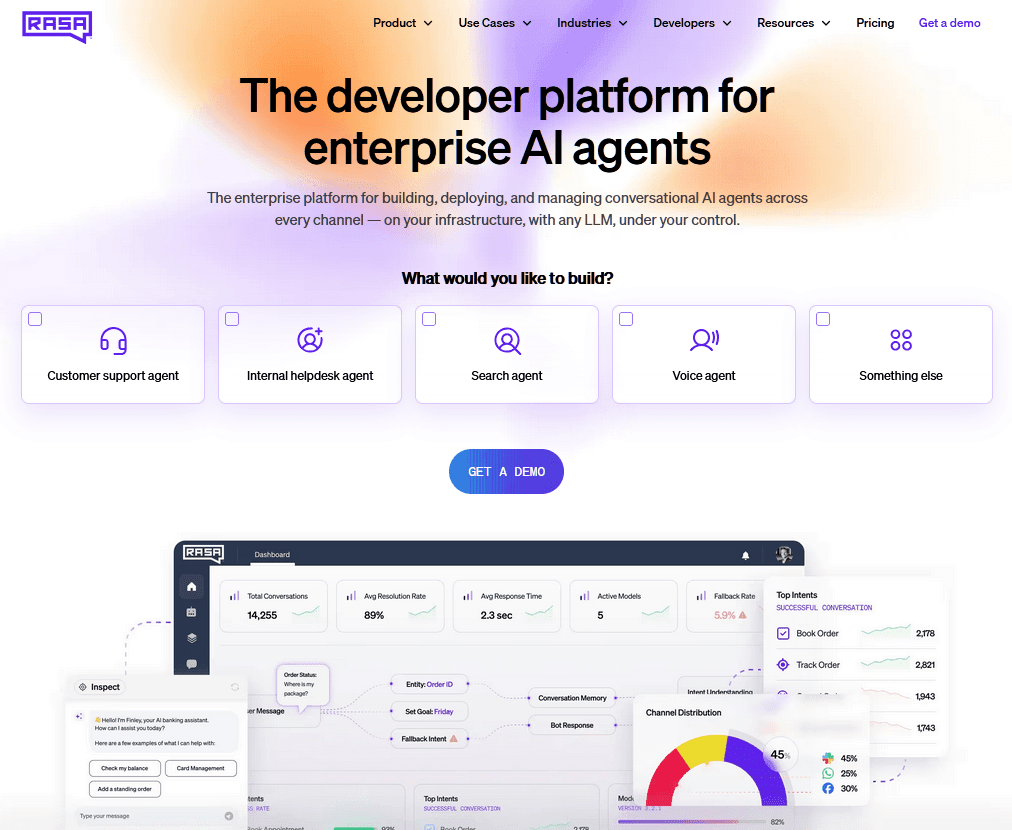
Rasa is an open-source AI chatbot builder used by companies such as T-Mobile, N26, and Swisscom for conversational AI.
Rasa is genuinely different from every other tool on this list. It's a framework, not a SaaS product, which means you'll need a developer (or a willing technical founder) to deploy and maintain it.
The payoff is total control: choose any LLM, run on your own infrastructure, audit prompts and policies, and build agents that pass strict regulatory scrutiny in banking, healthcare, and telecom.
Key Features:
- Open-source framework with 25 million-plus downloads.
- CALM (Conversational AI with Language Models) for hybrid generative and deterministic logic.
- Self-host on private cloud, on-premise, or air-gapped environments.
- Multi-LLM support (GPT, Claude, Gemini, Llama, and custom models).
- Voice primitives: barge-in, turn-taking, background noise handling.
Limitations:
- Steep technical learning curve. Not suitable for non-developers.
- Implementation typically takes 4 to 12 weeks for production-ready agents.
Pricing
Rasa Open Source is free, with a free Developer License for Rasa Pro covering 1,000 conversations per month.
Verdict
Rasa is the framework we'd recommend for regulated enterprises (banking, healthcare, telecom) and any team that needs full data residency, custom LLM choices, and total control over agent behavior.
It's overkill for small business and most mid-market teams. But if you've ever felt locked out of customization by Intercom or Ada, Rasa is the solution. Just make sure you have the engineering capacity to maintain it.
Final Thoughts
Whichever AI chatbot builder you pick, the work that determines whether it succeeds isn't the platform choice.
It's the quality of your help docs, the willingness to review knowledge gaps weekly, and the discipline to escalate cleanly when the bot doesn't know the answer.
Even the best AI chatbot in the world can't save bad documentation. A bot with great content will always outperform the costliest bot with stale articles.
Which AI chatbot builder are you using or planning to try? Let us know in the comments below!
Further Reading:
- 8 Best Free AI Chatbot for Customer Support (2026 Review)
- How to Create a Custom AI Chatbot for Your Website for Free (Step-by-Step Guide)
Keep reading
- 10 Best DocsBot Alternatives and Competitors (2026 Guide)
- 8 Best Free AI Chatbots for Websites in 2026Compare 8 free AI chatbots for websites by free plan limits, AI features, setup and upgrade cost, and find the right free chatbot for your site.
- 8 Best SaaS Chatbots for 2026: Free, AI and Open-Source Options ComparedCompare 8 best SaaS chatbots for 2026, including free, AI, and open-source options. See pricing, features, limits, and support use cases today.
Put this into practice
HelpJet learns your docs and takes the repetitive questions off your plate. Set up in about 5 minutes.
Try HelpJet freeFree plan, no credit card. Hard stop at the limit, never a surprise charge.
Share this article