8 Best Free AI Chatbot for Customer Support (2026 Review)
On this page

If you have ever tried to staff a 24/7 support desk on a 9-to-5 budget, you already know the math doesn't work. Customers expect a human-quality answer in seconds, your inbox doesn't sleep, and hiring more humans is no longer the easy lever it used to be.
That's why nearly every customer support team is already running at least one AI chatbot.
I've spent the last week installing and breaking some of the so-called “free” AI chatbots for customer support.
Out of the hundreds of options available in 2026, here are 8 Best free AI chatbots that are worth considering for your customer support.
Ready? Let's get into it.
How Is an AI Chatbot Different from a Regular Chatbot for Customer Support?
This matters more than the marketing pages let on, because most "free chatbots" you'll find by Googling are still rule-based.
A rule-based (or scripted) chatbot runs on decision trees. You spend hours mapping every question you anticipate ("Press 1 for billing, press 2 for shipping…"), writing canned responses, and praying users phrase their questions the way you predicted.
If a customer types "my package never showed up" instead of "track my order," a rule-based bot often fails to understand the user query and default to saying Sorry.
There's no comprehension, no memory, no nuance, only pattern matching against keywords.
An AI chatbot (specifically one powered by a large language model like GPT, Claude, or Gemini, or trained with natural language processing) approaches the same problem completely differently.
It reads your help center, past tickets, and PDFs once, and then it understands what a customer is actually asking. Even if customers phrase it badly, mix two issues into one message, or write in another language.
Five things separate a serious AI customer support chatbot from a glorified FAQ widget:
- Natural language understanding
- Knowledge-base training
- Conversation memory
- Multilingual fluency out of the box
- Clean human handoff
And it’s also worth mentioning that AI bots can hallucinate. Therefore, it's important to spend time training and testing your AI chatbot software.
What to Look For in a Free AI Chatbot (Our Review Process)
We've already discussed the qualities that make a good AI chatbot for customer support. However, you shouldn't compromise on other qualities of good software as well.
Here is the framework I used for evaluating these AI chatbots:
- Actual free tier limits: Conversations/month, AI sessions, agents, channels, contact caps. I logged the wall every tool hits.
- AI quality and model: Which LLM powers it (GPT-5, Claude, Gemini, custom)? Does it ground answers in your content?
- Knowledge-base ingestion: Can it crawl your site, ingest PDFs, learn from past chats, and refresh automatically?
- Channel coverage: Website widget, WhatsApp, Messenger, Instagram, email, SMS, and which of those are free vs. paid.
- Human handoff: Can it cleanly hand off to a human, with full context, on the channel the customer is using?
- Integrations: CRM (HubSpot, Salesforce, Zoho), helpdesk (Zendesk, Freshdesk), e-commerce (Shopify, WooCommerce), Slack, Zapier.
- Customization: Branding removal, widget design, persona, tone of voice.
- Language support: How many languages, and is it native LLM multilingual or rule-based translation?
- Analytics: Resolution rate, deflection rate, CSAT, top unresolved questions.
- GDPR / privacy compliance: Where is data hosted? Is it used for model training?
- Ease of setup: Five-minute setup vs. four-week implementation.
Every tool below is rated against this framework, making them all the best option for adding an AI chatbot to your customer support today.
The Best Free AI Chatbots for Customer Support (2026)
1. HelpJet
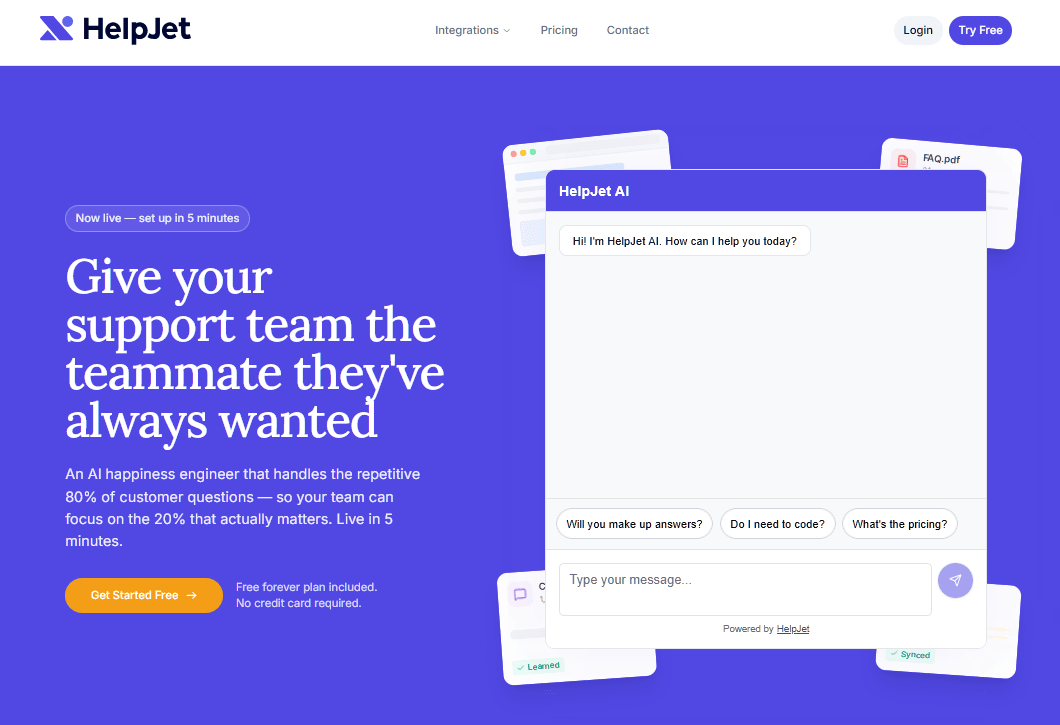
HelpJet AI customer support chatbot built around a single, sharp idea: your support team should not have to map decision trees before answering a single question.
You point it at your website, help center, or PDFs, it crawls and indexes them in five minutes, and it starts answering customer questions in natural language. With a clean handoff to humans when it isn't confident.
HelpJet was built by HeroThemes, the team behind the popular Heroic Knowledge Base and Heroic Inbox plugins for WordPress.
It’s designed by people who ship customer support software for a living, not AI researchers building a tech demo.
Key features:
- Self-training from URLs, articles, and PDFs. Drop in a sitemap or upload your help docs, and HelpJet ingests everything. Zero flow-building required.
- Weekly automatic knowledge refresh. As your docs change, the bot re-syncs. You don't have to remember to retrain it.
- Intent and sentiment detection. It picks up on urgency and frustration, then either softens its tone or escalates faster.
- Clean handoff to humans. When confidence drops, it routes to a contact form, an email, or your existing inbox with the full conversation attached.
- Multi-bot support on Pro. Useful if you run separate brands or a WordPress multisite install.
- Free side tools. AI Ticket Reply Generator, Ticket Summarizer, and Email Reply Generator are all usable independently of the chatbot.
- Native integrations with WordPress, Shopify, Squarespace, and WooCommerce.
- Pairs naturally with Heroic Knowledge Base (as the source of truth) and Heroic Inbox (for the handoff destination).
Limitations:
- New tool. Launched in 2026, so some bugs are expected.
- Channel support is web-first today. If most of your support volume is on WhatsApp or Instagram, look at other AI chatbots from this list instead.
Pricing
HeloJet’s free plan covers 1 bot and 100 conversations per month forever.
The single paid plan, Pro, is $29 per month and bumps you to 3 bots and 1,000 conversations, with a 20% annual discount available.
Verdict
If you run a small business, SaaS, or content site and you want a free AI customer support chatbot, HelpJet is the easiest yes on this list.
Pair it with Heroic Knowledge Base (so the AI is reading well-structured help articles instead of marketing copy) and Heroic Inbox (so the escalations land somewhere your team actually looks), and you have a complete, WordPress-native support stack for under $50/month.
2. HubSpot Chatbot Builder
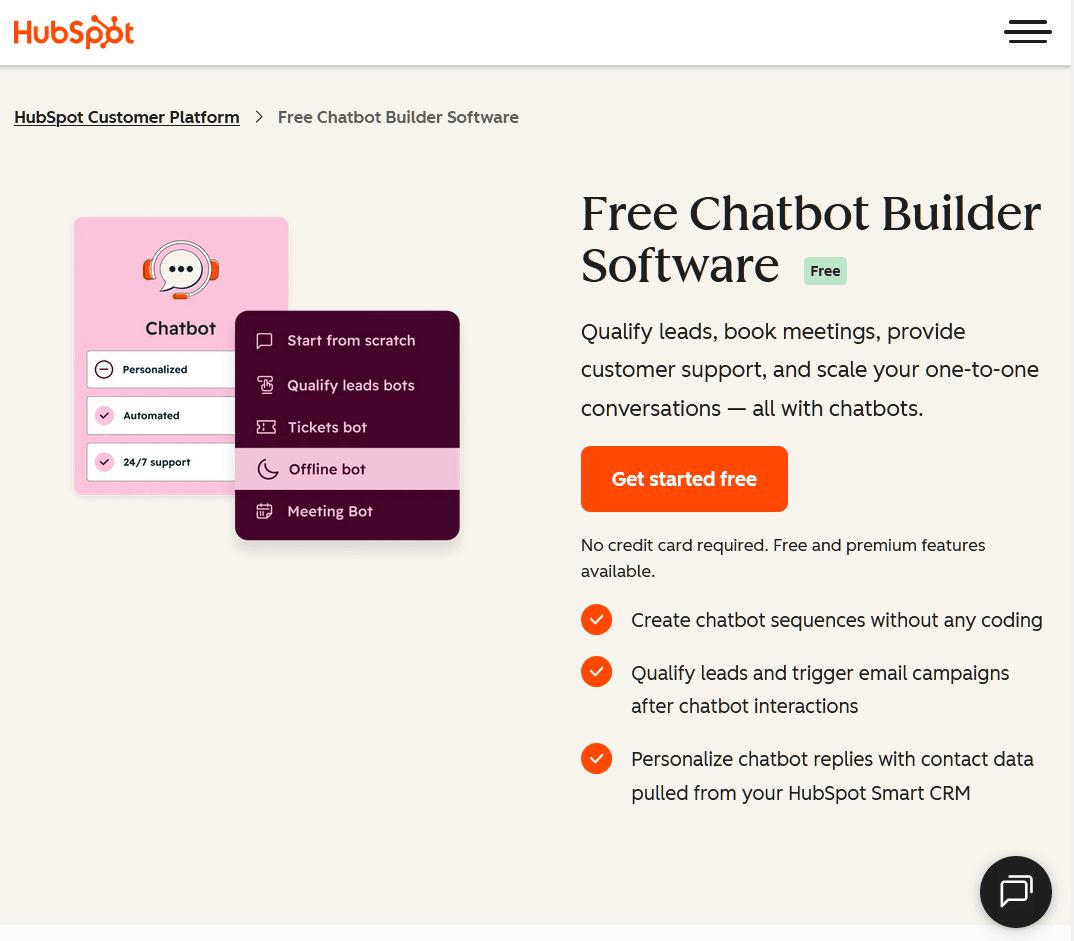
HubSpot's chatbot builder is genuinely free with no credit card and no usage cap, which is rare in this category.
The catch? The free version is rule-based, not AI.
If you're already running on the HubSpot CRM, that may still be the best choice for the customer support.
Key features:
- Visual, no-code chatflow builder with branching logic.
- Deep CRM integration: every chat is logged on the contact timeline automatically.
- Templates for qualify-leads, support, knowledge-base, and offline bots.
- Personalization tokens drawn from CRM contact properties.
- Free live chat and shared inbox baked in.
Limitations to keep in mind:
- Free and Starter tiers are limited to rule-based chatflows. No natural language understanding. No LLM responses.
- The actual AI Customer Agent is gated to Service Hub Professional, which is a meaningful jump in cost.
- Each AI conversation on the paid tier carries a roughly $1 per-resolution fee on top of the seat fee.
Pricing
Free chatbot builder is part of HubSpot's permanently free tools. AI Customer Agent (Breeze) requires Service Hub Professional, around $90 per agent per month plus $1 per AI resolution.
Verdict
If your team already lives in HubSpot, the free chatbot builder is a no-brainer for lead qualification and ticket routing. For real AI customer support, you'll either upgrade or pair it with a third-party AI chatbot.
3. Zoho SalesIQ
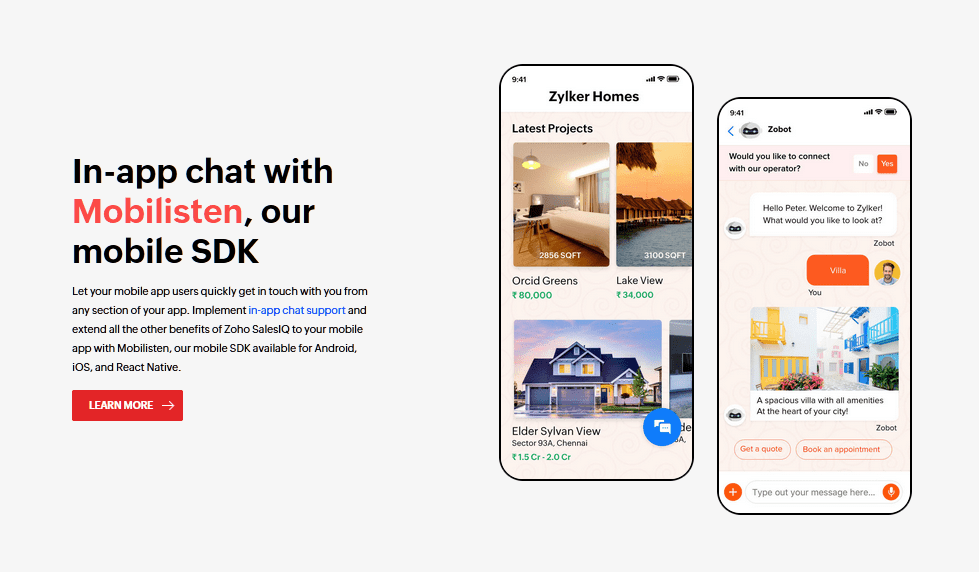
Zoho SalesIQ is the live-chat-plus-chatbot product in the Zoho ecosystem, and it's the most underrated free option on this list. Particularly if you're already using Zoho CRM or Zoho Desk.
Where SalesIQ stands out is the visitor tracking. Even on the free plan, you get real-time tracking of who's on your site, lead scoring, and proactive triggers, which most "live chat" tools charge for.
The chatbot side has two flavors: Zobot (a custom flow builder) and Answer Bot (the AI-powered, knowledge-base-trained option). Both are mostly gated to paid plans, which is the trade-off.
Key features:
- Codeless Zobot flow builder with WhatsApp, Instagram, Messenger, and Telegram support on paid tiers.
- Answer Bot AI that draws from your knowledge base in natural language.
- Real-time visitor tracking, lead scoring, and proactive triggers.
- Tight integration with Zoho CRM, Zoho Desk, and Zoho Bookings.
- Multilingual chatbot support across roughly 30 languages.
Limitations to keep in mind:
- The free plan covers up to three operators and 100 chat sessions per month.
Pricing
Zoho SalesIQ’s free plan supports 3 operators and 100 chat sessions per month.
Zobot starts on the Basic plan at around $10 per operator per month.
Answer Bot is reserved for the Enterprise tier at around $25 per operator per month.
Verdict
Zoho SalesIQ offers a solid free plan for lightweight live chat, but if you want real AI you'll be on Enterprise. Best for teams already inside the Zoho ecosystem.
4. Crisp
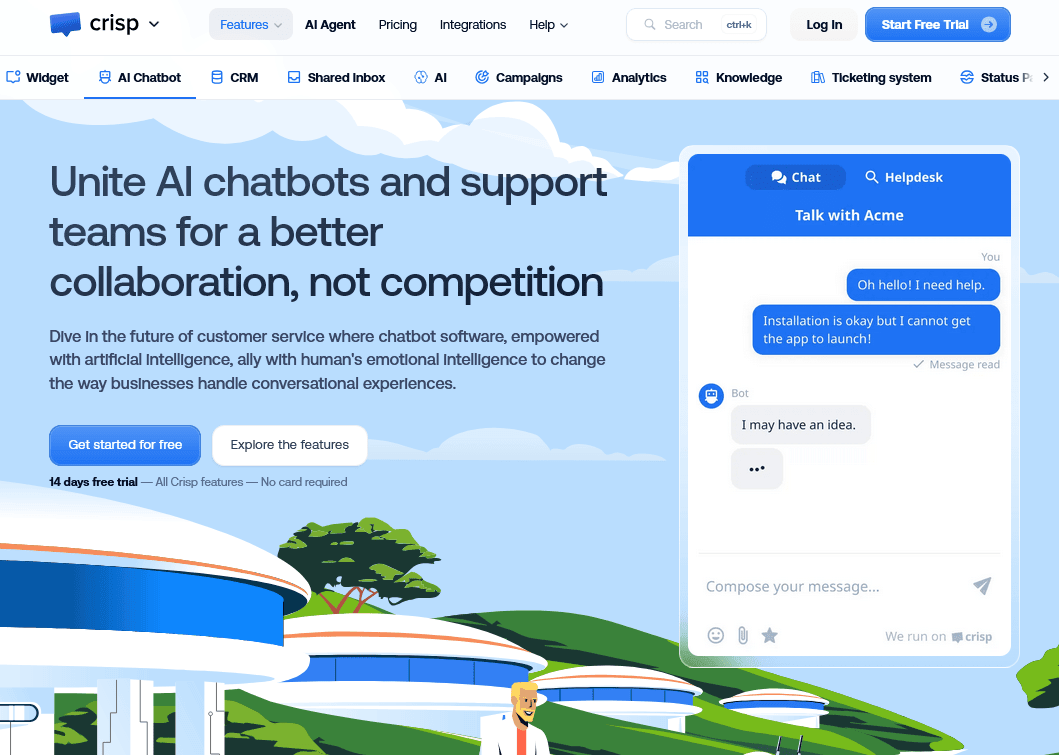
Crisp is a French, EU-hosted customer messaging platform that punches well above its weight on design.
It bundles live chat, a shared inbox, a knowledge base, and (on paid tiers) MagicReply, MagicType, and a newer customer-facing AI agent called Hugo.
If you want to start with humans and add AI when you can afford it, Crisp's upgrade path is sensible.
Key features:
- MagicReply: agent-side AI draft replies grounded in your help center
- Hugo: customer-facing AI agent on Mini and above, billed per AI conversation.
- EU data residency by default, which makes GDPR conversations short.
- Co-browsing (MagicBrowse) lets agents see the customer's screen with consent.
- Shopify, WhatsApp, and Messenger integrations on higher plans.
Limitations to keep in mind:
- AI features are entirely gated behind paid plans.
- AI conversation costs are credit-based, which makes monthly budgeting harder than flat-fee plans.
Pricing
Crisp is free for 2 agents, web and email, no AI.
Mini is €45 per month for 4 seats and unlocks workflows plus $5 in AI credits.
Verdict
Crisp can be the best free pick if you're an EU-based startup and EU hosting matters. For real AI, you'll need at least the Mini plan, which is still reasonable for what you get.
5. Smartsupp
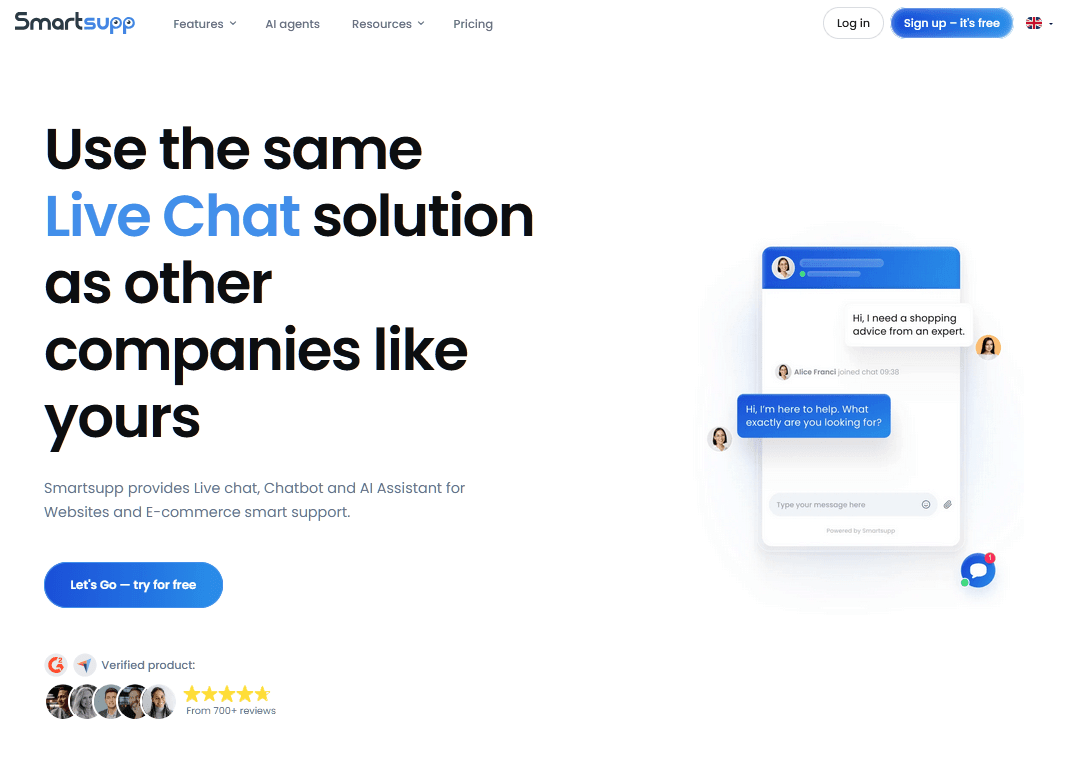
Smartsupp is a lightweight live chat and chatbot tool that's quietly built itself a base of more than 100,000 webshops.
It's a Czech product, very well-priced, and the free tier is genuinely usable for a solo Shopify operator.
What I like about Smartsupp is the visitor recordings on the free plan. You get screen recordings and click maps without paying for a separate Hotjar subscription, which is unusual.
The AI shopping assistant, called Mira, is GPT-powered and trained on your product catalog. It can recommend products and answer up to 80% of common eCommerce inquiries on a well-maintained store.
Key features:
- Mira AI shopping assistant trained on your product catalog.
- Visitor screen recordings and click maps even on the free plan.
- Cart-value tracking and lead-gen forms inside the chat widget.
- Native integrations with Shopify, WooCommerce, Magento, and BigCommerce.
- Drag-and-drop chatbot builder with templates for FAQs, lead gen, and product recs.
Limitations to keep in mind:
- The free plan caps at 25 chat conversations per month. Which is very low.
- Recent price increases and locked AI features have made advanced use cases more expensive than they used to be.
- The chatbot builder is rule-based unless you turn on Mira.
Pricing
Smartsupp's free plan covers 25 conversations per month and 1 operator.
Paid plans start around $17 per month that support unlimited conversations. Mira AI as a paid add-on starts at $16 per month annually.
Verdict
Smartsupp's is a good choice, but you need to be on the paid plan. Free is for the namesake only, for testing purposes.
6. Botpress
Botpress is the developer's pick. It's an LLM-native, cloud-based agent platform with a visual Agent Studio and an autonomous engine that can blend generative AI with structured logic.
The Botpress team has helped deploy more than 1M bots, which is the kind of number you can only hit by being genuinely good for builders.
Key features:
- Visual drag-and-drop Agent Studio for building flows.
- Bring-your-own LLM: GPT-4, Claude, Gemini, or open-source models.
- Knowledge bases ingested from URLs, docs, and PDFs.
- Human handoff (Plus plan and above).
- 100+ integrations including WhatsApp, Messenger, Telegram, Slack, and Zendesk.
- Conversation insights with sentiment and outcome analysis.
Limitations:
- Steeper learning curve than other AI chatbots listed in this guide. This is a builder instead of a turnkey product.
- The original self-hosted open-source version was deprecated in favor of cloud.
- AI Spend is billed separately from the base plan, which makes total cost harder to predict.
Pricing
Botpress' starting plan is pay-as-you-go is $0 per month, includes 500 incoming messages per month, 1 bot, 1 collaborator, and a $5 monthly AI credit.
Verdict
Botpress' is the best free AI chatbot pick for developers and agencies who want full control and don't mind the learning curve. Not for non-technical support teams.
7. Landbot
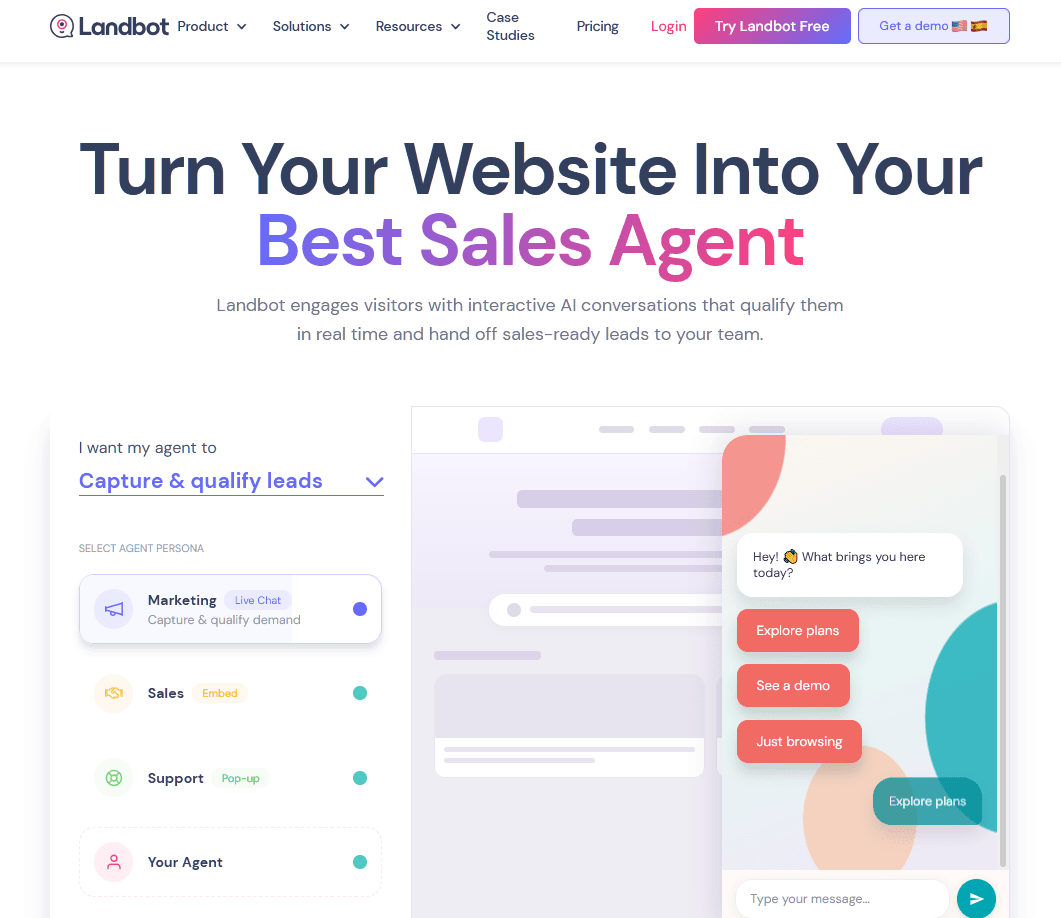
Landbot is a no-code chatbot builder with a strong visual flow designer. It's a hybrid: rule-based flows on the free tier, with native AI building blocks (AI Lead Gen Assistant, AI FAQs Assistant) on paid plans.
Landbot visual flow designer is genuinely beautiful, and the conversion-focused templates (lead capture, appointment booking, quizzes) are excellent.
AI is layered on top through native blocks powered by OpenAI on paid plans.
Key features:
- Drag-and-drop flow builder with conditional logic and A/B testing.
- Native AI blocks powered by OpenAI on paid plans.
- 14-day full-feature free trial that auto-downgrades to Sandbox.
- HubSpot, Calendly, Stripe, and Salesforce integrations on higher tiers.
- SOC 2 and GDPR compliance.
Limitations:
- No AI on the free plan. AI starts at €40 per month (Starter) with 100 AI chats.
Pricing
Landbot’s Sandbox is free forever with 100 chats per month and no AI.
Verdict
Landbot is the best free pick for anyone whose chatbot is a lead-capture or appointment-booking flow rather than an open-ended support agent. If you're trying to deflect support tickets, look higher up the list.
8. Pandorabots
Pandorabots is one of the oldest names in chatbots. The platform behind A.L.I.C.E. and Mitsuku, both Loebner Prize winners.
The Sandbox plan is the most genuinely "forever free" option on this list, with no payment method required.
Let me be honest about what this is. It's not a turnkey customer support platform. You're writing AIML rules by hand, and there's no live-agent inbox, no ticketing, no native LLM grounding.
But for builders, students, and conversation designers who want to actually understand how dialogue systems work under the hood, Pandorabots is invaluable. And the price is right.
Key features:
- Open-standard AIML scripting for fully owned, portable bot logic.
- API access on Developer and above.
- SDKs in Java, Node.js, Go, PHP, Python, Ruby.
- Deployment to Messenger, web, voice channels (paid).
- Multilingual via AIML.
Limitations:
- Not a turnkey customer support platform. You build the conversation rules yourself.
- No native LLM grounding (though you can integrate GPT or Claude via API).
Pricing
Pandorabots Sandbox plan is free with unlimited messages inside the sandbox and community support. Developer plan costs $19 per month, Pro is $199 per month, and Enterprise is custom.
Verdict
Pandorabots, a great free playground for builders, students, and conversation designers. Production teams will want one of the higher-level platforms above.
Frequently Asked Questions
Are free AI chatbots actually good enough for real customer support?
For 50–70% of typical inbound tickets, yes. Provided you ground the AI in a real knowledge base and provide a clean human handoff.
Can AI chatbots replace human support agents?
No, and the recent case studies made this very clear. For example, Klarna spent two years claiming its AI did the work of 700 agents and then publicly reversed course in May 2025, with CEO Sebastian Siemiatkowski telling Bloomberg that an over-reliance on AI had produced "lower quality" support.
What data do AI chatbots need to work well?
Three things, in order:
- A clean, current knowledge base
- Past chat transcripts or tickets
- Product/order data via API for transactional questions
The single biggest predictor of chatbot quality I've seen is the quality of the knowledge base it's reading.
Final Thoughts
If you really want a free AI chatbot for customer support, start with HelpJet.
AI is very costly to run at the moment, as a result, many of these free AI chatbots offer very limited conversation capabilities or completely removed AI offerings from their free tier.
Even if you consider an open-source AI chatbot, you have to invest development time and pair it with your LLM provider, which can also be costly.
See you in the next guide, bye.
Keep reading
- How To Deal with Angry Customers in 2026 (Scripts and Real Examples)Learn how to handle angry customers with proven de-escalation steps, calm response scripts, and practical ways to resolve complaints.
- 10 Best DocsBot Alternatives and Competitors (2026 Guide)
- 8 Best Free AI Chatbots for Websites in 2026Compare 8 free AI chatbots for websites by free plan limits, AI features, setup and upgrade cost, and find the right free chatbot for your site.
Put this into practice
HelpJet learns your docs and takes the repetitive questions off your plate. Set up in about 5 minutes.
Try HelpJet freeShare this article