8 Best Free Real Estate Chatbots for Agents and Brokers (2026 Edition)
On this page

Every agent knows this problem: A buyer finds your listing at 10:40 p.m. and has three questions, but nobody answers. By morning, they've scheduled a showing with another agent.
The HBR study The Short Life of Online Sales Leads analyzed 1.25 million leads and found that firms that tried to contact a lead within an hour were "nearly seven times as likely to qualify the lead" as firms that tried even an hour later.
A real estate chatbot fixes the "nobody's awake" part of that problem.
It can't replace your judgment in a negotiation, but it can greet the visitor, answer the easy questions, collect a phone number, and hand you a warm lead by breakfast.
Let’s find the perfect real estate chatbot for your situation in this guide.
How I Evaluated These Real Estate Chatbots
I evaluated each tool based on what a working agent or small brokerage would use in the first month rather than on feature checklists:
- Free plan limits: Conversation caps, message caps, page-view caps, branding, and what happens when you go over, checked on current pricing pages and help docs.
- Real estate fit: Can it answer listing questions, qualify buyers, sellers, and renters, book showings, or read MLS/IDX data?
- Lead handling: Does it collect contact details and pass them to your inbox, CRM, or calendar?
- Channels: Website only, or also SMS, WhatsApp, Messenger, and Instagram?
- Setup effort: How long a non-technical agent needs to get a bot live.
- User feedback on online forums.
What to Look for in Real Estate Chatbots
A real estate chatbot doesn't need to be clever. It just needs to be fast and accurate when it comes to your listings and services.
It also needs to be good at getting a phone number before the visitor leaves.
1. Lead Qualification That Feels Like a Conversation
You want your chatbot to answer questions and collect leads simultaneously.
- Intent: Buying, selling, renting, or investing?
- Budget and financing: Price range and pre-approval status.
- Timeline: Moving in 30 days, or "just looking"?
- Location and must-haves: Neighborhoods, bedrooms, schools, pets.
- Contact details: Name, phone, and email, ideally with consent to text.
Details like these provide real estate agents with a starting point to better guide customers.
2. Accurate Answers About Listings and Your Business
A chatbot that invents prices or claims that homes are available when they are not is worse than having no chatbot. Check where each bot's answers come from.
- Your own content only: HelpJet chatbot answer only from your content and to admit when it doesn't know.
- Your listing data: Reallyo, ChatSpark, and REAIGENT7 pull from listing records or IDX feeds, which matters when inventory changes daily.
- General AI knowledge: Some bots fill gaps from the model's general training, which can drift into wrong local facts.
3. Showing Booking, Channels, and Integrations
A native calendar booking feature is better than a message saying "someone will call you," so look for Calendly, a built-in scheduling feature, or at least a bot that collects a preferred time and sends it to your phone.
And if your buyers find you on Instagram, Facebook, or WhatsApp, website-first tools won't answer those DMs.
4. Free-Plan Traps to Watch For
Free plans are often designed to show you the product, not to run your business. These plans disrupt real estate workflows:
5. Human Handoff
Chatbots for real estate sales should know when to stop talking. Look for a live chat takeover, an email to you with the transcript, or a link to text you directly.
Tools built around a human inbox are better at handling this than pure AI bots.
How to Set Up Chat Bot Automation for Real Estate (Chatbot + Knowledge Base + Help Desk)
A chatbot alone is like a front desk without a filing cabinet. The setup that works best for agents has three layers:
- Write your answers first: Create a short knowledge base with your buyer's guide, seller's guide, closing-cost FAQ, service areas, and showing process. Heroic Knowledge Base gives these articles a clean structure the bot can read.
- Train the bot: Point HelpJet at your knowledge base and listing pages, then test it with the 20 questions buyers ask most.
- Set handoff rules: Add instructions like "For showings, negotiations, or offers, collect the visitor's name and phone and send them to our contact page."
- Route escalations to one inbox: Use a shared inbox like Heroic Inbox so leads don't sit in one agent's personal email.
- Review weekly: Check the activity log for missed questions and add answers.
Best Free Real Estate Chatbots in 2026
Here are my top chatbot picks for real estate websites.
1. HelpJet
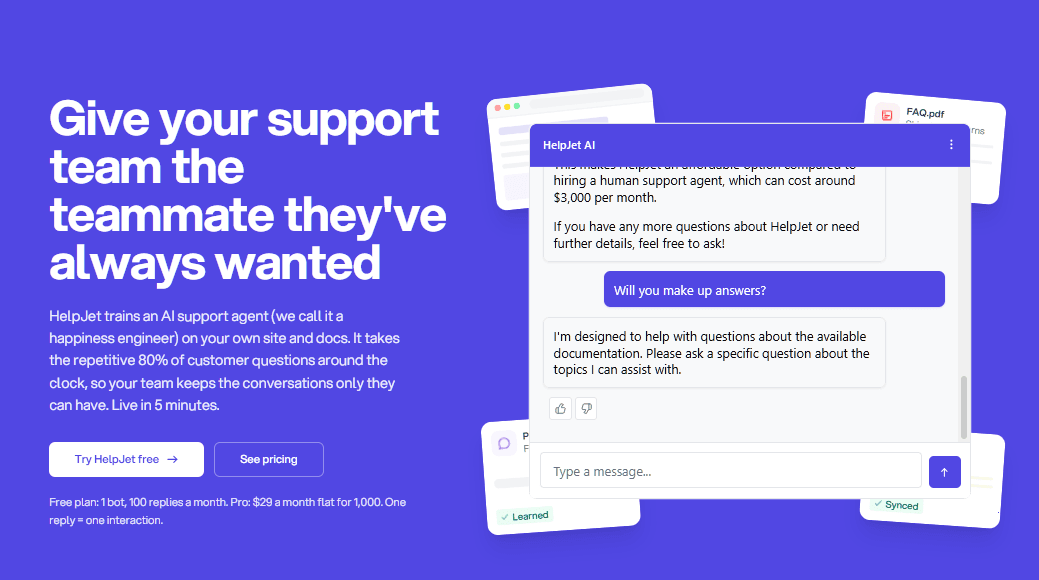
HelpJet is our AI support chatbot, and it's first because it solves the most common real estate problem with the least setup. Answering visitor questions at any time using content you've already written.
The setup hardly takes 5 minutes. You point it at your website, a sitemap, WordPress posts, PDFs, YouTube videos, or pasted text, and it builds an assistant that answers from that material.
Key Features:
- Trains on existing content: Websites, sitemaps, WordPress posts (including custom post types), uploaded files, YouTube videos, and pasted text.
- Four deploy options: A floating widget, an inline page embed, a shareable chat link, and a free WordPress plugin.
- Grounded answers: The bot says when it doesn't know, which keeps it from inventing listing details.
- Activity tab: Every conversation is logged, so you can spot missed buyer questions and add a page to cover them.
- Built-in preview: Test the bot against your real content before any client sees it.
- Team access: Invite teammates and control who can edit each bot with per-bot roles.
- Lead generation: Set goals for your chatbot, such as calling you or directing visitors to a landing page or support form.
Cons:
- There is no native IDX or MLS feed. The bot won't recognize that a listing has gone pending until your site is updated and the bot re-learns the page.
- No SMS, WhatsApp, or Messenger
Pricing
HelpJet's Free plan costs $0 forever with one bot and 100 interactions a month. Pro costs $29 a month or $23 a month billed annually for three bots and 1,000 interactions, with a 14-day Pro trial.
2. Reallyo AgentAI
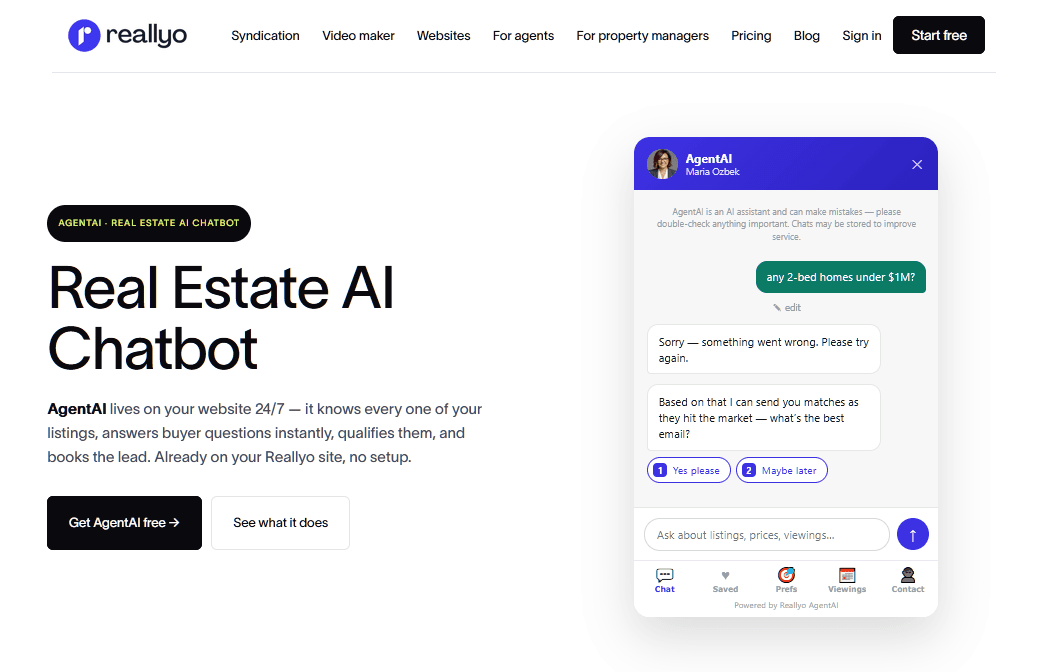
Reallyo AgentAI answers from your actual listing records, not from web pages.
For example, if you ask it for "two-bedroom listings under $3,000 with a balcony," it will return listing cards with photos, prices, and bed/bath counts.
Reallyo real estate ai chatbot is great for answering questions about price, number of bedrooms, location, and property status.
It can also capture name, email address, phone number, budget, and timeline information. Book viewings and handle home valuation and affordability questions.
Key Features:
- Listing-aware answers: Uses the price, beds, baths, and descriptions in your Reallyo account.
- Lead qualification: Captures contact details, budget, and timeline around the clock.
- Viewing requests: Books viewings into your Reallyo workflow.
- Seller and finance questions: Handles valuation and affordability conversations.
- Rental syndication: Every plan, including free, sends rentals to Reallyo's portal network.
Cons:
- Listings must be on Reallyo. Currently, the bot cannot read WordPress or IDX listings (sync is on the roadmap).
- The platform is better suited to leasing agents than to luxury sales teams.
- "Free" means one listing. It's a test drive for most agents.
Pricing
Reallyo is free for one active listing with no credit card, and paid plans run $39 a month for 10 listings up to $89 a month for 100, with AgentAI included on every plan.
For a rental agent, that's strong value because you get a website, syndication, and a listing-aware bot for one price.
3. BotPenguin
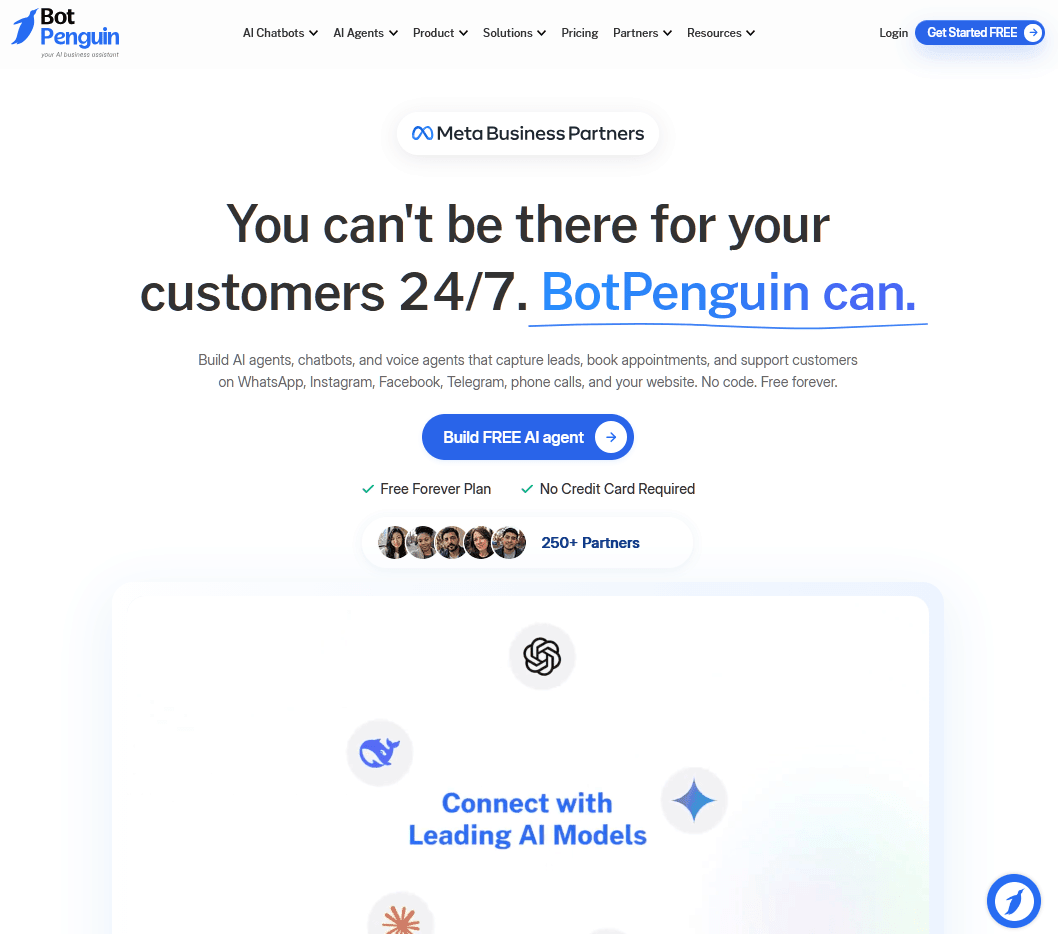
Think of BotPenguin as the Swiss Army knife of free real estate bots. Lots of small tools, none best in class. I'd use it if your leads arrive through WhatsApp or Instagram and you want one bot on every channel.
It's a no-code chatbot builder that deploys to websites, WhatsApp, Messenger, Instagram, and Telegram, with a WordPress plugin and real estate lead-generation templates.
The BotPenguin AI can train on your website content and documents.
Key Features:
- Omnichannel deployment: Website, WhatsApp, Messenger, Instagram, and Telegram from one builder.
- Real estate templates: Prebuilt buyer and seller lead flows.
- AI on the free plan: AI answers draw from the same free message pool.
- Live chat: Take over when a lead is hot.
Cons:
- The 100 conversation limit goes fast.
- Complex if you want a simple chatbot to start with.
Pricing
BotPenguine Baby plan is free forever with one bot, 1,000 messages, and 100 conversations a month, and paid plans start at $29 a month, with two months free on yearly billing.
4. Zoho SalesIQ
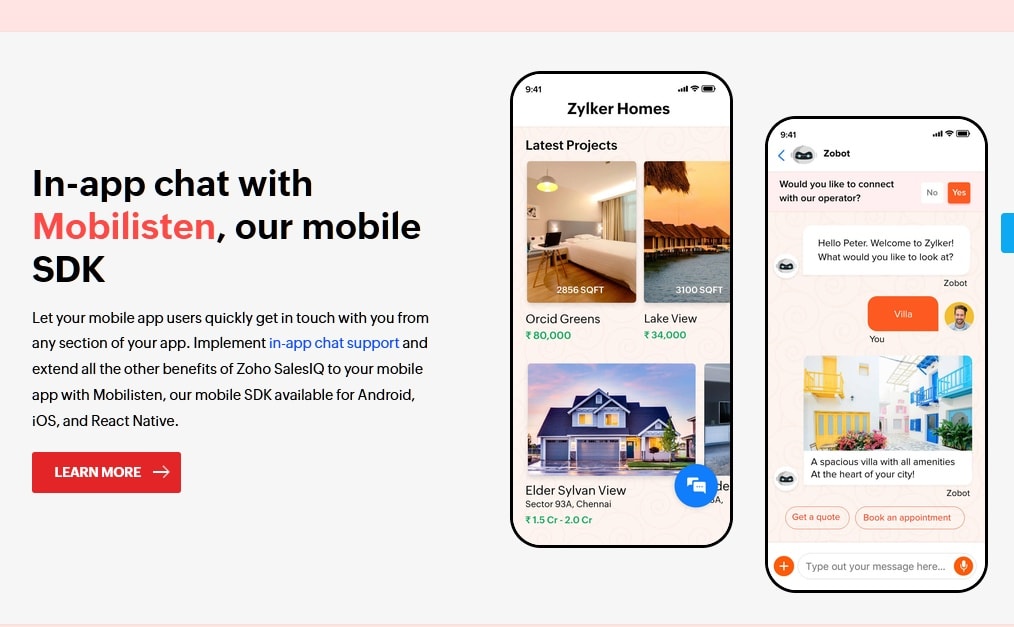
Zoho has a long reputation for affordable business software, and Zoho SalesIQ brings that to website chat. For brokerages already running on Zoho, SalesIQ is the obvious free starting point.
The strength of Zoho SalesIQ is its ability to see who's on your site right now, allowing you to start a chat when a visitor moves from a listing to your mortgage page.
Key Features:
- Three free operators: Enough for a small team to share chat duty.
- Real-time visitor tracking: See pages viewed before you say hello.
- Zobot builder: Codeless and programmable options for complex flows.
- Zoho ecosystem: Connects to Zoho CRM, Desk, and Bookings.
Cons:
- Complex setup: The builder is hard for non-technical users.
- Best inside Zoho. Other CRMs lose most of their appeal.
Pricing
Zoho SalesIQ free plan costs $0 for three operators, 100 chats, and 10,000 visitors a month, and paid plans from $7 to $20 per operator per month, with a 15-day trial.
If you already pay for Zoho CRM, it's excellent value.
5. Collect.chat
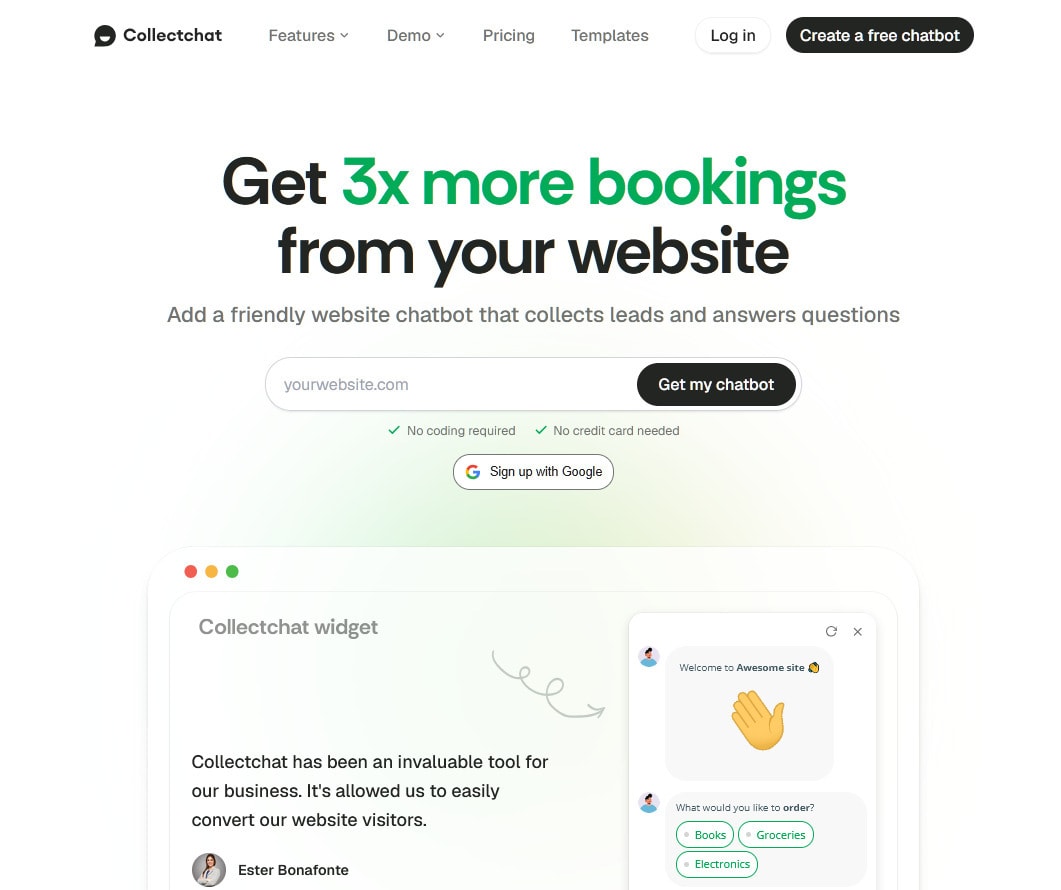
Collect.chat is a clipboard, not a concierge, and sometimes a clipboard is what you need. It builds conversational forms that ask one question at a time, so you get clean, structured lead data.
It publishes real estate templates for property inquiry, buyer and renter qualification, and mortgage surveys, which you can run as a chat widget, embed, or share as a link in a listing.
Key Features:
- Real estate templates: Property inquiry, buyer/renter qualification, and mortgage forms.
- AI form builder: Describe the form and customize from there.
- Flexible sharing: Widget, page embed, or standalone link.
- Logical jump: Buyers and sellers see different paths.
- Appointment booking and WhatsApp: Available on paid plans.
Cons:
- It's not an AI chatbot. It can't answer the question, "Is the HOA fee negotiable?"
- Key features are paid. Booking and WhatsApp are above the free level.
Pricing
Collect.chat is free forever for 100 responses a month, and paid plans run $14 a month (Lite), $29 a month (Standard), and $149 a month (Unlimited) billed yearly, with a 30-day refund.
Standard is the plan most agents will want.
6. tawk.to
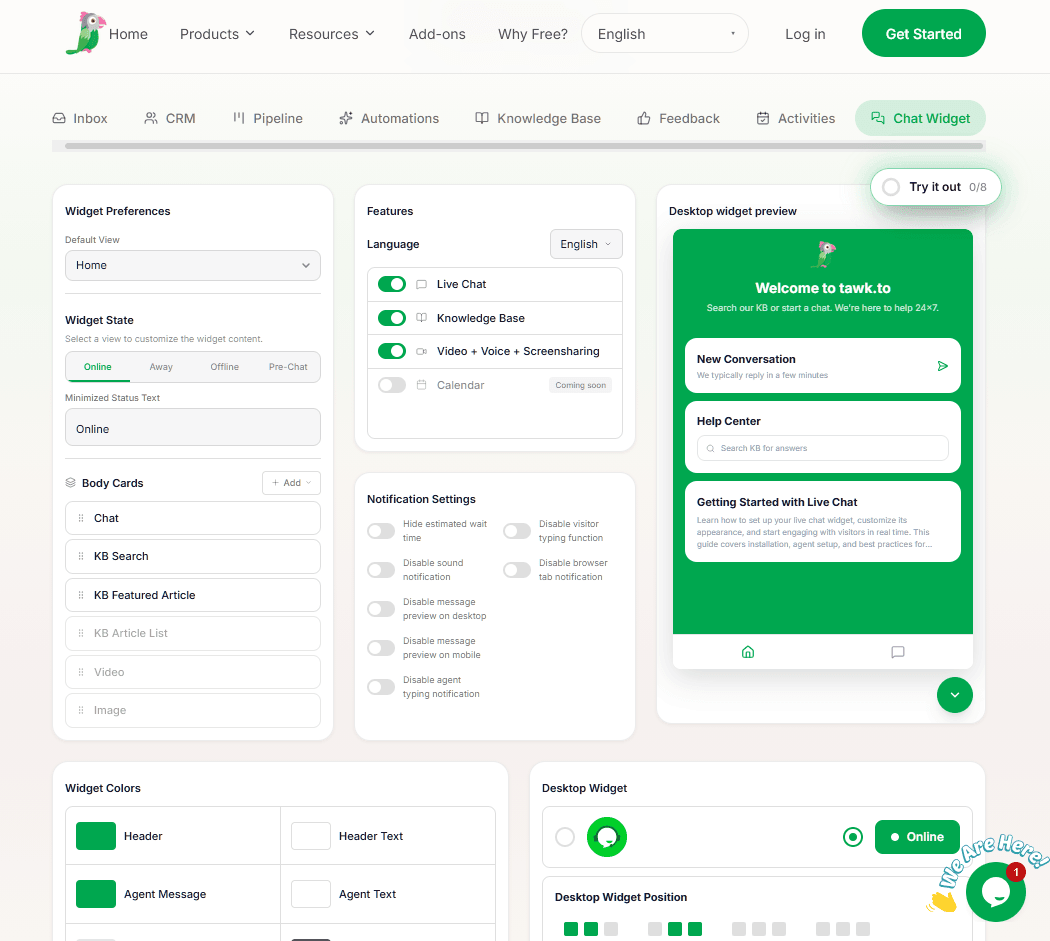
tawk.to is right when you have people ready to chat and need a free place to do it.
tawk.to provides live chat, a shared inbox, ticketing, a knowledge base, and contacts are free with unlimited agents, and the company earns money from add-ons.
Key Features:
- Unlimited agents for free: Your whole team can answer chats.
- Free knowledge base and ticketing: Host buyer FAQs in the same tool.
- AI Assist: Multichannel AI agent with a free low-volume tier.
- Mobile apps: Answer leads from an open house.
Cons:
- AI is an add-on. The free AI tier is intended for testing purposes.
- Removing the branding badge costs $29 a month.
Pricing
Tawk core platform is free with unlimited agents, and AI Assist starts at $29 a month for 1,000 message credits after the free Hobby plan, with branding removal another $29 a month.
For a team that answers chats in person, it's the best free value here.
7. Brevo
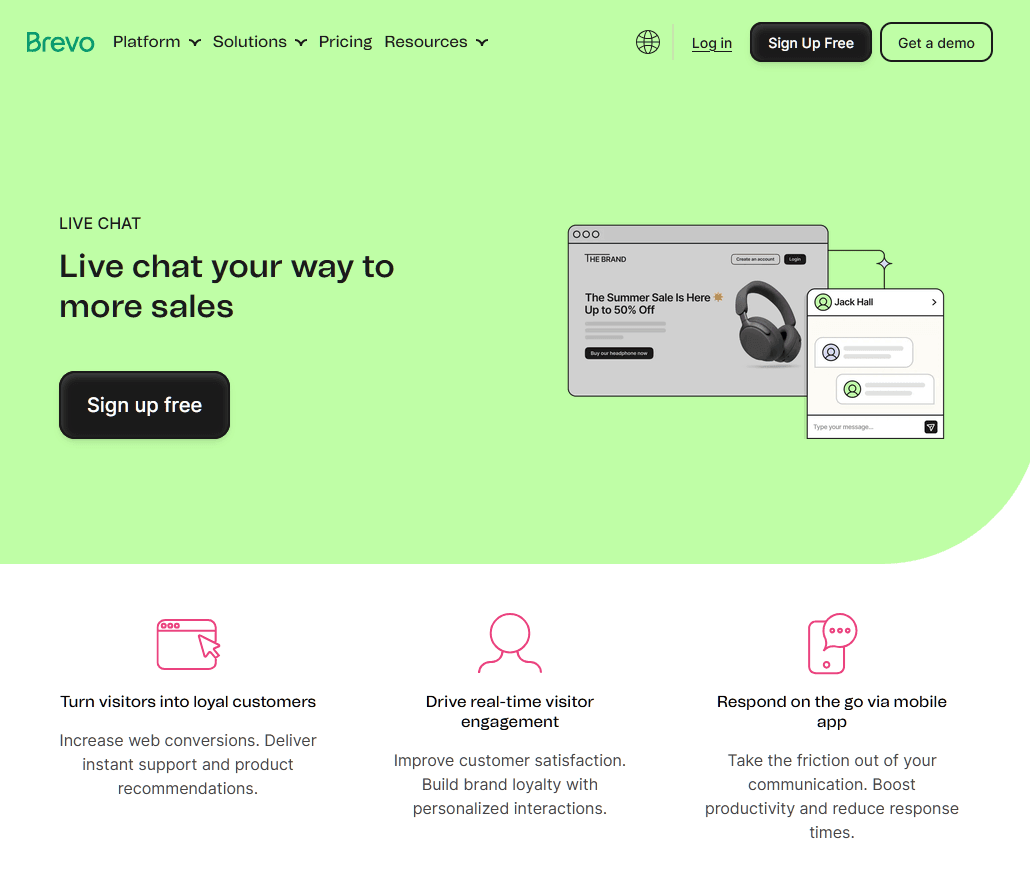
Brevo is built for the long game. Its free plan bundles live chat, a sales CRM, and email marketing with 300 emails a day and room for up to 100,000 contacts.
Which fits the real estate scenario: a buyer chats in October, lands in your CRM, and receives monthly market updates until they're ready to buy in March.
Key Features:
- Free live chat: One user, unlimited chats.
- Free CRM: Track buyer and seller deals in a pipeline.
- Email nurture: Drip campaigns for leads who aren't ready yet.
Cons:
- The chatbot needs a paid plan.
Pricing
Brevo's marketing plan is free forever with 300 emails a day, a CRM, and one-user live chat, and Conversations Pro costs about $15 per user per month.
8. Botpress
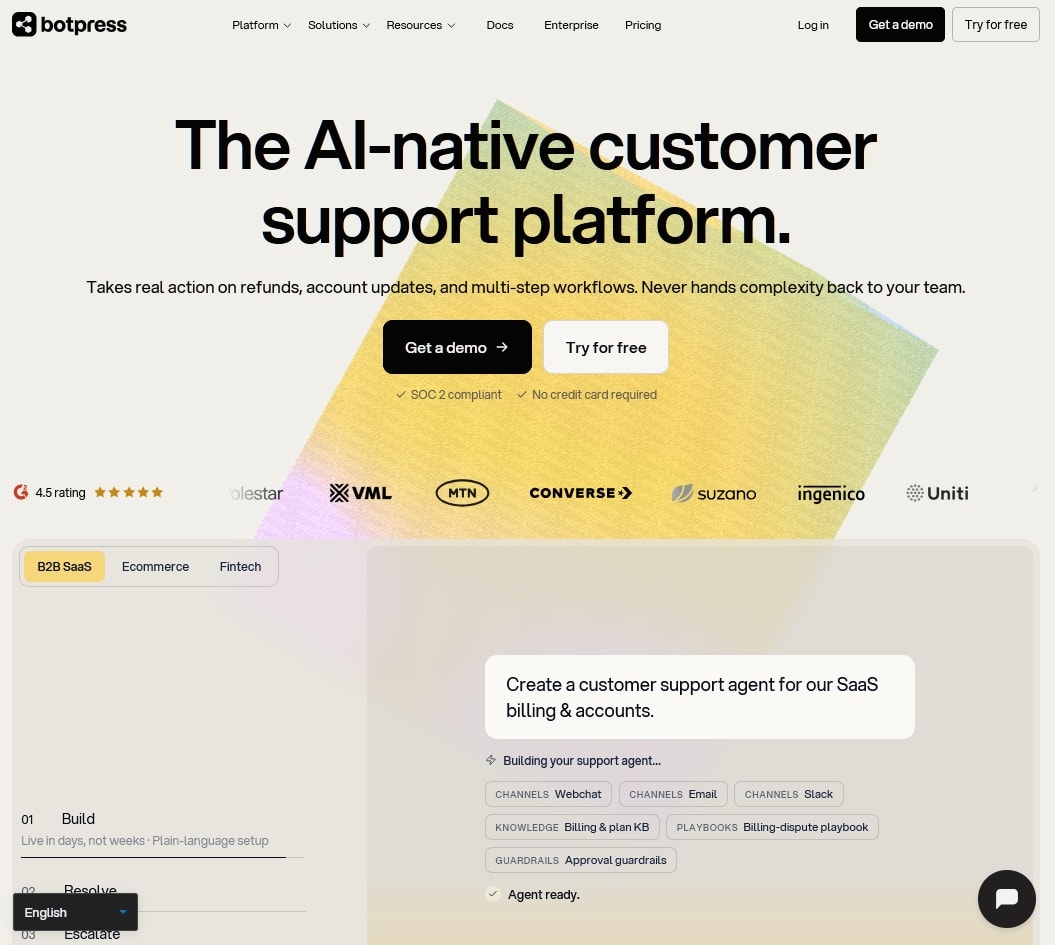
Botpress is a builder's platform whose visual Studio lets you design custom flows, connect APIs, and deploy to multiple channels.
Try Botpress if you're a brokerage with a developer and a specific workflow in mind, like pushing tagged leads into your CRM.
For anyone else, setup time costs more than a paid plan elsewhere.
Key Features:
- Visual flow builder: Drag-and-drop logic for complex qualification.
- Integrations: CRMs, webhooks, and APIs.
- AI agents: Combine scripted steps with AI answers.
Cons:
- Steep learning curve.
- Paid tiers jump fast.
Pricing
BotPress offers a free tier with limited usage. Paid plans start at $150 per month when billed annually, and include bundled AI spending.
Frequently Asked Questions
Can a Chatbot Replace a Real Estate Agent?
No, and you shouldn't want it to. Chatbots handle availability, hours, process questions, and contact details well, but pricing advice, negotiation, and reassuring a nervous first-time buyer still need you.
Are AI Chatbots Safe for Real Estate Websites?
They're safe when you control what they say. Use a bot that answers with content you provide. Test it before launching it and tell it not to describe neighborhoods based on the people who live there. This will keep it clear of fair housing problems. Review transcripts regularly.
Final Thoughts
There isn't one real estate chatbot that works for every agent:
- A solo agent may need a simple bot that answers listing questions and collects contact details.
- A rental business may benefit more from listing-aware answers,
- A brokerage with multiple agents might need CRM integrations and shared inbox access.
Think about where your leads come from, what questions they ask, and how your team handles inquiries. Use those needs to narrow your options.
A real estate chatbot that fits your daily workflow will deliver more value than one with dozens of features you'll never use.
Keep reading
- 9 Best Free WordPress AI Plugins for 2026 (Reviewed and Compared)Can a small business run on free WordPress AI plugins for months? Compare nine options by credits, API costs, and safety before you install.
- How To Deal with Angry Customers in 2026 (Scripts and Real Examples)Learn how to handle angry customers with proven de-escalation steps, calm response scripts, and practical ways to resolve complaints.
- 10 Best DocsBot Alternatives and Competitors (2026 Guide)
Put this into practice
HelpJet learns your docs and takes the repetitive questions off your plate. Set up in about 5 minutes.
Try HelpJet freeShare this article