9 Best Free WordPress AI Plugins for 2026 (Reviewed and Compared)
On this page

Most WordPress AI plugins are free to install. Fewer are free to use, and many site owners are surprised by a bill for this reason.
Running AI tools is costly, but there is no shortage of good free options.
In this guide, we will cover 15 free WordPress AI plugins across support, content, SEO, forms, images, translation, spam, and automation. Which are worth installing today.
Let’s check them out!
Are AI Plugins Safe to Use on WordPress?
AI WordPress plugins are as safe as the permissions you give them.
A plugin that drafts text in the editor is low risk, while an AI agent that can edit users, install plugins, or run code on your server needs the same care you'd give a new admin account.
Back up your data, test agent features on a staging site, and use per-user access controls where the plugin offers them.
How We Picked and Reviewed These AI Plugins
We started with every AI plugin for WordPress we could find that has a free version, then cut the list down by asking one question about each: could a small business run on the free tier for a few months without hitting a wall on day two?
After that we did a little bit of hands-on testing to see how useful these plugins are:
- How long the free AI keeps working, and what happens when it stops.
- Whether you need your own API key, and how predictable that bill is.
- What content leaves your site and where it goes.
- Whether the AI saves time on a task you'd otherwise do by hand.
- Update frequency and compatibility with Latest WordPress 7.0 and 7.1.
- What users complain about in reviews and support threads.
A few well-known names didn't make it. Others are worth checking out.
The Best Free WordPress AI Plugins in 2026
1. HelpJet: Best Free AI Chatbot for WordPress Support

HelpJet is built to answer repeated questions with the help of AI and your knowledge base and website content. You point it at your website, docs, and files, and it trains an AI support agent that answers from your content instead of whatever the model picked up on the open internet.
HelpJet is a hosted service with a free WordPress plugin. The plugin's job is small on purpose: it connects your site, then shows the chat as a floating widget, an inline HelpJet Chat block, or a [helpjet] shortcode. Training, tone, and appearance are handled in the HelpJet dashboard.
Key Features:
- Trains on your website, docs, and uploaded files, then refreshes weekly or whenever you ask.
- Three ways to show the chat: a site-wide floating widget, the HelpJet Chat block, or the [helpjet] shortcode with an optional height, like [helpjet height="500px"].
- A helpjet_show_widget filter for hiding the bubble on pages like checkout.
- When it can't help, it points visitors to your contact form, email, or phone instead of guessing.
- Past conversations show you what people asked, which is a quick way to spot holes in your docs.
- No API key and no token math, since one reply counts as one interaction.
- The chat script loads after the page renders, and nothing loads at all until you connect.
- Suggested privacy-policy text is added to WordPress's built-in privacy guide.
Cons:
- The free limit is a hard stop.
- HelpJet isn't a help desk. There's no ticket queue or shared inbox, so you'll want something like Heroic Inbox for the conversations the bot hands off.
- Chatbot settings live outside WordPress, so you'll be working in two dashboards.
Pricing
HelpJet offers a Free plan for one bot and 100 replies a month, and Pro is $29 a month (billed yearly) for three bots and 1,000 replies, with a 14-day trial.
Extra replies cost $30 per 1,000 with a spend cap you set, so even HelpJet's own example of a busy 2,400-reply month comes to a predictable $89.
2. AI Engine: Best Free AI Plugin for Developers and AI Agents

AI Engine can hand your WordPress site to Claude or ChatGPT. Switch on its free MCP server, and those assistants can read and edit posts, pages, media, and comments through plain conversation, approving changes as they go. That part doesn't even need an API key, because the assistant connects with the plan you already pay for.
The rest of the plugin works on your own keys, which makes it the most flexible way on this list to bring ChatGPT, Claude, or Gemini into WordPress.
You get chatbots, a Content Studio for drafts, an Image Studio, a Playground for comparing models’ side by side, and a full-screen AI chat inside wp-admin called Workspace (with free phone apps).
The free version is generous as well, with more than 130 MCP tools and no usage cap.
AI Engine is a well-stocked workshop: every tool is on the wall, and you're expected to know what each one does. That's why developers love it, and its 90,000+ active installs and steady stream of glowing forum reviews back that up.
Key Features:
- Free MCP server: More than 130 tools for posts, pages, media, comments, users, and taxonomies, with OAuth sign-in for Claude and ChatGPT.
- Chatbots with five built-in themes, file uploads, and conversation memory.
- Workspace, a full-screen AI chat in the admin that works with every model you've configured.
- Content Studio, Image Studio, and an editor Copilot that fixes grammar, rewrites, and translates.
- Automatic alt text and image analysis through vision models.
- GDPR tools, IP hashing, and word filtering for public chatbots.
- Developer APIs, REST endpoints, and hooks for building your own AI features.
Cons:
- You pay the AI provider for every chatbot message, and per-role usage limits are a Pro feature. Set a spending cap with your provider first.
- Answering from your own content (embeddings and content-aware mode) requires Pro.
- There's a lot here. Expect to spend an afternoon learning where everything lives.
Pricing
AI Engine is free on WordPress.org, and Pro starts at $59 a year for one site. Your ongoing cost is API usage, which you pay to your provider directly at their price with no markup from Meow Apps.
3. The WordPress AI Plugin: Best for Trying Core's Official AI Features
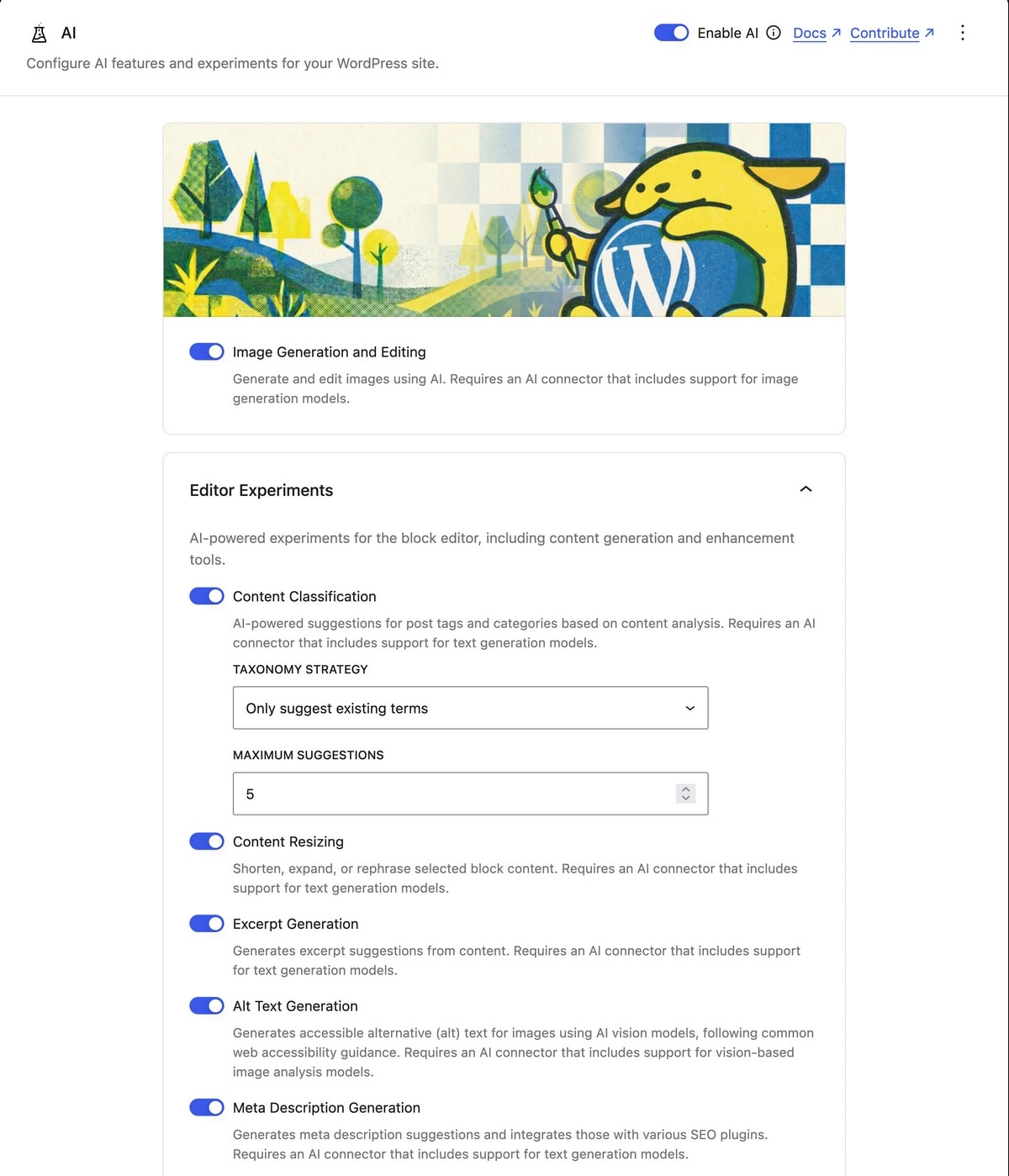
WordPress's own AI is less about a flashy chatbot and more about shared infrastructure, and I think that's the right priority.
One place for keys, one permission model, and a request log you can audit will make every other WordPress AI plugin safer to run.
All of it is free, but none of it works without a provider. You'll install a connector plugin (Anthropic, Google, OpenAI, or a free local option through Ollama), then pay that provider for usage.
The plugin also requires WordPress 7.0.3 or newer and the block editor, and the team still labels it experimental.
Key Features:
- Title, excerpt, slug, and meta description suggestions that pass straight into popular SEO plugins.
- Editorial Notes: Block-by-block feedback on readability, grammar, accessibility, and SEO, with an option to apply the fixes.
- Alt text generation, including bulk generation from the Media Library.
- Image generation and editing inside the post editor.
- Content translation for paragraph and heading blocks.
- Comment moderation that scores toxicity, sentiment, and how on-topic each comment is.
- AI request logging, so you can see every call your site makes to an AI provider and spot errors.
- Connector Approvals and Key Encryption, which control which plugins may use your AI keys and encrypt those keys at rest.
Cons:
- It requires WordPress 7.0.3 or newer and the block editor.
- There are no free credits.
Pricing
The AI plugin and its connector plugins are free, and you pay only your AI provider's usage rates. Text features, such as titles and excerpts cost very little per post, while image generation costs noticeably more per request, so limit it on multi-author sites.
Note: If you already run AI Engine, its developer recommends against running both plugins side by side. AI Engine can manage the Connectors screen for you instead.
4. All in One SEO (AIOSEO): Best for AI Titles, Meta, and Alt Text
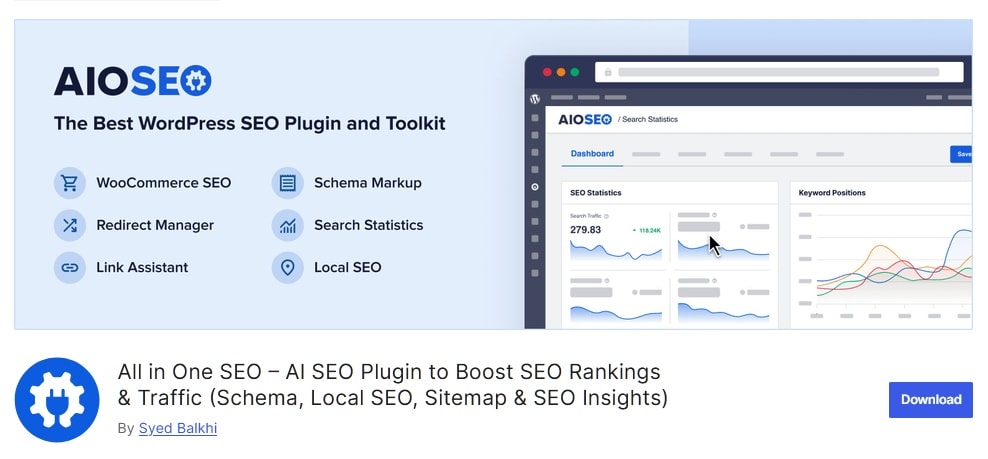
AIOSEO has leaned into AI harder than most SEO plugins. Version 4.8.8 opened the AI Assistant and AI Image Generator to every user.
The plugin now includes an AI Content Generator, bulk AI actions for titles, descriptions, and alt text, and support for the WordPress Abilities API. It all runs on AIOSEO's credits, so there's no API key to manage.
The bulk actions are the most practical part for small businesses. Writing alt text and meta descriptions for 200 old posts is the kind of chore nobody gets to, and AIOSEO can work through it in one pass once you buy credits.
Key Features:
- AI Content Generator for titles, meta descriptions, FAQs, and full drafts.
- An AI Assistant block for writing and rewriting inside the editor.
- AI Image Generator.
- Bulk AI actions: Generate titles, descriptions, and alt text across many posts at once.
- Runs on AIOSEO credits only, with no API key.
Cons:
- The 100 free credits never refill.
- Purchased credits expire after one year.
Pricing
AIOSEO Lite includes 100 one-time AI credits, and credit packs start at 10,000 for $9.99. The Basic license is $49.50 for the first year on one site and renews at $99.
5. Jetpack AI Assistant: Best for Quick Writing Help in the Block Editor
Of all the AI writing tools here, Jetpack AI Assistant feels the most like it belongs in WordPress, which makes sense since Automattic builds both. Type /ai in the block editor, describe what you want, and the AI block writes paragraphs, lists, or tables in place.
The problem is the free tier. You get 20 requests per site, and they don't renew. Which is also enough to decide whether you like it and nowhere near enough for regular writing.
Key Features:
- The AI Assistant block for paragraphs, lists, and tables.
- Tone changes and grammar fixes on existing text.
- Title, summary, and excerpt generation.
- Translation into other languages.
- Image generation (logo generation needs a paid plan).
Cons:
- Only 20 free requests, for the life of the site.
- Requires connecting your site to WordPress.com through Jetpack.
- Output on niche topics tends to be generic.
Pricing
Jetpack AI includes 20 free requests per site, and paid plans run about $9.95 a month after a discounted first year.
6. WPForms: Best Free AI Form Builder
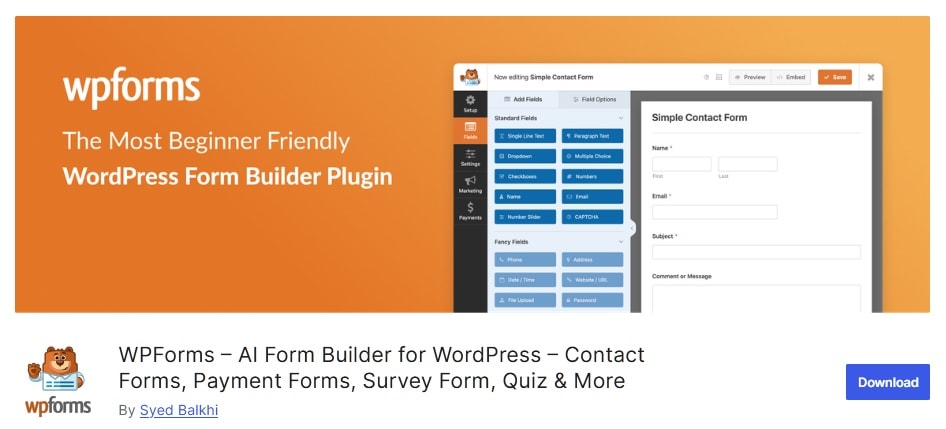
With 5 million+ active installs on WordPress.org, WPForms is one of the most-used plugins in the directory, and the free AI tools give you one more reason to keep it.
The AI Form Builder creates fields from a prompt, Smart Edit changes an existing form when you describe the change, and AI Choices fills in dropdown and checkbox options for you.
WPForms has also been early to WordPress's agent features. You can build forms through Claude or ChatGPT by way of the Abilities API and SeedProd's free WPVibe MCP plugin, which is a neat trick for agencies spinning up client sites.
Key Features:
- AI Form Builder: Generates a complete form from a plain-English description.
- Smart Edit, which changes fields, logic, and notifications when you ask.
- AI Choices for filling in dropdown and checkbox options.
- Stripe, PayPal, and Square payments in Lite, with a 3% transaction fee.
- Built-in spam protection, plus Akismet integration.
- Lite Connect, which backs up entries so you can restore them if you upgrade.
Cons:
- Entries aren't viewable in the WordPress dashboard on Lite.
- Lite adds a 3% fee to every payment.
- Conditional logic and most marketing integrations are paid.
- Upgrade prompts show up often in the builder.
Pricing:
WPForms Lite is free, AI tools included, and paid plans start at $49.50 for the first year. If you take payments regularly, upgrading usually costs less than the 3% Lite fee.
7. Uncanny Automator: Best for AI-Powered WordPress Workflows
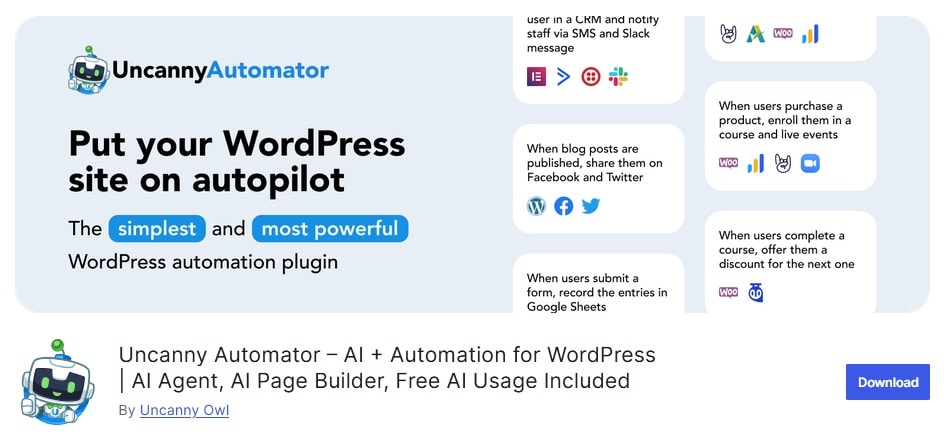
Uncanny Automator began as a way to connect WordPress plugins with "if this, then that" recipes, and in 2026 it's also an AI agent for your site.
Uncanny Automator recipe builder still does the heavy lifting: when a form is submitted, a course is completed, or an order comes in, Automator runs whatever actions you've chained together.
AI shows up in two different ways, and they're easy to mix up. The Uncanny Agent is a site-aware assistant that answers questions like "how many orders came in this week?" and runs actions on request, with free usage and no API key.
Key Features:
- A visual recipe builder with unlimited WordPress automations on the free plan.
- Uncanny Agent: A site-aware assistant that answers questions and runs actions for you.
- AI recipe actions for generating, summarizing, and translating text with seven AI providers.
Cons:
- Two AI models in one plugin (included agent usage vs. BYOK recipe steps) confuse new users.
- App credits are finite on the free plan.
Pricing
Uncanny Automator is free with agent usage and 250 app credits, and an annual Pro license adds more AI usage and unlimited app actions.
8. Angie by Elementor: Best Agentic AI for Elementor Sites
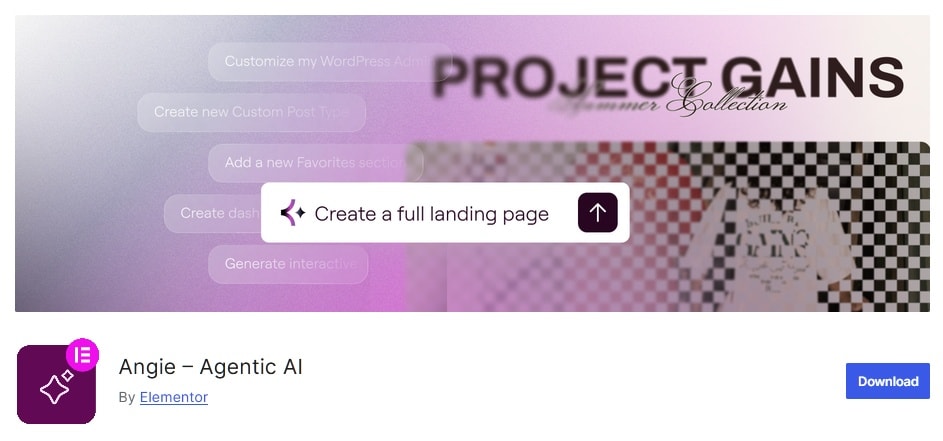
Most AI plugins give you a suggestion and wait. Angie, Elementor's separate AI agent plugin, takes the next step: describe a task, and it plans the work, asks you to confirm, then carries it out inside your site.
Angie is easy to confuse with Elementor's other AI products, so here's the split. Elementor AI is the paid writing and design assistant inside the Elementor editor, while Angie is a free, optional plugin that acts on the site itself, building widgets, writing code snippets, and working with WooCommerce, ACF, and the block editor.
Angie is the boldest AI on this list, and boldness cuts both ways. An agent that can write and run code saves hours on repetitive builds.
Key Features:
- Plans tasks and asks for confirmation before acting.
- AI-generated widgets and code snippets.
- Super Admin Mode for site-wide changes.
- Works with WooCommerce, ACF, and the block editor.
- Free credits that renew daily.
Cons:
- Super Admin Mode on a live site is a real risk without backups.
- Credits work differently across Elementor's AI products, which is confusing.
Pricing
Angie is free with daily credits, and Elementor One (roughly $14-19 a month depending on promotions) includes a larger monthly credit pool shared across Elementor's AI tools. For occasional builds, the free credits are a fair deal.
Pro tip: Before you let any AI agent touch your site, take a full backup. Restoring takes minutes, and debugging an AI's confident mistake can take a day.
9. Alt Magic: Best Free AI Alt Text Generator
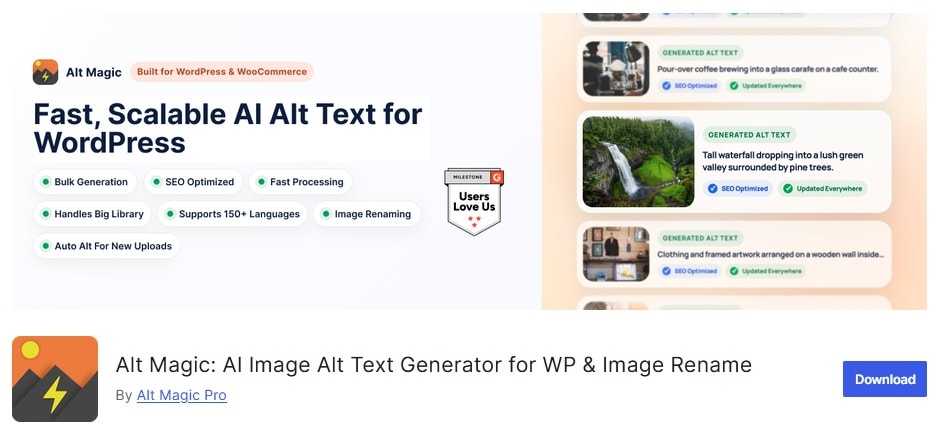
Alt Magic writes descriptive alt text automatically when you upload an image, and it can work back through your existing library in bulk.
With its free tier, you get 50 credits every month. Alt Magic can also rename image files with AI, though that uses the same credits.
Key Features:
- Automatic alt text on every new upload.
- Bulk generation for images already in your media library.
- Optional AI file renaming.
Cons:
- Images are sent to an outside AI service for analysis.
- Decorative images and charts still need your judgment.
Pricing
Alt Magic is free with 50 credits a month, and paid credit plans scale up for bigger libraries. For steady uploads on a small site, the free tier may be all you ever need.
Final Thoughts: Free WordPress AI Plugins in 2026
The free WordPress AI plugin market is divided into three categories: bring-your-own-key toolkits, credit-based samplers, and hosted services with free plans that require renewal.
Once you know which group a plugin belongs to, you have a good understanding of what its "free" label means.
If you run a business site, start with the task that eats the most hours each week.
For most support teams, that's answering the same questions over and over, which is why HelpJet tops this list. Pair it with WPForms for intake forms and Alt Magic for your image backlog, and you've covered a lot of ground without spending anything.
Further Reading:
Keep reading
- How To Deal with Angry Customers in 2026 (Scripts and Real Examples)Learn how to handle angry customers with proven de-escalation steps, calm response scripts, and practical ways to resolve complaints.
- 10 Best DocsBot Alternatives and Competitors (2026 Guide)
- 8 Best Free AI Chatbots for Websites in 2026Compare 8 free AI chatbots for websites by free plan limits, AI features, setup and upgrade cost, and find the right free chatbot for your site.
Put this into practice
HelpJet learns your docs and takes the repetitive questions off your plate. Set up in about 5 minutes.
Try HelpJet freeShare this article