8 Best Free AI Chatbots for Websites in 2026
On this page

The best free AI chatbot for your website depends on your needs. For example, an online store may need assistance with products, shipping, and returns, whereas a B2B company may prioritize lead capture and appointment scheduling. Developer teams may want more control over code, hosting, and data.
Free plans vary just as much. Some offer AI-generated answers, while others rely on scripted flows and automation.
In this guide we will list 8 free website chatbots and AI chatbot tools by features, usage limits, setup, integrations, and upgrade costs.
Let’s find the one that suits your needs.
Why Use a Free AI Chatbot for Your Website
Most visitors won't search a help center, and plenty won't wait a day for an email reply. An AI chatbot can sit on every page and answer customer questions in real time, at any hour.
Small teams that can't cover live chat around the clock usually feel the difference easily, especially when a free chatbot for a small business website can handle common questions after hours.
You'll typically notice it in your inbox before anywhere else: Questions about shipping times, password resets and "do you have a discount?" get answered in the chat window, so fewer of them turn into tickets.
A bot can also grab an email address from a visitor who was about to leave.
A free chatbot keeps the experiment low risk.
Train a bot, leave it running for a month, and read the chat logs; if it's handling real questions, then think about paying.
For a wider look at AI in support teams, including paid tools, check out our roundup of AI chatbots for customer support.
What a Free AI Chatbot for a Website Can Offer
"AI chatbot" gets used for three different kinds of software, and it helps to know which one you're signing up for:
- Knowledge-trained AI chatbots: You point the bot at your website pages, help docs, or PDFs, and a large language model generates answers from that content.
- Rule-based flow builders: You build the conversation as a decision tree with buttons. It's predictable, but a question you didn't plan for gets a polite "Sorry, I didn't catch that."
- Developer frameworks: You get language understanding and full control, and you build and host everything around it.
When people say "AI chatbot," they usually mean the first kind. Under the hood, the bot breaks your website content and knowledge base articles into short passages, retrieves the ones that match the visitor's question, and asks the language model to write a reply using those passages.
The technical name is retrieval-augmented generation (RAG), and it explains the most common complaint: if your returns page is out of date, the bot's answer about returns will be too.
Common Use Cases
These are the jobs where free plans tend to earn their keep:
- Answering repeat questions about orders, returns, logins and pricing before they become tickets
- Asking a few qualifying questions, then sending the lead to your CRM or email list
- Handling product, sizing, shipping and stock questions on a Shopify or WooCommerce store
- Collecting details and booking calls for service businesses
- Covering nights and weekends, when nobody's on live chat
How We Evaluated These Free AI Chatbots
We started with more than 30 chatbot tools and dropped any that only had a time-limited trial, needed a sales call to get started, or couldn't run on a website.
Everything left had a permanent free plan as of publishing this article, though a few come with caveats we point out in their sections.
For each tool we looked at seven things:
- Free plan value: how much usage you get, and what's missing
- Whether the free plan includes generative AI or only scripted flows
- How much work a non-developer faces before the bot goes live
- WordPress, Shopify, WooCommerce, CRM, helpdesk, and website chat widget integrations on the free tier
- Branding, conversation design and training controls
- What users praise and complain about.
- Upgrade path: the price of the first paid plan, and whether that jump makes sense
Prices in this space move a lot, so double-check the vendor's page before you buy.
The Best Free AI Chatbots for Websites
Quick comparison of the free AI chatbots listed below:
Tool | Free plan limit | AI answers on free? | Best for | First paid plan |
|---|---|---|---|---|
HelpJet | 1 bot, 100 interactions/month | Yes | Support deflection on small sites | $29/month |
Botpress | 100 conversations/month (new workspaces) | Yes | Custom AI agents | 150 annual) |
HubSpot | Chatbot builder with free CRM | No, scripted flows | B2B lead capture | Paid HubSpot tiers |
Zoho SalesIQ | 3 operators, 100 chats, 10,000 visitors | Limited, check your account | Sales teams on Zoho | $7/operator (annual) |
SendPulse | 3 bots, 500 contacts, 10,000 messages | No, ChatGPT on Pro | Multichannel marketing | From $10/month |
Collect.chat | 100 responses/month | No | Lead forms and booking | 14 annual) |
Flow XO | 100 interactions, 5 bots | Limited | Chat-triggered automations | $25/month |
Rasa | 1,000 conversations/month | Yes, self-hosted | Developer teams | Sales quote |
1. HelpJet
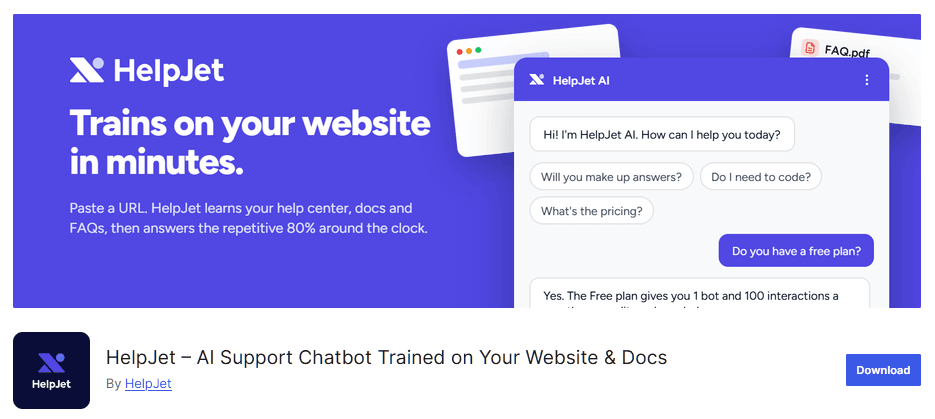
Best for: small businesses, WordPress sites and online stores that want AI answers from content they already have.
Most chatbot builders hand you a blank canvas and ask you to map out every conversation. HelpJet skips that step. You give it your help docs, website URLs, PDFs, or internal SOPs, it reads them, and about five minutes later you have an AI chatbot trained on your website content that answers customer questions in plain language.
Setup is short. You sign up, paste your site URL (on WordPress, it asks which post types to pull in), check a few answers in the preview window, then install the plugin. The bot can appear across the whole site or inside a single article through a block or shortcode.
Key Features
- Trains on URLs, help articles, PDFs and private SOPs, then re-scans them weekly
- No flowcharts to build, because the AI works out what the visitor means from what they type
- Platform support: a WordPress plugin, WooCommerce support for pre- and post-sale questions, a Shopify support, and an embed script for any other site
- Handoff to a person when the bot can't help
- A preview and training mode, so you can correct an answer before a customer sees it
- An analytics dashboard that shows what people ask and where the bot came up short
- A few free extras (an AI ticket reply generator, ticket summarizer and email reply generator) that work without the chatbot
Cons
- Your docs set the ceiling, so thin or out-of-date help articles mean thin or out-of-date answers.
Pricing
HelpJet’s free plan gets you one bot and 100 interactions a month, with no credit card and no time limit.
Pro is $29 a month (about $23 a month if you pay yearly) for three bots and 1,000 interactions, and paid plans include a 14-day free trial.
For most small business sites, this is where I'd start. No other tool on the list gets a non-technical team to useful AI answers with less setup, and the HelpJet’s free plan is enough to find out whether your visitors actually use a chatbot.
2. Botpress
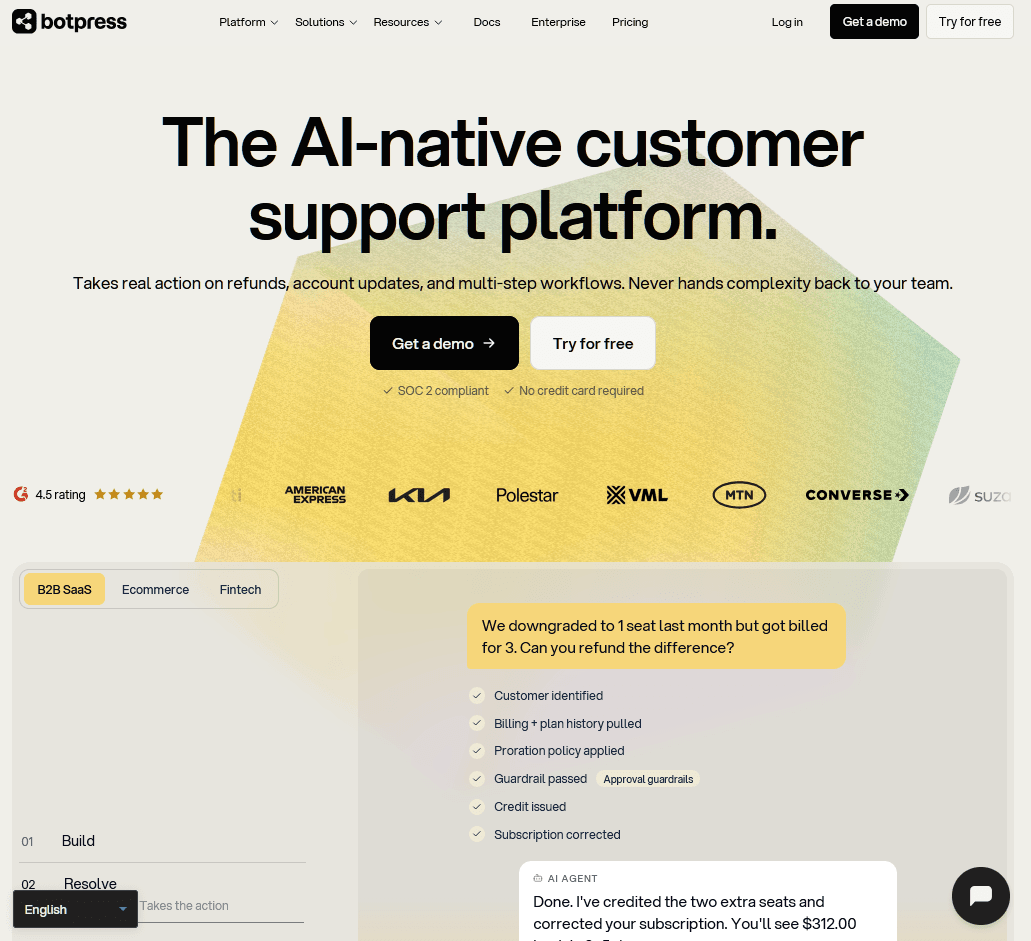
Best for: SaaS teams and agencies with someone who likes building logic
Botpress chatbot probably gives you more AI for free than anything else on this list. It's a full agent platform with a visual studio, knowledge bases, tables, and integrations with HubSpot, Salesforce, Zendesk and Intercom. One agent can run on your site's webchat, WhatsApp and Slack at the same time.
Pricing changed in a big way this year. On May 14, 2026, Botpress switched from billing per message to billing per conversation, where any exchange with at least two visitor messages counts as one. AI usage is now built into each plan, so you no longer pay model providers separately.
For new users, the free plan got smaller. Workspaces created after May 14 get 100 conversations a month, while older workspaces kept the previous deal of 500 incoming messages plus a $5 monthly AI credit.
Key Features
- A visual studio where you mix AI steps, knowledge base lookups and your own logic
- AI usage included on the free plan, with no separate model bill
- Deployment to webchat, WhatsApp, Slack and other channels
- Integrations with HubSpot, Salesforce, Zendesk and Intercom, plus Botpress's own helpdesk product
- A busy Discord community where you can ask other builders for help
Cons
- Expect a learning curve.
- Going from free to Plus is a big jump for a small business.
Pricing
Botpress’s free plan includes 100 conversations a month for new workspaces. Plus costs $189 a month, or $150 a month billed yearly, for 250 conversations, and Team is $750 a month billed yearly.
If you want the most capable free AI chatbot builder, pick Botpress. It’s very flexible, and you can see why: the same studio handles a simple FAQ bot and an agent that looks up orders in your CRM.
I'd still steer a solo shop owner who needs a bot live by lunch somewhere simpler.
3. HubSpot Free Chatbot Builder
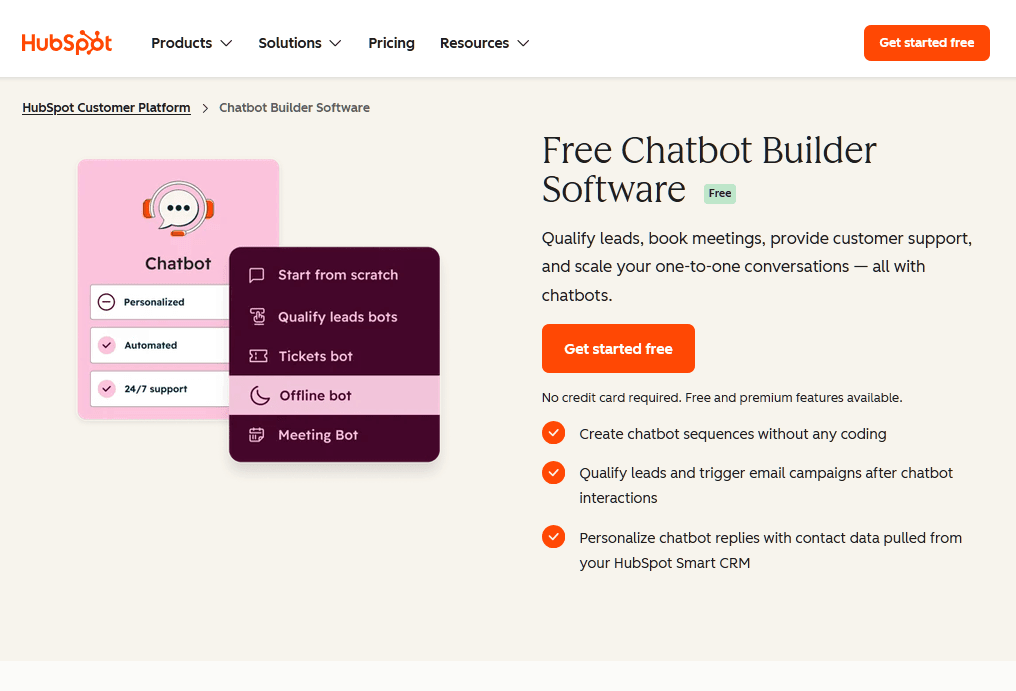
Best for: B2B companies that want every lead to land in a CRM
HubSpot's free chatbot builder makes the most sense when your site's main job is lead generation with a website chatbot. Every chat lands in HubSpot's free CRM, and you can build flows that qualify leads, book meetings, open support tickets and route visitors to the right person, all without code.
The free version doesn't expire and doesn't ask for a credit card. Conversations go into a shared inbox in the CRM, so anyone on your team can see a contact's full history.
What you won't get for free is AI. The free builder follows the script you write, and a question outside that script goes nowhere. HubSpot's AI customer agent (part of its Breeze AI tools) is on paid tiers, along with if/then branching and knowledge base search.
Key Features
- No-code flows for capturing leads, booking meetings and creating tickets, with templates to start from
- A free CRM that creates or updates a contact record from every chat
- Live chat handoff through a shared inbox
- Separate free bots for scheduling meetings and triaging support
- Chat answers that can kick off follow-up emails
Cons
- The free plan has no generative AI, only scripted paths.
- Most of the value assumes you use HubSpot's CRM.
- Getting AI answers means a big price jump.
Pricing
The chatbot builder and live chat come free with HubSpot's free CRM, with no credit card and no expiry. AI answers and advanced bot logic need a paid Professional or Enterprise plan.
For collecting names, emails and meeting times, HubSpot's free bot is dependable. It also won't make up an answer to a question you didn't script, which is a limitation most of the time and a relief when the question is about legal terms or pricing.
If your sales team already works in HubSpot, use it for lead capture. If you need a bot that answers open questions, pick a different chatbot from this list.
4. Zoho SalesIQ
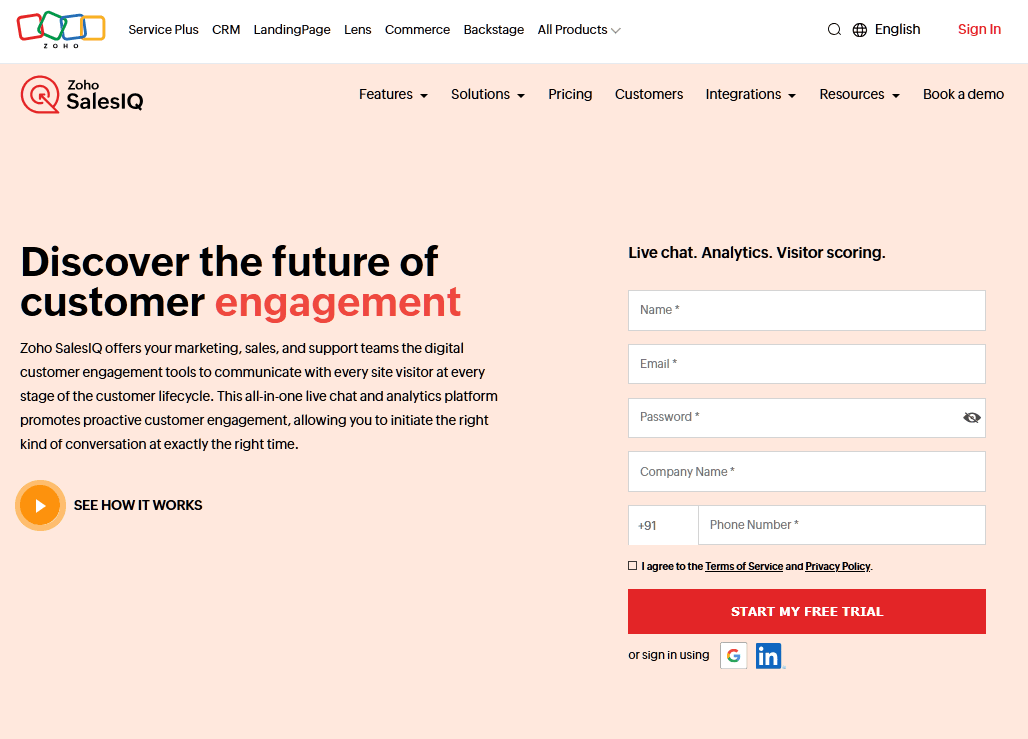
Best for: sales teams already using Zoho CRM
Zoho SalesIQ is mainly a website live chat and visitor tracking platform, with its bot builder, Zobot, sitting on top.
Sales teams use it to see who's on the site right now, score leads and start chats, while automation picks up when nobody's free.
Key Features
- A codeless chatbot builder, plus a programmable option for developers
- Live visitor tracking that shows who's on the site, which page they're reading and where they've been
- Three free operators
- Connections to Zoho CRM, Zoho Desk and the rest of Zoho
- Mobile and desktop apps
Cons
- You get the most out of it if you already use other Zoho apps.
Pricing
Zoho SalesIQ’s free plan covers three operators, 10k visitors and 100 chats a month. Paid plans run from $7 per operator per month for Basic (billed yearly) up to $20 for Enterprise.
Three seats is more than most free plans offer, and it connects to Zoho CRM and Zoho Desk, plus the usual CMS and eCommerce platforms.
On the free plan, treat Zoho SalesIQ as a live chat tool with light automation. That's useful if you care more about seeing and talking to visitors than about AI answers.
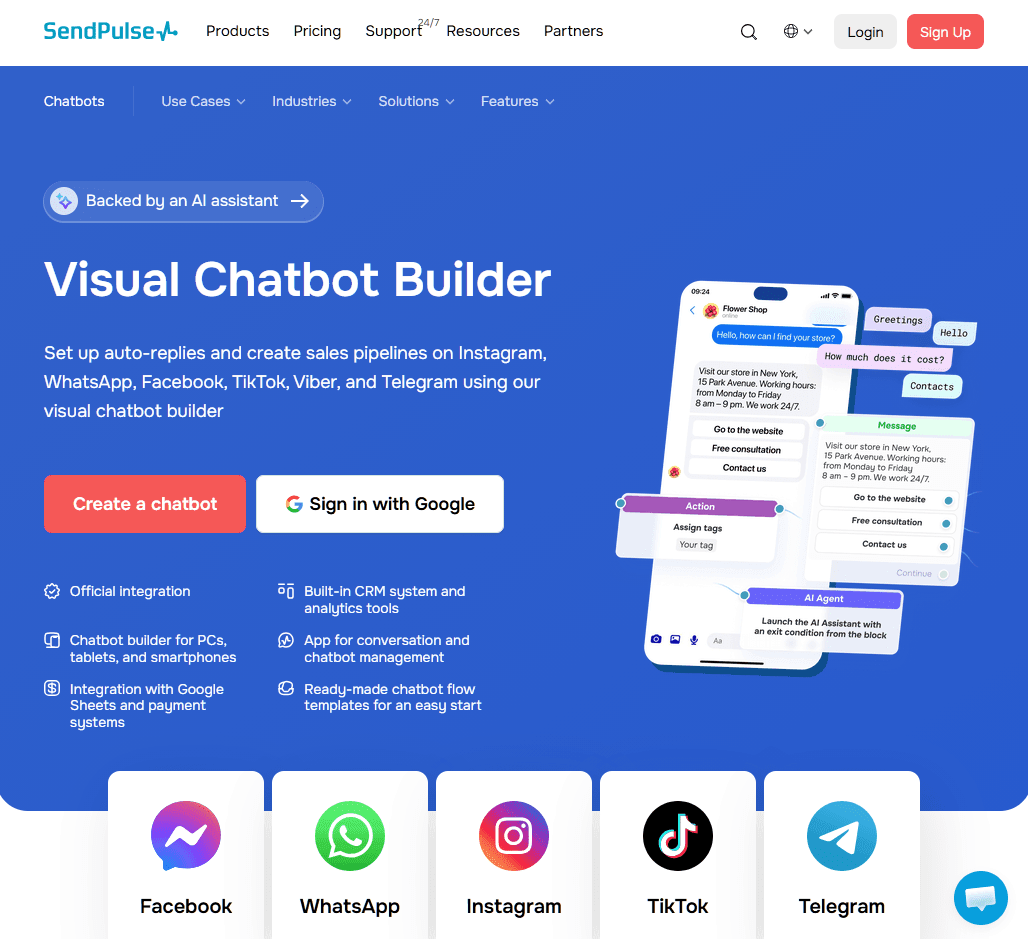
5. SendPulse
Best for: marketers running email, social and chat from one account
If you already juggle email, Instagram and WhatsApp, SendPulse puts chatbots in the same account as your email marketing, CRM, landing pages and a website live chat widget.
One builder covers website chat, Facebook Messenger, Instagram, WhatsApp, Telegram and a few more.
For WordPress, there's a free SendPulse plugin, that adds the chat widget for you. ChatGPT integration (the part that makes it an AI chatbot) is on Pro, so on the free plan you're building flows by hand.
Key Features
- One builder for your site and the main messaging apps
- 10,000 free messages a month, far more than most free plans
- A free CRM for moving chat leads into a pipeline
- Payments inside the chat on paid plans
- A WordPress plugin for quick installs
Cons
- AI answers through ChatGPT need Pro.
- Each channel gets its own bot, so you'll build the same flow more than once.
Pricing
SendPulse chatbot includes three chatbots, 500 contacts and 10,000 messages a month. Paid chatbot plans start at $12 a month and go up with your subscriber count.
SendPulse covers more channels for free than any other tool here, and pricing is well for value. What you won't get without paying is AI.
6. Collect.chat
Best for: lead forms, surveys and appointment booking.
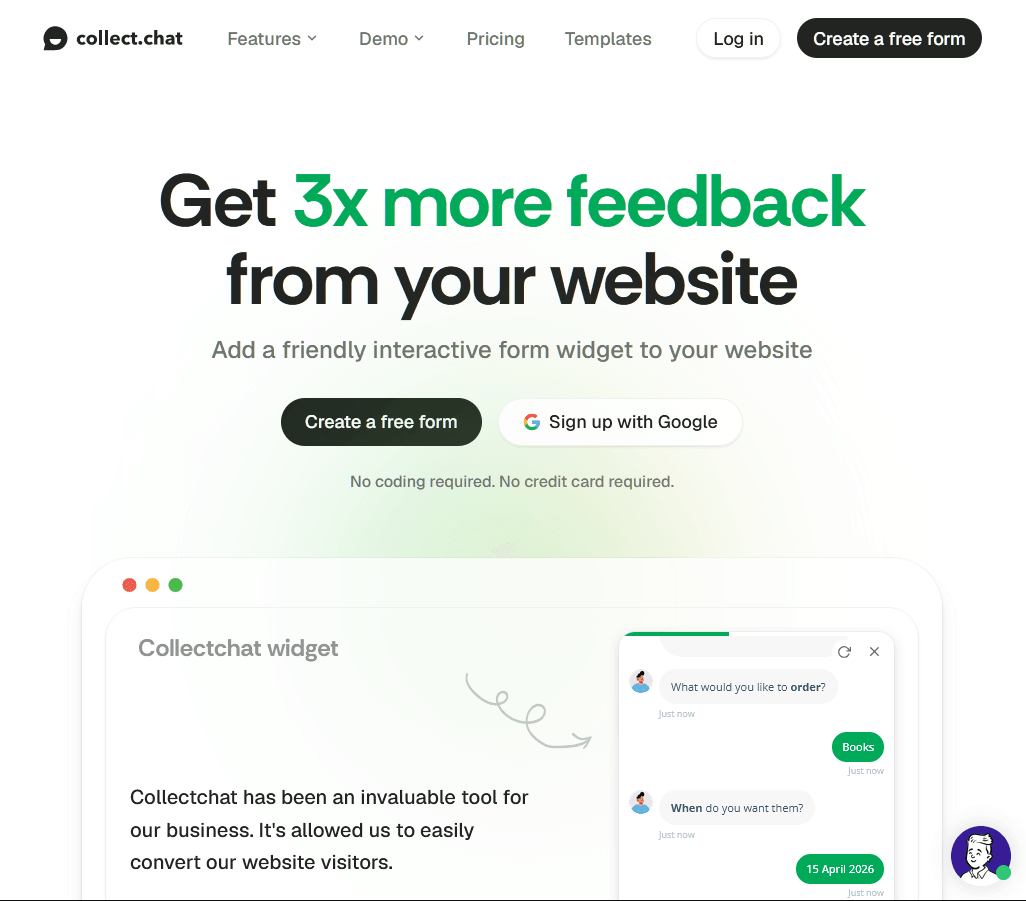
Collect.chat doesn't pretend to be an AI. It's a form builder dressed as a chat, turning lead forms, surveys and booking into a back-and-forth conversation. It is easier than a long form full of empty boxes, which can mean more finished submissions.
You can add it as a chat bubble in the corner, a standalone page with its own link, or an embed inside a page, and no coding is needed.
Everything runs on scripted responses. For lead capture that rarely matters.
Key Features
- Chat-style versions of your lead forms and surveys
- Three ways to show it: widget, standalone page or embed
- Appointment booking inside the chat
- Ready-made templates for common lead-gen bots
- Installs with a snippet or plugin, with no code needed
Cons
- There's no AI, only scripted responses.
- Free features are thin.
- It can't handle open-ended support questions.
Pricing
Collect.chat free plan includes 100 responses a month with no credit card. Lite costs $19 a month, or $14 a month billed yearly.
7. Flow XO
Best for: small teams that want chats to trigger automations.
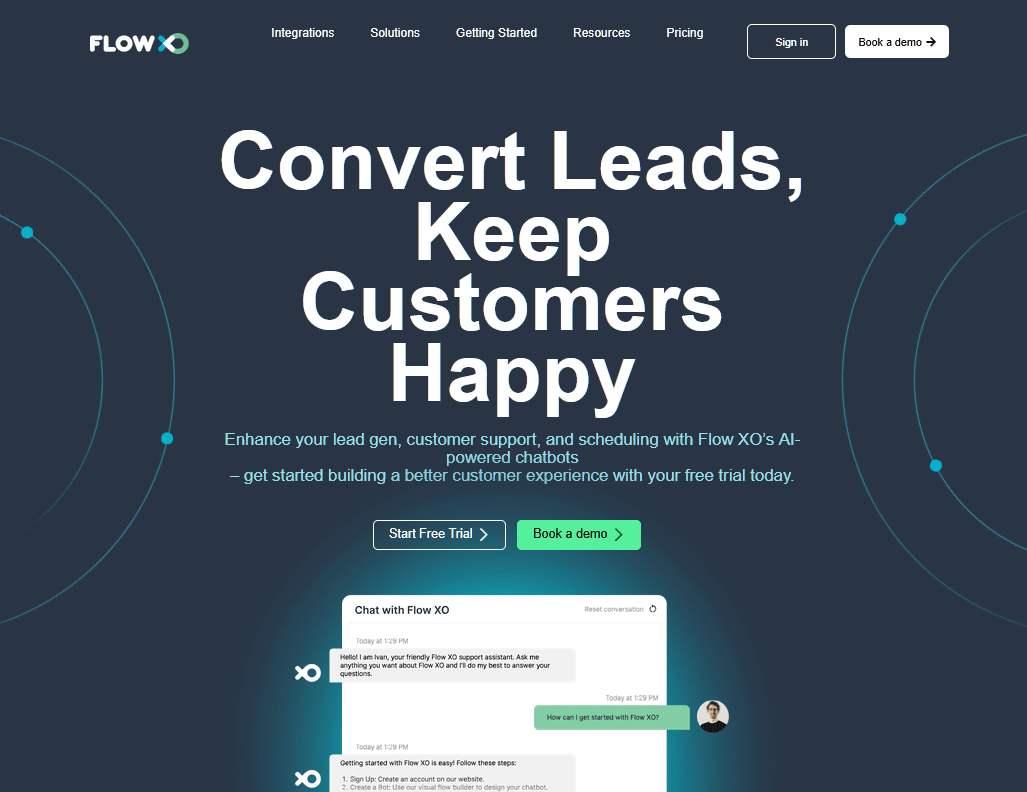
Flow XO combines a chatbot builder with workflow automation. When a visitor shares an email address, the bot can create a CRM contact, post in Slack and send a welcome email in the same moment.
Bots run on websites, Facebook Messenger, WhatsApp, Telegram, Slack and SMS.
Key Features
- Actions in other apps triggered mid-conversation
- Website, Messenger, WhatsApp, Telegram, Slack and SMS channels
- Five free bots or active flows
- Templates for lead capture and FAQs
- Free interactions that reset every month
Cons
- Free logs only go back two weeks.
Pricing
Flow XO offers a Free Forever plan that covers 100 interactions a month, five bots or active flows, and two weeks of logs. Standard costs $25 a month for 5,000 interactions, 15 bots and 250 AI credits, with add-ons of $10 for five more bots or $25 for 25,000 more interactions.
8. Rasa
Best for: developer teams that need full control over data and hosting.
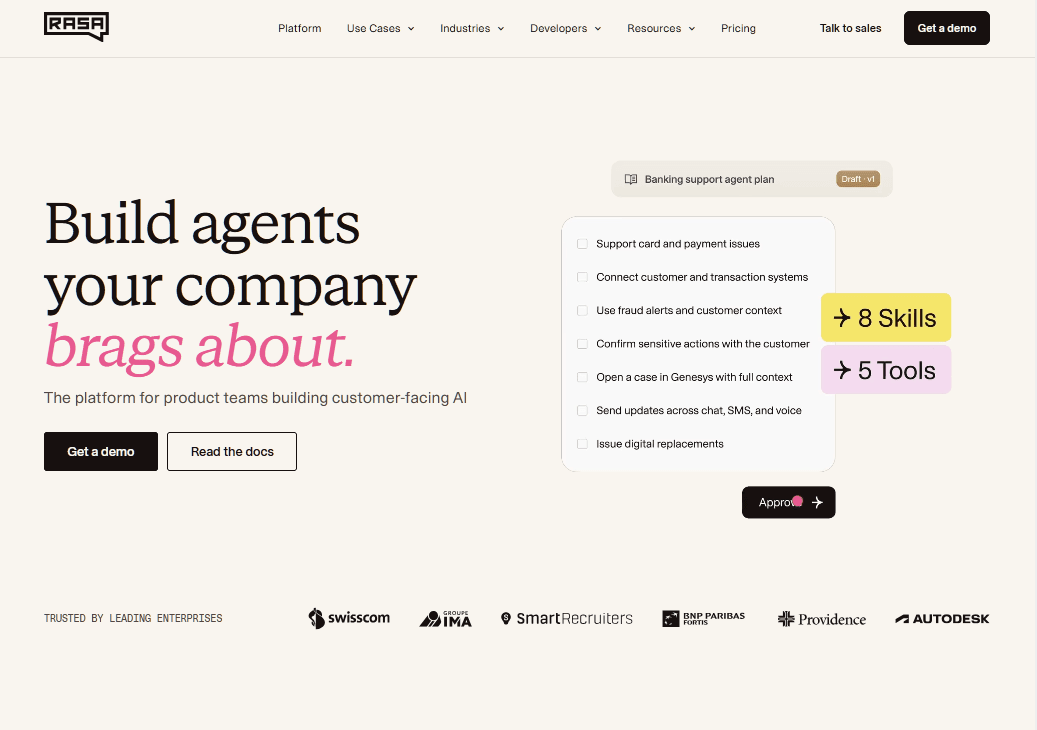
Rasa is the preferred option for developers who want to own every piece of their chatbot. It's a Python framework with open-source roots, and its current platform, Rasa Pro, uses an approach called CALM that mixes fixed business flows with LLMs. Large companies run customer-facing agents on it.
The free option is the Rasa Developer Edition, which replaced the "Rasa Open Source" label for most new projects.
On paper, that sounds generous. In practice, however, you must host it, connect a web chat front end, write the flows and custom actions, and maintain the servers yourself.
Key Features
- Full access to the code, so you can inspect and extend anything
- CALM: fixed business logic combined with LLM flexibility
- Self-hosting on your own servers, locally or in your cloud
- 1,000 free conversations a month, with production use allowed
- Free training through the Rasa Developer Certification
Cons
- You'll need Python skills and DevOps time.
- Debugging is awkward because the action server and Rasa server run separately.
- Larger deployments need a Rasa Pro license with no public price.
- There's no website widget out of the box, so you build or plug in the front end.
Pricing
The Rasa Developer Edition is free for up to 1,000 external conversations per month. Larger deployments require a paid Rasa Pro license, which is quoted through sales.
Who Should Use Free vs. Paid Plans
Free plans suit low-traffic sites, early-stage businesses, and anyone testing whether a chatbot changes anything. They're also a cheap way to run two or three tools side by side before committing.
Pay once the bot is clearly saving time or bringing in leads. If you keep hitting the cap, want your own branding, need AI on a rule-based platform, or want the bot connected to your helpdesk, the upgrade usually pays for itself.
Common Limitations of Free AI Chatbot Plans
Every free plan has a limit, and most reach it in predictable ways. The following issues came up repeatedly across these free chatbots:
- Volume caps: limits on conversations or tracked visitors
- AI behind a paywall: HubSpot, SendPulse keep generative AI on paid plans
- Vendor branding on most free widgets
- Short chat history
- Fewer CRM, helpdesk and eCommerce connections
- A single seat on several free plans
- Bots that simply stop answering at the limit, which protects your budget but can leave visitors without help in a busy week
The cost nobody advertises is upkeep. An AI chatbot trained on old docs gives old answers, and a rule-based bot breaks the moment your offer changes, so set aside time each month to read what visitors ask and update your content.
The content behind the bot matters as much as the bot itself.
Whatever you pick, feed your website chatbot good content and give visitors a clear way to reach a person when the AI cannot help.
Keep reading
- How To Deal with Angry Customers in 2026 (Scripts and Real Examples)Learn how to handle angry customers with proven de-escalation steps, calm response scripts, and practical ways to resolve complaints.
- 10 Best DocsBot Alternatives and Competitors (2026 Guide)
- 8 Best SaaS Chatbots for 2026: Free, AI and Open-Source Options ComparedCompare 8 best SaaS chatbots for 2026, including free, AI, and open-source options. See pricing, features, limits, and support use cases today.
Put this into practice
HelpJet learns your docs and takes the repetitive questions off your plate. Set up in about 5 minutes.
Try HelpJet freeShare this article