10 Best DocsBot Alternatives and Competitors (2026 Guide)
On this page

DocsBot is great at one thing: you point it at your documents and it answers questions about them.
Where people get stuck is the bill. Every answer burns AI credits, bigger models burn them faster, and when the credits run out mid-month, the bot stops replying until you pay for more.
DocsBot is not unique, and in 2026, you can easily find hundreds of similar AI chatbot and customer support tools on the market.
But you don’t want to end up searching again for alternatives for your new found favourite software.
So, let’s look at 10 of the best DocsBot alternatives and competitors. These tools offer similar AI chatbot, knowledge base, and customer support features, but may be a better fit for your needs.
What Is DocsBot?
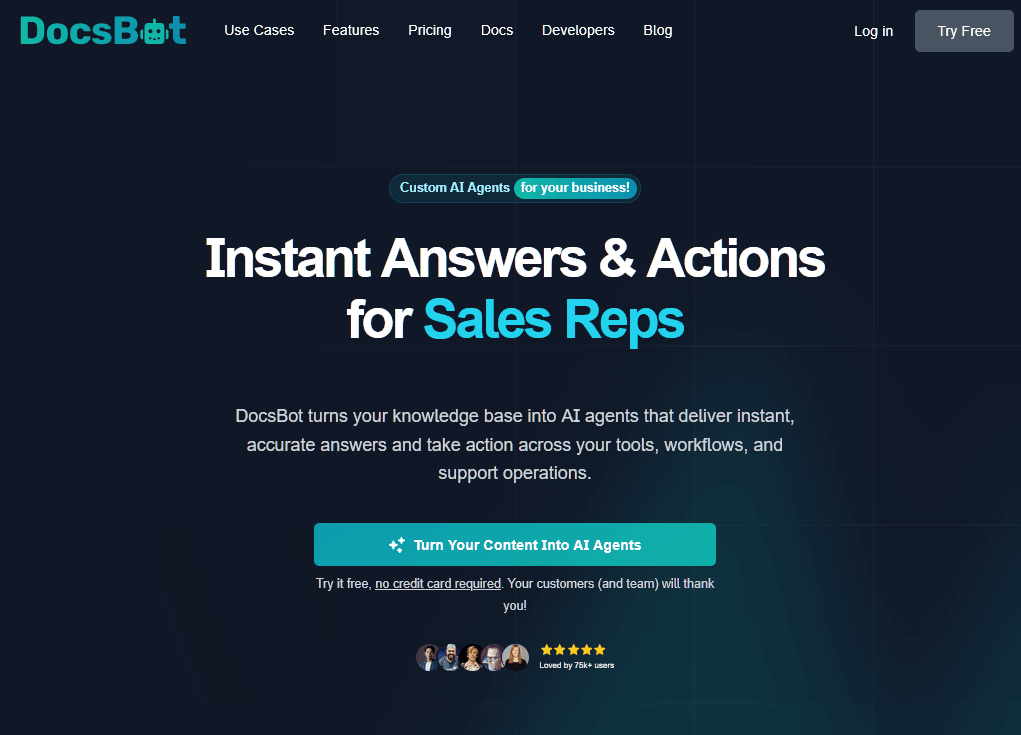
DocsBot is a no-code AI chatbot and support agent that turns your existing content (website pages, PDFs, help center articles, Notion, Confluence, and more) into an AI-powered knowledge base that answers questions in chat, by voice, and over the phone.
It uses retrieval-augmented generation: The bot first pulls the most relevant passages from your content and then writes its reply from those passages instead of the AI model's general knowledge.
In practice, DocsBot is only as good as the documents you feed it. Like other document-based AI chatbots, clean, current help articles produce accurate answers, while a folder of outdated PDFs produces confident answers that happen to be wrong.
Why Use DocsBot, and Why Look for an Alternative?
Credit where it's due. DocsBot supports more than 38 source types, connects to thousands of apps through Zapier and Make, and has grown well past a basic chatbot.
It now has Voice Agents, a Deep Research Agent, and AI Actions that let the bot call your APIs or webhooks to create a ticket, look up an order, or handle a Stripe billing request.
The Business plan also strips personal data out of messages in the visitor's browser, before anything reaches the AI model. If you answer health or finance questions, that matters.
So who should consider an alternative to DocsBot?
Teams with well-organized docs that want a precise AI customer support tool with API actions, and that don't mind modeling credit costs every month, are well served by DocsBot.
Everyone else tends to run into one of these problems:
- Credits drain faster than the plan suggests. A standard message on the default model costs one credit, but larger models carry multipliers from 3x up to 50x. On the Standard plan's 15,000 credits, a model with a 5x multiplier leaves you about 3,000 answers.
- When credits hit zero, the bot goes quiet and visitors see an error until your plan renews, you upgrade, or an auto top-up kicks in (extra credits run $49 per 5,000).
- The price steps are big. Plans go from Free to Personal (149), and Business ($499). Personal includes one bot and Standard includes three, so a company with four products outgrows Standard fast.
- DocsBot can open escalation tickets on Standard and up, but it has no shared inbox or agent workspace. Your team still needs another tool to answer those tickets.
- Some important features are only available on higher-tier plans, and not all plans include analytics.
Is DocsBot free? Sort of. The free plan gives you one bot, 50 source pages, and 100 credits a month, which is enough to test answer quality on a slice of your docs but not enough to run support on a live site.
The Best DocsBot Alternatives in 2026
1. HelpJet
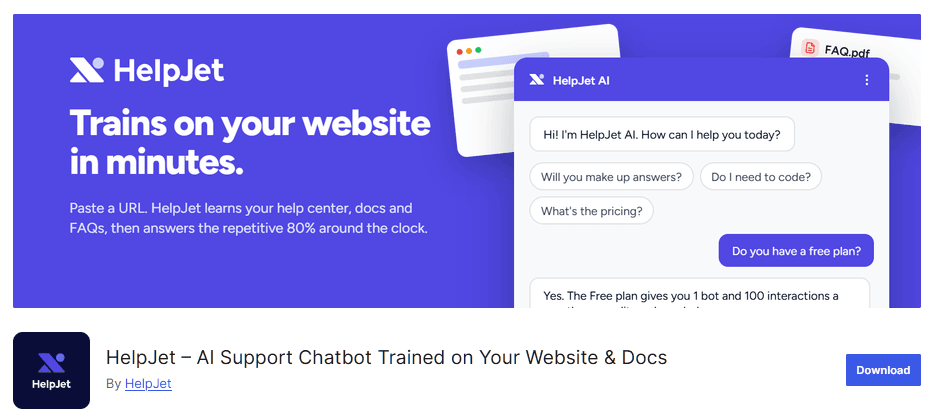
HelpJet is the tool I'd hand to a small business owner looking for a DocsBot alternative that keeps the core idea of answering questions from your own content without requiring credit calculations every month. You paste in your site URL or upload PDFs and help articles, HelpJet builds a support agent from them.
HelpJet comes from HeroThemes, the team behind Heroic Knowledge Base and Heroic Inbox.
It runs on WordPress, WooCommerce, Shopify, Squarespace, BigCommerce, and any other site that accepts a JavaScript snippet.
Key Features
- Trains on URLs, PDFs, help articles, or an existing knowledge base, with no flows to build
- One reply count as one interaction, whichever AI model writes it
- Weekly content re-sync, plus a manual refresh option
- Learns from previous chats, help center content, and support tickets
- Tells visitors when they need a person and points them to your contact form, email, or phone
- A preview mode for testing answers against your own content before launch
- A WordPress plugin for no-code installs, and an embed snippet for every other platform
Cons
- There's no live chat takeover
- It can't run API actions the way DocsBot can, so order lookups and Stripe billing workflows are out.
Pricing
HelpJet’s free plan covers one bot and 100 replies a month, and Pro costs $29 a month for three bots and 1,000 replies, with extra bots at $20 each and extra replies at $30 per 1,000.
A site that handles 2,500 bot replies a month would pay about $89.
2. Heroic Knowledge Base
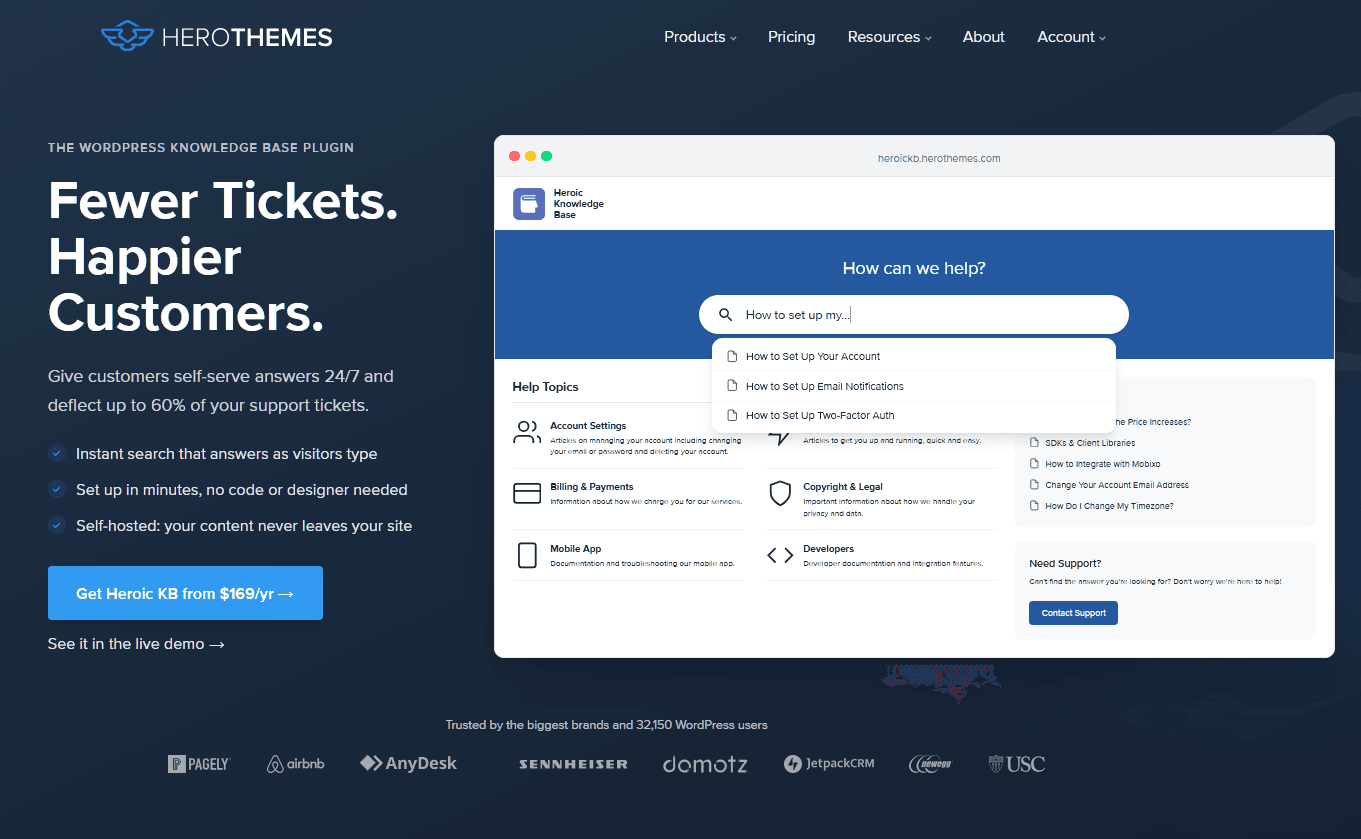
Why is a knowledge base plugin on a list of chatbot alternatives? Because the most common reason AI bots give vague answers is vague source material, and Heroic Knowledge Base (Heroic KB) fixes that layer.
It's a WordPress plugin that turns your website into a structured, searchable help center, which provides the knowledge base content that HelpJet, DocsBot, and other AI chatbots can use to answer customer questions.
Heroic KB stores articles as their own post type, so docs live in a dedicated section of WordPress with categories, tags, and custom article order.
Key Features
- Live search that suggests articles as visitors type, before they open a ticket
- Integration with HelpJet
- Search analytics showing what people looked for and didn't find, which doubles as your writing to-do list
- Multilingual help centers through WPML
- Access controls that lock the whole KB, one category, or one article to logged-in users, which is handy for internal docs and client portals
- Article comments, attachments, and an automatic table of contents
Cons
- It's WordPress only, so Shopify and Webflow sites can't use it
- There's no free version
- First-year discounts don't carry over to renewals.
Pricing
Heroic KB starts from $84.50/year at the current introductory rate, which is less than one month of DocsBot Personal.
3. Intercom Fin
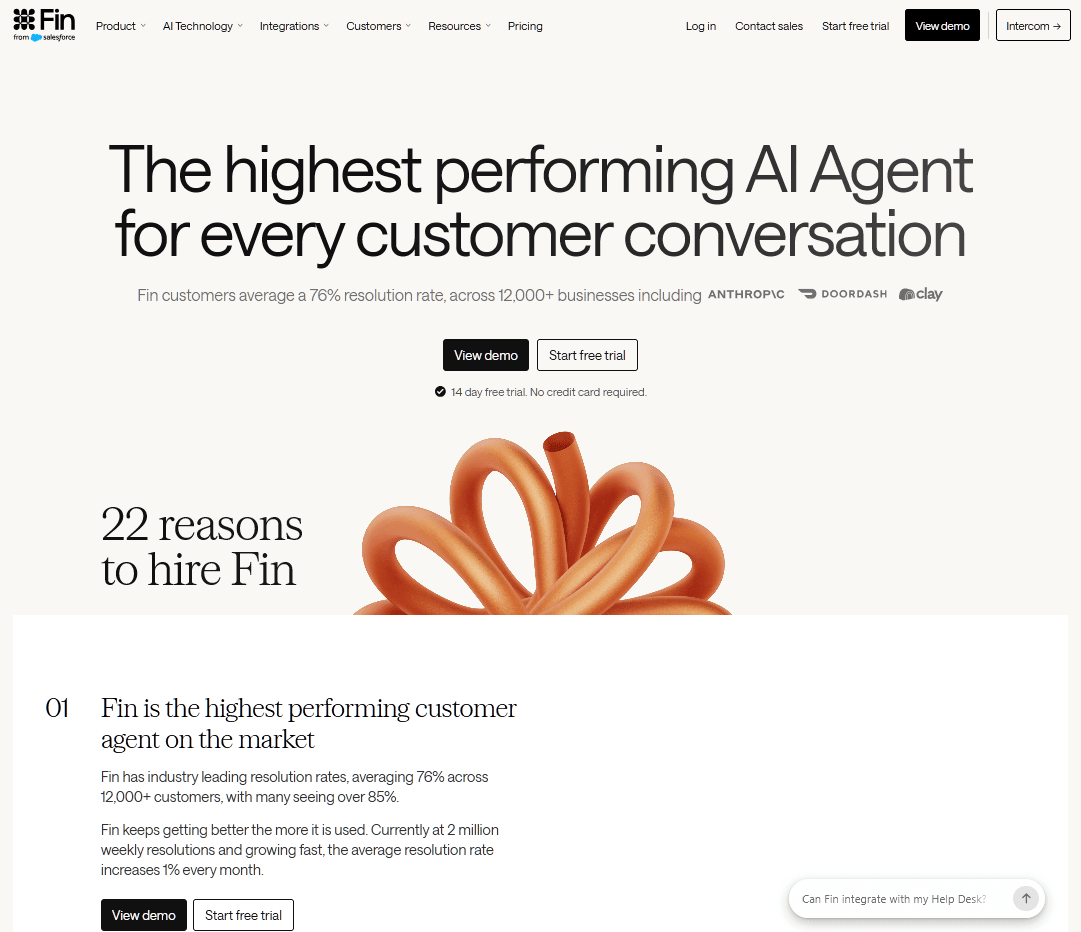
Intercom has the biggest name in AI customer service, and Fin is a large part of the reason. Fin answers questions from your help content, hands conversations to human agents in the Intercom inbox, follows multi-step procedures you set up, and can run on top of other help desks such as Salesforce, HubSpot, or Freshdesk.
Fin's billing works the opposite way from DocsBot's. Instead of credits, Intercom charges per outcome, meaning a resolution (the customer confirms Fin helped, or leaves without asking for more help) or a handoff you've configured.
Tying cost to results sounds fair until you run the numbers. At 2,000 outcomes a month, Fin alone costs about $1,980 before a single Intercom seat, which can still beat hiring for a mid-size team with valuable tickets but is a lot for a solo founder.
Key Features
- Charged at most once per conversation, when Fin resolves it or completes a configured handoff
- Runs inside Intercom or on top of another help desk, with no Intercom seats needed in that setup
- Procedures for multi-step workflows, such as checking eligibility before a refund
- Handoffs pass the full conversation context to the human agent
- Intercom's own inbox, ticketing, and Copilot (agent assist) if you want the whole suite
Cons
- Your bill grows as Fin gets better, and a holiday rush shows up directly on the invoice.
- "Assumed" resolutions count, so a customer who closes the tab without replying can still cost you 99 cents.
- Seats cost $29 to $132 per person a month on annual billing, on top of outcomes.
- Copilot, WhatsApp, SMS, and phone are billed as add-ons.
Pricing
Fin costs $0.99 per outcome, and running it on another help desk comes with a 50-outcome monthly minimum.
Fin is the most capable AI agent in this roundup for complex support operations, and outcome pricing at least ties the bill to work done.
My hesitation is predictability.
If your volume is modest, or if lots of conversations end with someone closing the tab, HelpJet's flat $29 will be much easier on the budget.
4. Gorgias
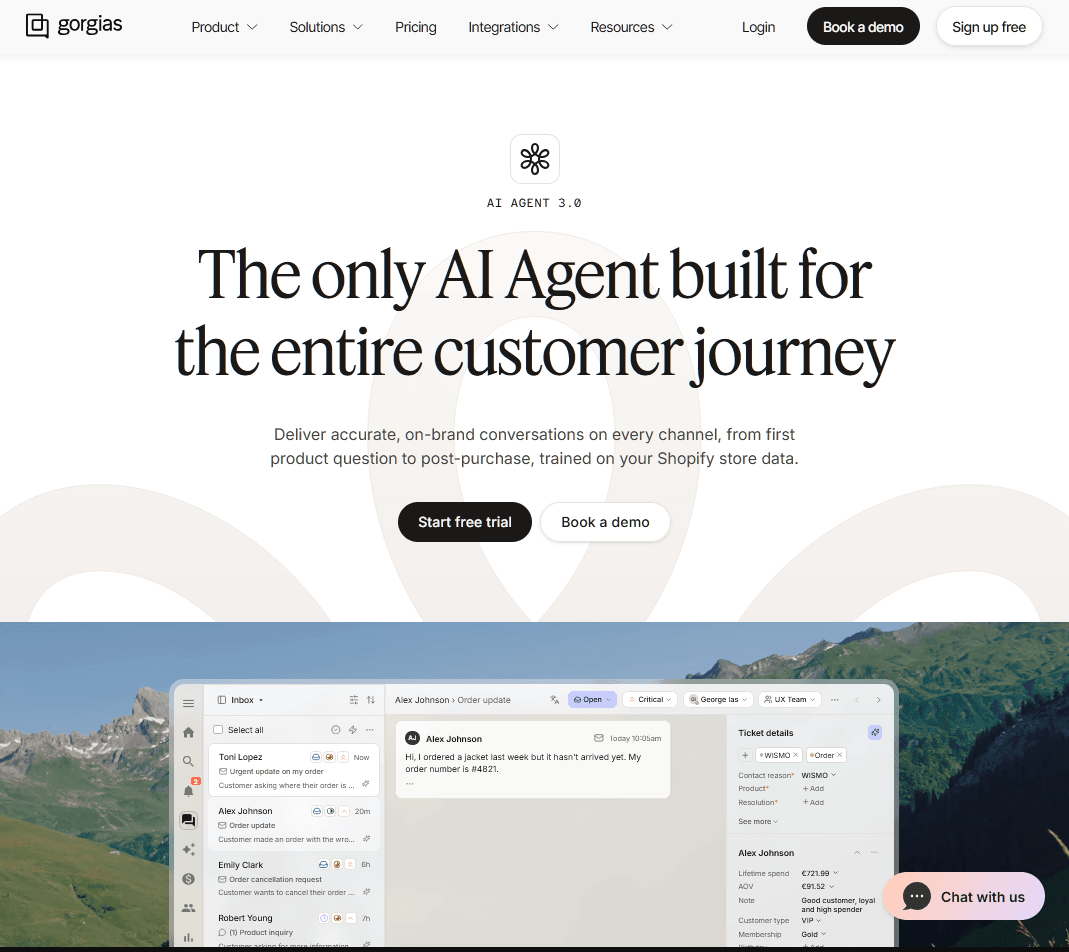
"Where's my order?" and "Can I return this?" fill most online stores' support inboxes, and Gorgias is built around exactly those questions.
It connects deeply with Shopify, so agents (and the AI Agent) see a customer's orders, refunds, and history right beside the conversation.
Compared with DocsBot, Gorgias is a complete eCommerce help desk with AI built in, while DocsBot is primarily an answer engine without a ticket queue.
This makes Gorgias a stronger DocsBot alternative for Shopify stores that need AI-powered customer support and ticket management.
Key Features
- Shopify order data next to every conversation
- Ticket-based billing, so adding agents doesn't raise your base price
- An AI Agent focused on order status, returns, and shipping questions
- Email, chat, social, voice, and SMS in one inbox (some channels billed separately)
Cons
- AI is an add-on on every plan, Enterprise included.
- Service businesses and SaaS companies end up paying for eCommerce features they won't touch.
Pricing
Gorgia's AI Agent costs $1 per resolution on monthly billing or 90 cents on annual billing, on top of a ticket-based plan that starts at $10 a month.
5. Zoho Desk (Zia)
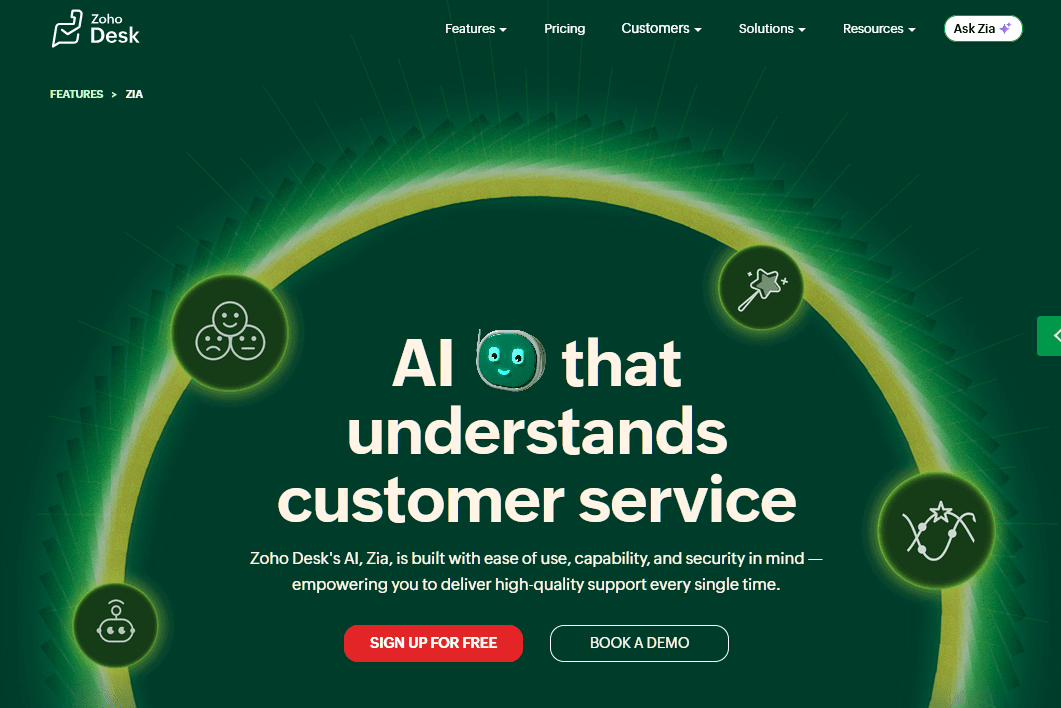
Zoho Desk AI features are bundled into the per-agent seat price, so your bill grows with headcount and stays put when the bot gets busy.
The AI is spread across tiers. Answer Bot, which replies to customers from your knowledge base articles, starts on Standard, while Zia's generative and predictive features start on Professional. The prebuilt Desk AI agents and Zia Actions need Enterprise.
As a DocsBot competitor, Zoho Desk combines a knowledge base, ticketing, and AI customer support in one help desk at a lower per-agent price than many rivals.
Key Features
- Answer Bot replies from your knowledge base, starting on Standard
- Zia adds sentiment analysis, auto-tagging, predictions, and generative replies from Professional up
- No usage meter on AI, at any tier
- Native connections to Zoho CRM, SalesIQ, and Zoho One
Cons
- Some generative features run on your own OpenAI API key, which means a second bill to watch
- The best AI features are Enterprise-only, at $40 per agent.
- Teams outside the Zoho ecosystem may find the interface clunky.
Pricing
Zoho Desk costs $7, $14, $23, or $40 per agent a month on annual billing, with Answer Bot available from $14. For a team that wants AI without a usage meter, that's some of the best value on this list.
Zoho also has a free plan for up to three agents, but it doesn't include any AI.
6. CustomGPT
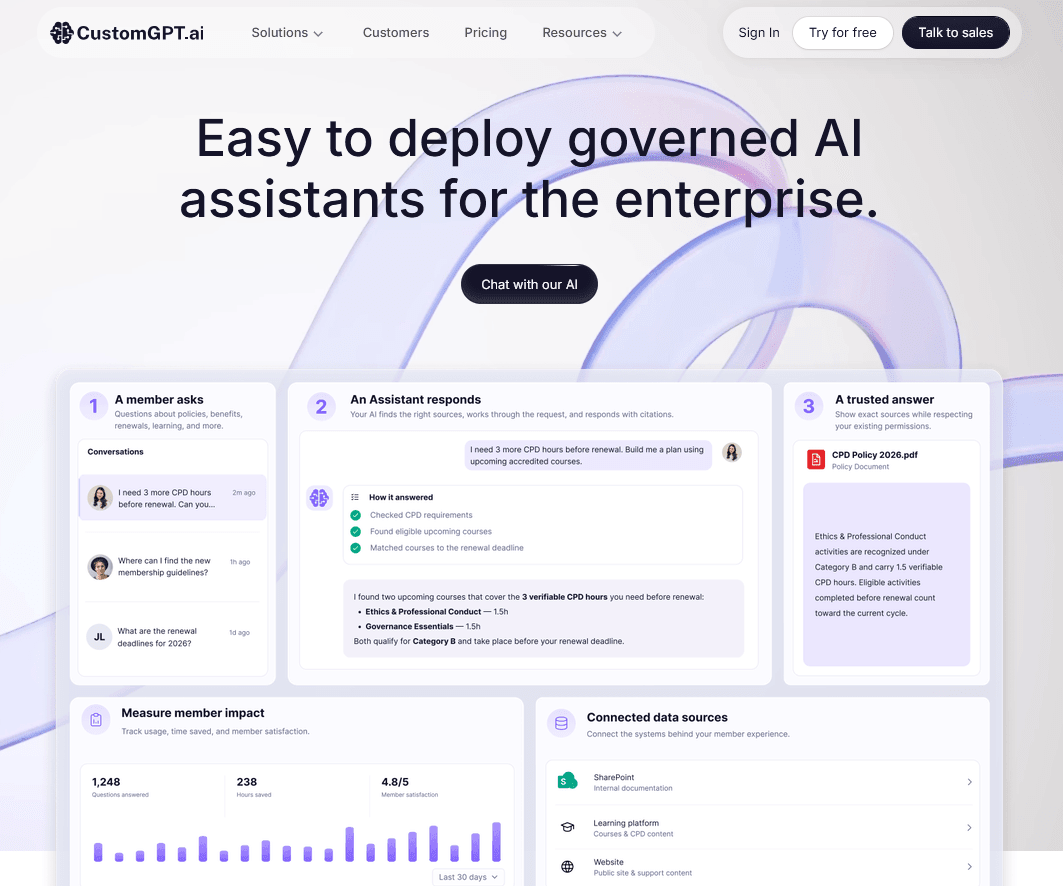
CustomGPT shines as an AI research assistant and document-based chatbot for large internal libraries, where accuracy matters more than conversation volume.
Picture a law firm, a university, or a software company sitting on thousands of documents. That's the buyer CustomGPT is built for.
Key Features
- Room for millions of words of content, even on the entry plan
- 10 agents on Standard
- Answers that cite the documents they came from
- A Premium tier for bigger teams, plus custom Enterprise deals
Cons
- 1,000 queries a month works out to about 33 a day, which a busy support widget can burn through by lunch.
- The jump from $99 to $499 is steep.
Pricing
CustomGPT Standard plan costs $99 a month, or $89 a month billed annually. Premium at $499 and Enterprise from $1,000 a month.
7. Botsonic
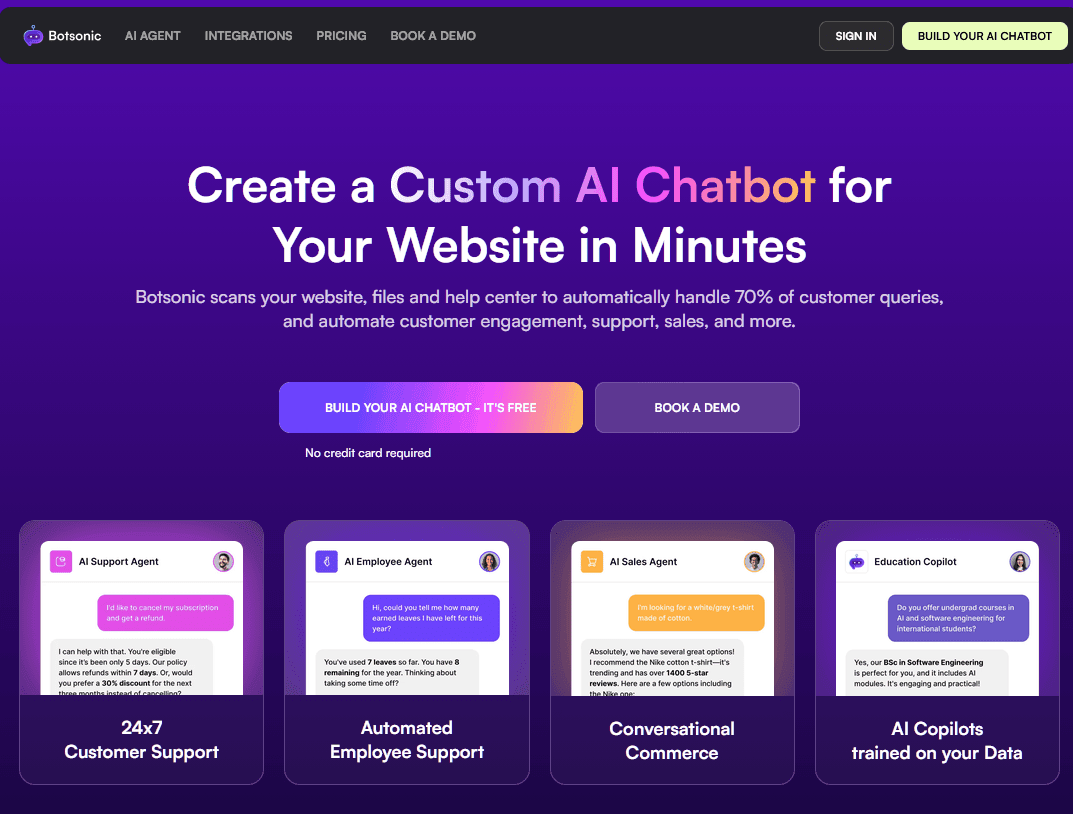
Botsonic began as part of Writesonic, an AI writing company, and evolved into an independent, no-code chatbot builder.
As a simpler DocsBot alternative, you can feed Botsonic your website, documents, and help articles, then paste an embed snippet to put a branded AI chatbot on your site.
Key Features
- No-code setup: upload content, style the widget, and embed it
- Websites, documents, and help articles as knowledge sources
- Automatic model routing through Botsonic's GPT Router
- Brand colors, avatars, and custom welcome messages
Cons
- There's no help desk, so escalations need another tool.
Pricing
Botsonic starts at $19 per month ($16 per month if billed annually) for 1,000 bot messages. If you plan to use GPT-4o, budget as though you'll get half that.
8. My AskAI
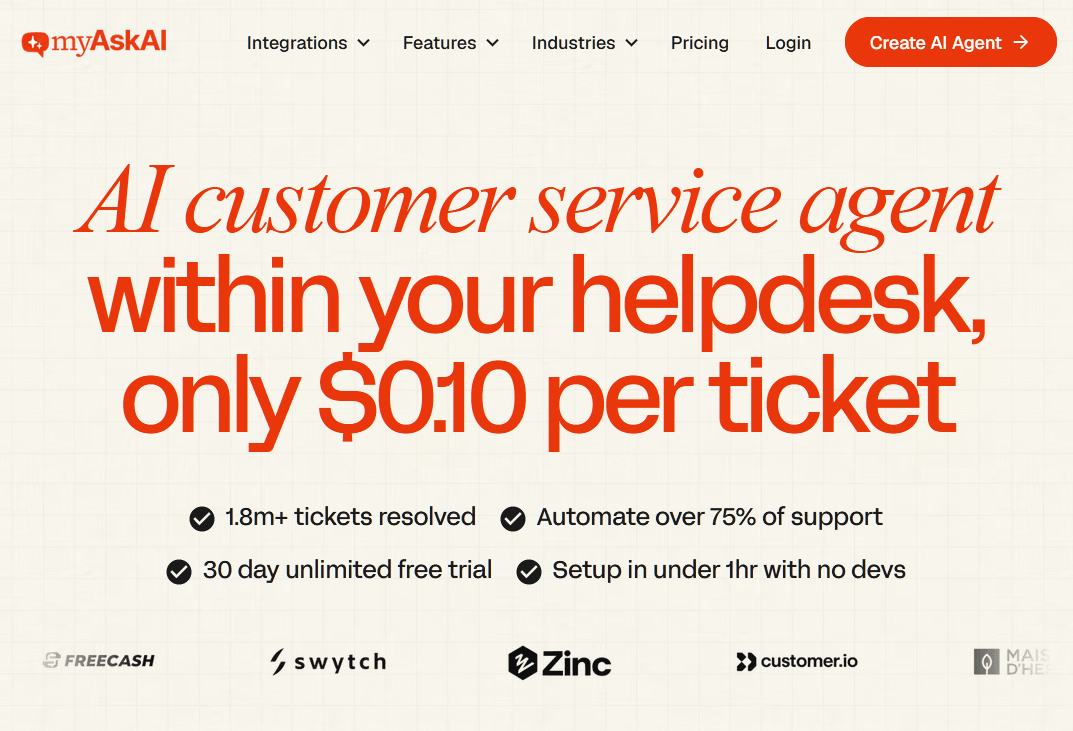
Already have a help desk you like and only want the AI part?
My AskAI sits on top of desks like Intercom and Freshdesk, answers tickets as the first responder, and passes them to your human agents based on rules you set.
My AskAI charges per conversation it handles rather than per resolution, which makes the bill more predictable than Fin or Gorgias. It also studies past tickets, spots gaps in your knowledge base, and drafts answers to fill them.
That's the main difference from DocsBot, which works best as a standalone AI chatbot. For teams already using a help desk, My AskAI can be a more integrated alternative to DocsBot.
If your agents already spend their day inside a help desk, My AskAI slots into that workflow instead of adding another window to watch.
Key Features
- Works inside your existing help desk as the first responder
- Per-conversation pricing with low overage rates
- Knowledge-gap detection, with draft answers built from past tickets
- Handover rules that decide when the AI steps aside
Cons
- At $199 a month, the entry plan costs four times DocsBot Personal.
Pricing
My AskAI Pro plan costs $199 a month for 1,000 conversations with overages of 12 cents each, Scale costs $499 for 2,000, and Enterprise starts at $999, with a 33% discount for annual billing.
9. Dante AI
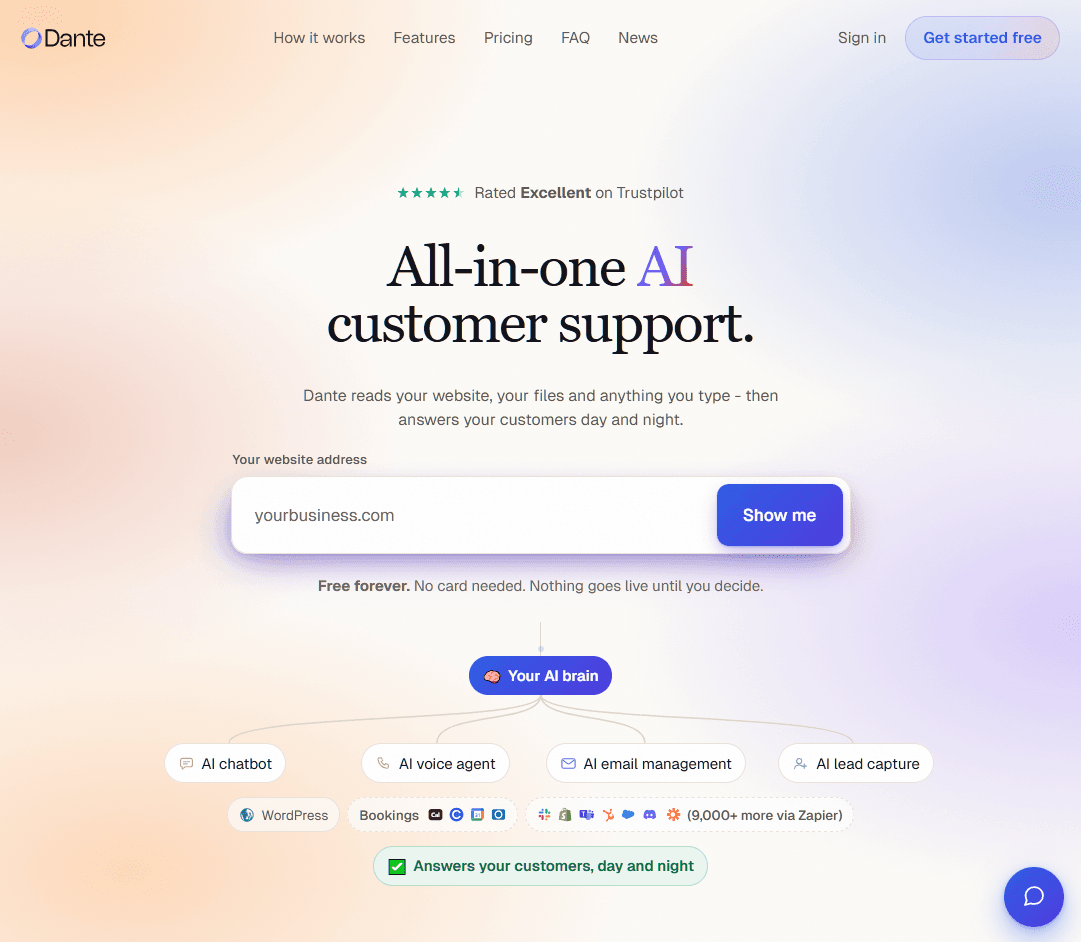
Agencies often choose Dante AI as a DocsBot competitor because of its white-labeling. Custom domains, custom avatars, and full rebranding with no visible Dante attribution make it easy to sell branded AI chatbots to clients under your own name.
Dante trains on documents, websites, and even YouTube transcripts, and it accepts voice input so people can speak their questions. Higher plans add WhatsApp, lead capture, human handover seats, and team management.
Key Features
- White-label options, including custom domains and removal of Dante branding on higher tiers
- Voice input for spoken questions
- Training from YouTube video transcripts by pasting a URL
- WhatsApp and lead capture on upper plans
Cons
- Credit costs vary by model, which makes forecasting harder
- API access is reserved for higher plans
Pricing
Dante AI free plan includes one chatbot and 100 credits a month, and paid plans run from about $40 a month up to $400 a month.
10. Elfsight AI Chatbot
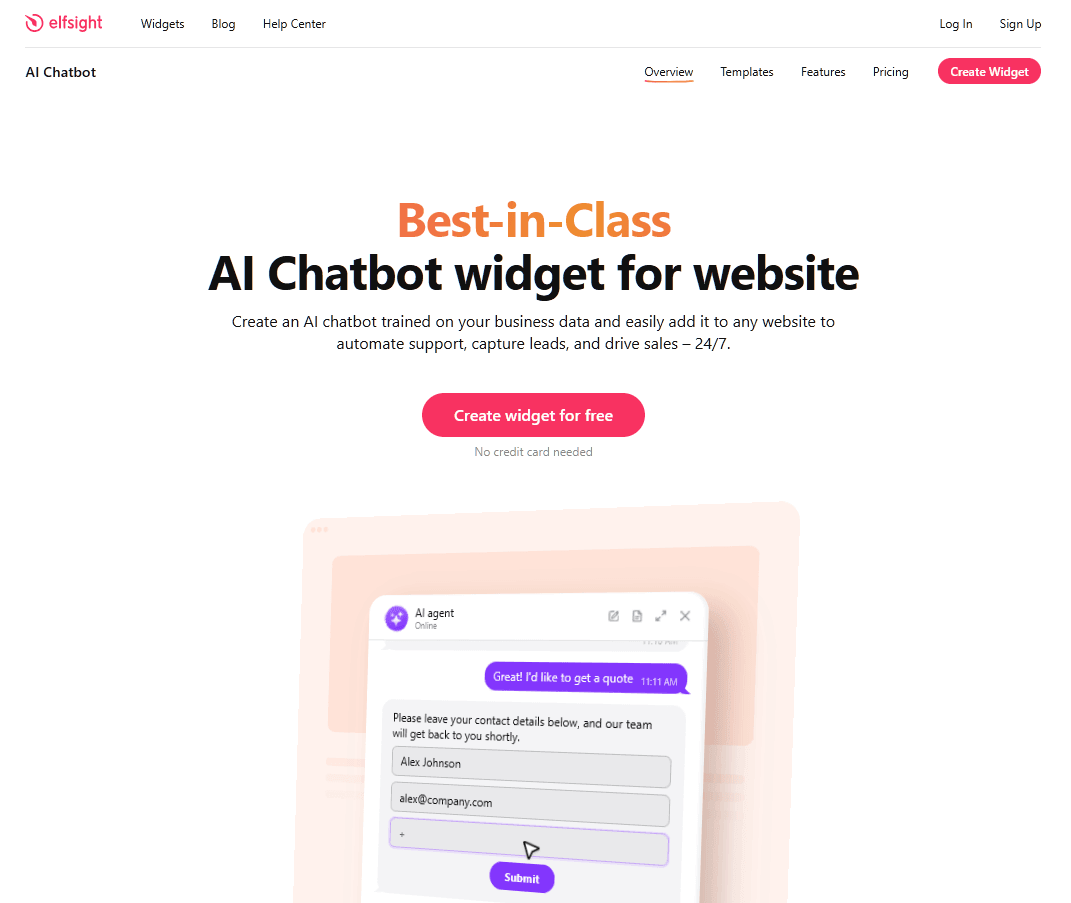
Elfsight made its name with copy-paste website widgets (review feeds, social galleries, forms), and its AI Chatbot widget brings the same one-line install to AI support. You train it on your business info, style it, and drop it onto any site.
Compared with DocsBot, Elfsight is a cheaper, simpler alternative for small websites. It's built for FAQ answers, lead capture, and lightweight AI customer support rather than a full support platform.
Key Features
- A one-line install for WordPress, Shopify, Squarespace, Wix, and plain HTML sites
- Free setup help from Elfsight's team
- 10 million characters of knowledge storage, even on the free plan
- Detailed controls for colors, icons, and placement
Pricing
Elfsight free plan covers 50 messages a month, and paid plans start at $5 a month billed annually for 300 messages. It's the cheapest paid AI chatbot here, but the caps keep it in small-site territory.
Final Thoughts: Choosing a DocsBot Alternative
DocsBot is a capable product, and if your docs are in good shape and you need API actions, it's still worth a look.
For most small and mid-size businesses, I'd start with HelpJet. It trains on your content in minutes, the free plan is usable, and the $29 Pro plan costs less than DocsBot's entry tier while giving you three bots and a bill you can predict.
If you need enterprise workflows, a Shopify-native desk, or a developer studio, Intercom Fin, and Gorgias each earn a look.
Whichever DocsBot alternative or competitor you try, run it on your real customer questions for a week and check the usage dashboard before the trial ends.
Keep reading
- How To Deal with Angry Customers in 2026 (Scripts and Real Examples)Learn how to handle angry customers with proven de-escalation steps, calm response scripts, and practical ways to resolve complaints.
- 8 Best Free AI Chatbots for Websites in 2026Compare 8 free AI chatbots for websites by free plan limits, AI features, setup and upgrade cost, and find the right free chatbot for your site.
- 8 Best SaaS Chatbots for 2026: Free, AI and Open-Source Options ComparedCompare 8 best SaaS chatbots for 2026, including free, AI, and open-source options. See pricing, features, limits, and support use cases today.
Put this into practice
HelpJet learns your docs and takes the repetitive questions off your plate. Set up in about 5 minutes.
Try HelpJet freeShare this article